Baking in Substance Painter | Tips and ID Mask Techniques
TL;DR
Learn efficient baking and ID mask techniques in Substance Painter.
Transcript
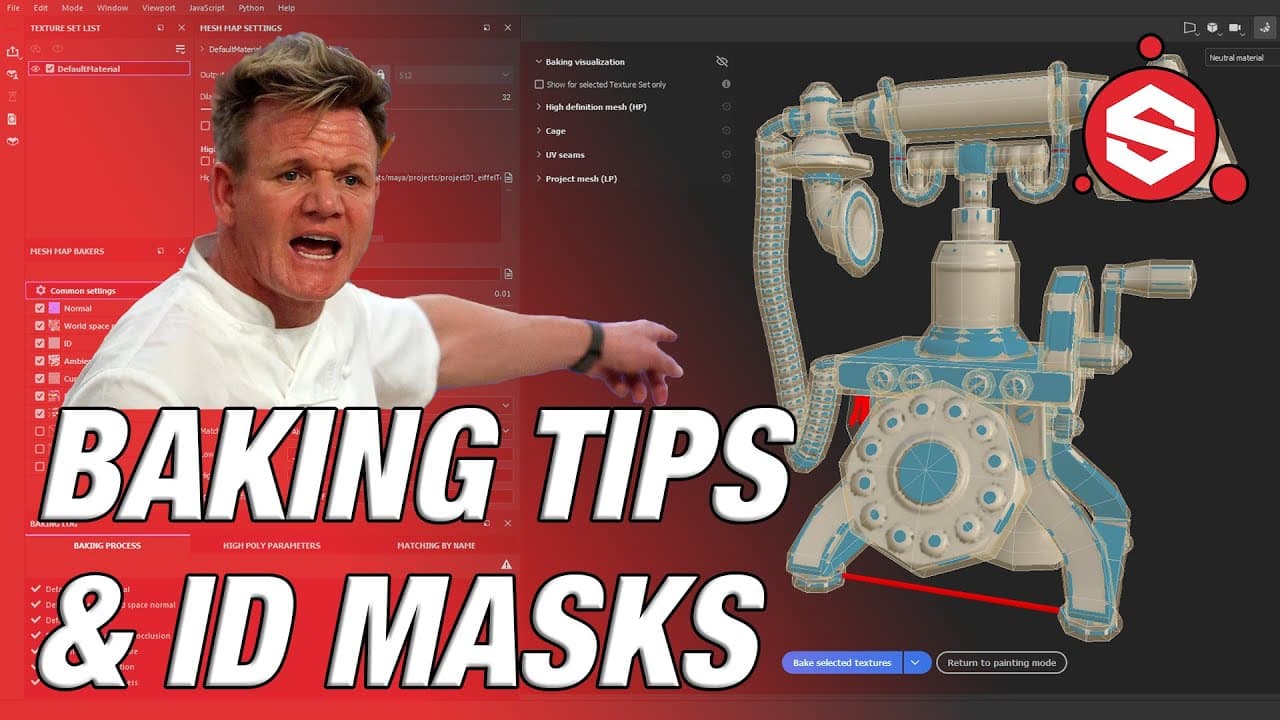
- Hey, guys. I'm going to cover just a few tips regarding exporting and baking low- and high-poly geometry into Substance Painter. Please note that I will be jumping back and forth between Substance Painter and Maya a few times. All right. So let's see what I'm working with here. I have a low-poly phone that is completely UVed. And I have a high-po... Read More
Key Insights
- Exporting low and high poly geometry from Maya to Substance Painter is essential for texture baking. Proper naming and file organization improve workflow efficiency.
- Adjusting max frontal and rear distances in Substance Painter helps resolve texture stretching issues during the baking process, enhancing the final model's appearance.
- Subdividing high-poly geometry in Maya can smooth out facets and improve the quality of the baked model in Substance Painter, resulting in more realistic textures.
- Combining geometry by material in Maya reduces the number of masks in Substance Painter, simplifying the texturing process and allowing for more efficient material application.
- Assigning unique materials to geometry in Maya enables the creation of distinct ID masks in Substance Painter, allowing for precise texture application on different parts of the model.
- Using the latest baking UI in Substance Painter, even from older versions, can streamline the baking process and improve the overall quality of 3D models.
- ID masks in Substance Painter allow for the isolation of different mesh parts, facilitating the application of varied textures and enhancing the model's visual complexity.
- Properly setting up and optimizing high-poly meshes before baking is crucial in achieving realistic textures and avoiding common pitfalls in the baking process.
Install to Summarize YouTube Videos and Get Transcripts
Explore YouTube Video Summarizer or Get YouTube Transcript Extractor
Questions & Answers
Q: What is the purpose of exporting geometry from Maya to Substance Painter?
Exporting geometry from Maya to Substance Painter is crucial for the texture baking process. It allows artists to transfer their 3D models into Substance Painter, where they can apply textures and materials. This step is essential for creating realistic textures by baking high-poly details onto low-poly models, optimizing them for rendering.
Q: How can adjusting max frontal and rear distances help in Substance Painter?
Adjusting max frontal and rear distances in Substance Painter helps resolve texture stretching issues during the baking process. These settings control how far the bake can travel forward and backward, respectively. By fine-tuning these distances, artists can eliminate stretching artifacts, resulting in a cleaner and more accurate texture application on the model.
Q: Why is subdividing high-poly geometry in Maya beneficial?
Subdividing high-poly geometry in Maya smooths out facets and enhances the quality of the baked model in Substance Painter. This process increases the mesh's resolution, leading to more detailed and realistic textures. By subdividing, artists can achieve a higher level of detail and avoid visible faceting in the final rendered model.
Q: What is the advantage of combining geometry by material in Maya?
Combining geometry by material in Maya reduces the number of masks in Substance Painter, simplifying the texturing process. By grouping geometry based on materials, artists can apply textures more efficiently, as each group corresponds to a specific material. This method streamlines the workflow and ensures consistent material application across the model.
Q: How do unique material assignments in Maya aid in creating ID masks?
Assigning unique materials to geometry in Maya enables the creation of distinct ID masks in Substance Painter. Each material corresponds to a different color in the ID map, allowing artists to isolate and apply different textures to specific parts of the model. This technique provides greater control and precision in the texturing process.
Q: What are the benefits of using the latest baking UI in Substance Painter?
Using the latest baking UI in Substance Painter, even from older versions, streamlines the baking process and improves the overall quality of 3D models. The updated interface offers enhanced tools and settings, making it easier for artists to achieve high-quality textures. It also provides more intuitive controls for adjusting baking parameters, resulting in better results.
Q: How do ID masks enhance the texturing process in Substance Painter?
ID masks in Substance Painter allow for the isolation of different mesh parts, facilitating the application of varied textures. By using distinct colors for each mask, artists can easily target specific areas of the model for texture application. This capability enhances the model's visual complexity and allows for more creative and detailed texturing.
Q: Why is optimizing high-poly meshes important before baking?
Properly setting up and optimizing high-poly meshes before baking is crucial in achieving realistic textures. Optimization ensures that the high-poly details are accurately transferred to the low-poly model, avoiding common pitfalls such as stretching or faceting. This preparation is essential for producing high-quality textures and achieving a professional finish in the final rendered model.
Summary & Key Takeaways
-
This tutorial covers essential tips for exporting and baking low and high-poly geometry from Maya to Substance Painter. It emphasizes the importance of adjusting max frontal and rear distances to resolve texture issues and improve model appearance.
-
The tutorial demonstrates how subdividing high-poly geometry in Maya can enhance the quality of baked models, resulting in smoother and more realistic textures in Substance Painter.
-
By combining geometry by material and assigning unique materials in Maya, the tutorial shows how to create efficient ID masks in Substance Painter, simplifying the texturing process and allowing for precise texture application.
Read in Other Languages (beta)
Share This Summary 📚
Summarize YouTube Videos and Get Video Transcripts with 1-Click
Try YouTube Summary with ChatGPT & Claude or YouTube Transcript Generator