Computer Basics : What Is a Scanner?
TL;DR
Scanners are devices that digitize documents for computer use, simplifying the scanning process.
Transcript
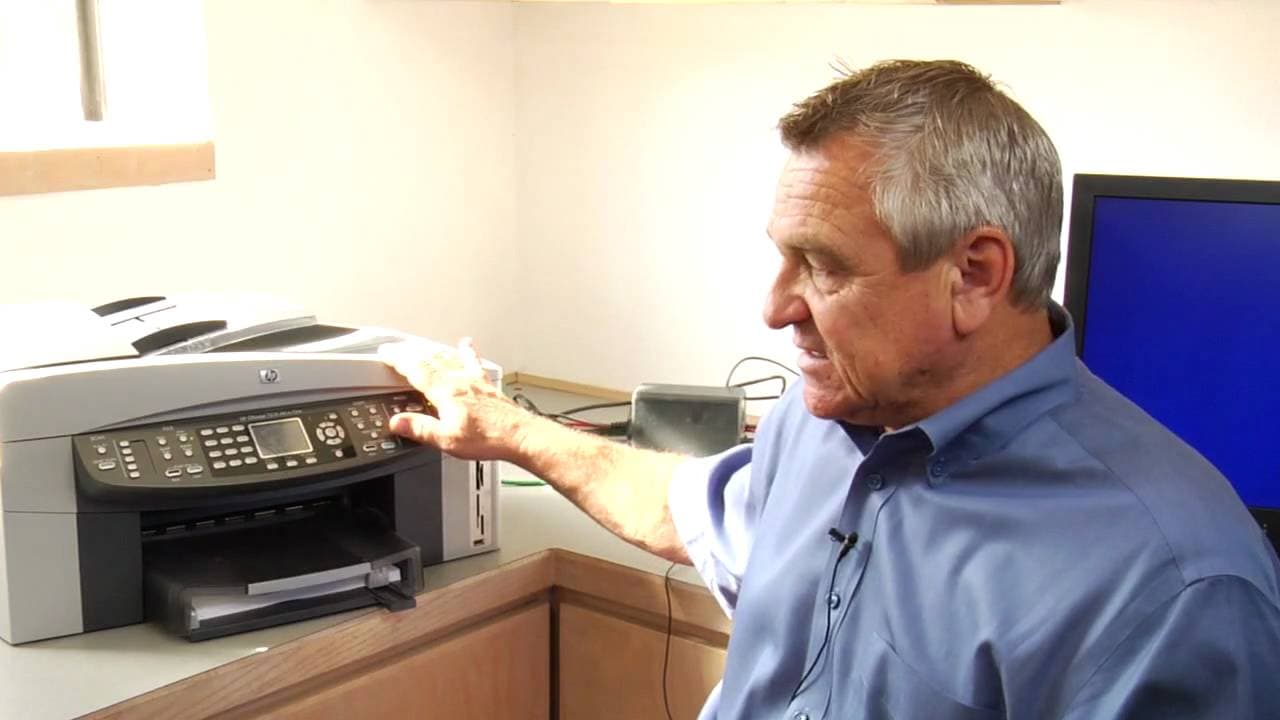
I'm Jonathan Ayres with Network for Success. And today we're going to talk about, what is a scanner? Well, a scanner is a device that connects to a computer. And its job is very simple. It's going to take a document that you put on a scanner. And it's going to scan that document into your computer. So that you can manipulate it. Now what does that ... Read More
Key Insights
- 🖱️ Scanners simplify document digitization and manipulation for computer use.
- 📜 The scanning process involves placing a document on the scanner glass, hitting the scan button, and choosing a destination for the scanned document.
- 💌 Scanners offer saving options like sending documents via email or storing them on external devices.
Install to Summarize YouTube Videos and Get Transcripts
Explore YouTube Video Summarizer or Get YouTube Transcript Extractor
Questions & Answers
Q: How does a scanner work?
A scanner takes a picture of a document, digitizes the information, and presents it on the computer screen, simplifying document manipulation.
Q: What are the steps involved in scanning a document?
To scan a document, place it on the scanner glass, hit the scan button, choose the destination for the scanned document, and wait for the scanning process to complete.
Q: What are the different saving options for a scanned document?
Scanned documents can be saved to a computer, sent via email, or stored on another external device connected to the scanner, offering flexibility in saving options.
Q: Why do scanners need time to warm up?
Scanners have a light inside that assists in taking the picture of the document, requiring a warm-up period to ensure optimal scanning quality.
Summary & Key Takeaways
-
A scanner connects to a computer and automatically scans documents, digitizing the information for computer manipulation.
-
The process involves placing a document on the scanner's glass, hitting the scan button, and choosing where to save the scanned document.
-
Scanners need some time to warm up before scanning to ensure quality results.
Read in Other Languages (beta)
Share This Summary 📚
Summarize YouTube Videos and Get Video Transcripts with 1-Click
Try YouTube Summary with ChatGPT & Claude or YouTube Transcript Generator
Explore More Summaries from ehow 📚

Summarize YouTube Videos and Get Video Transcripts with 1-Click
Try YouTube Summary with ChatGPT & Claude or YouTube Transcript Generator