How to Draw a 3D Bunny
TL;DR
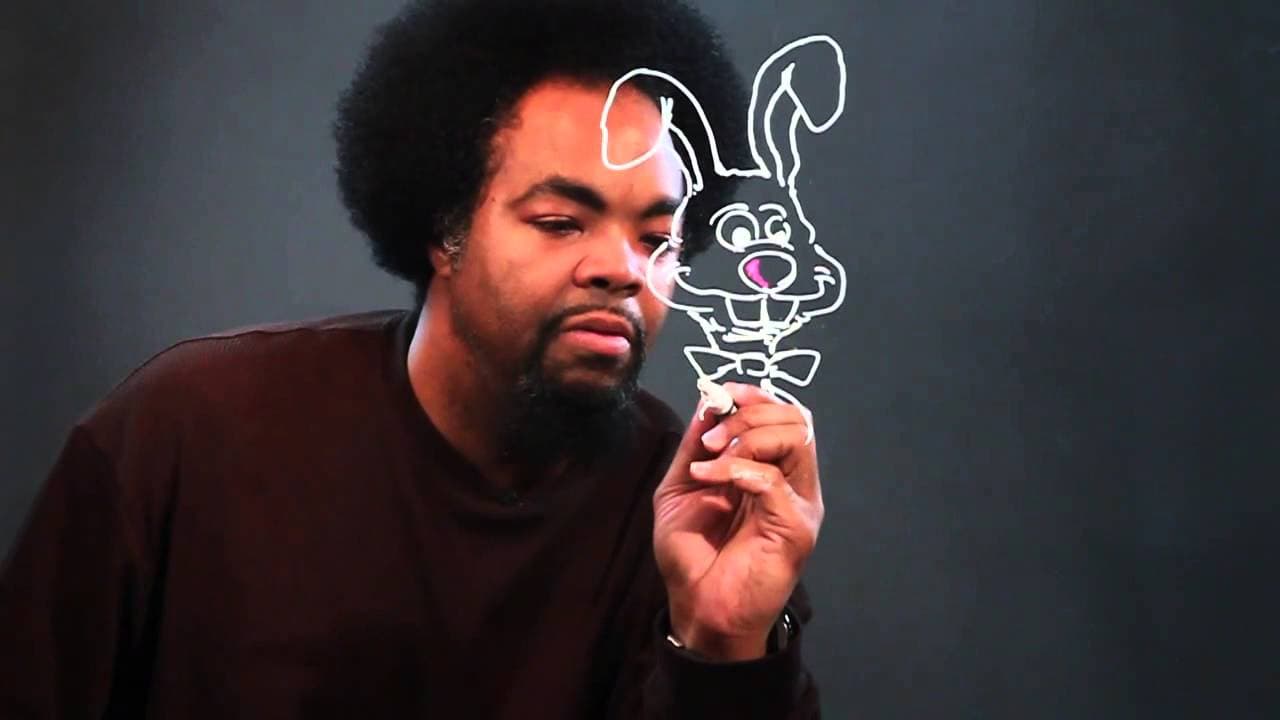
Learn to draw a 3D bunny with shadows and highlights for a realistic effect.
Transcript
hey what's up it's chris here and today we're going to be learning how to draw a three-dimensional bunny it'll consist of highlights and shadows i'll show you first thing we're going to do is we're going to start with the ear so we're going to bring this line down here here's the other ear control those lines and bring this down as well so we're go... Read More
Key Insights
- 👯 Begin drawing a 3D bunny by outlining the ears and essential facial features.
- 🫥 Correct mistakes by erasing or adjusting lines without getting discouraged.
- 🪜 Adding shadows and highlights is crucial for creating a realistic and three-dimensional effect.
- 🤗 Personal touches like a bow tie and detailed hands and feet can enhance the drawing.
- 😑 Pay attention to small details like whiskers and facial expressions to bring the bunny to life.
- ❓ Practice layering colors for shadows and highlights to achieve depth and dimension.
- 🫥 Adjusting lines and focusing on certain areas can significantly improve the overall look of the drawing.
Install to Summarize YouTube Videos and Get Transcripts
Explore YouTube Video Summarizer or Get YouTube Transcript Extractor
Questions & Answers
Q: What are the key steps in drawing a three-dimensional bunny?
The key steps involve starting with the ears, adding facial features like eyes and teeth, detailing the feet and tail, and incorporating shadows and highlights for depth.
Q: How can you correct mistakes while drawing?
Mistakes can be fixed by erasing or adjusting lines, and the importance of staying patient and focusing on improving the drawing is crucial for success.
Q: What role do shadows and highlights play in creating a three-dimensional effect?
Shadows and highlights add depth and realism to the drawing by creating contrast and indicating the direction of light, making the bunny appear more lifelike.
Q: How do accessories like a bow tie enhance the overall drawing?
Accessories like a bow tie can add personality and charm to the bunny drawing, showing attention to detail and creativity in the artist's work.
Summary & Key Takeaways
-
Tutorial on drawing a 3D bunny with emphasis on shadows and highlights.
-
Step-by-step demonstration starting from the ears and progressing to details like eyes, teeth, and tail.
-
Tips on correcting mistakes, adding accessories like a bow tie, and enhancing the drawing with three-dimensional elements.
Read in Other Languages (beta)
Share This Summary 📚
Summarize YouTube Videos and Get Video Transcripts with 1-Click
Try YouTube Summary with ChatGPT & Claude or YouTube Transcript Generator
Explore More Summaries from ehow 📚

Summarize YouTube Videos and Get Video Transcripts with 1-Click
Try YouTube Summary with ChatGPT & Claude or YouTube Transcript Generator