How to Use YouTube Summary with ChatGPT for Transcripts
TL;DR
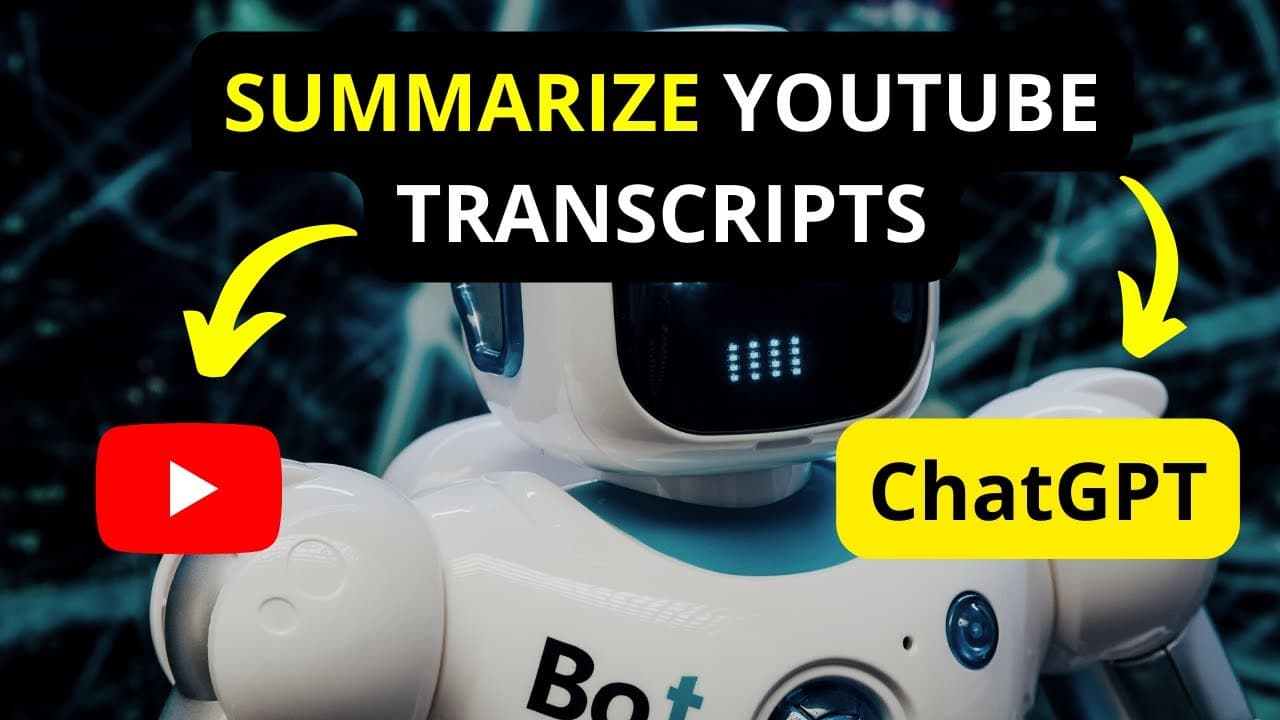
YouTube Summary with ChatGPT allows you to quickly summarize video transcripts by installing it as a browser extension. To access a transcript, click the three dots on a video, select 'show transcript,' then utilize the extension to generate a concise summary, which can be copied for various uses, such as blog posts or YouTube descriptions.
Transcript
in this video I'm going to show you how you can quickly summarize YouTube transcript using YouTube summary with chart GPT welcome to this video my name is David and I hope you're well wherever you are around the world now this is a quick video I did a while back and the video does have closed captions and we've got a ton of languages right about he... Read More
Key Insights
- ❓ YouTube Summary with Chart GPT can be installed on Google Chrome or Safari.
- 🈸 The application provides a summarized version of YouTube transcripts with timestamps that can be toggled on or off.
- 🫥 Users can access the transcript by clicking on the three dots on a YouTube video and selecting "show transcript."
- ❓ YouTube Summary with Chart GPT supports multiple languages for transcript summarization.
- 🏣 The application can be used to generate concise summaries that can be used in YouTube descriptions, blog posts, and more.
- 😥 Users can jump to specific points in the video and copy plain text transcripts.
- 💨 While timestamps cannot be deactivated in the transcript, the application offers a convenient way to summarize YouTube videos.
Install to Summarize YouTube Videos and Get Transcripts
Explore YouTube Video Summarizer or Get YouTube Transcript Extractor
Questions & Answers
Q: How can I access the transcript of a YouTube video?
To access the transcript, click on the three dots on the video, select "show transcript," and toggle the timestamps on or off.
Q: What is YouTube Summary with Chart GPT?
YouTube Summary with Chart GPT is an application that can be installed on Google Chrome or Safari to automatically summarize YouTube transcripts.
Q: Can YouTube Summary with Chart GPT summarize transcripts in different languages?
Yes, YouTube Summary with Chart GPT supports multiple languages, allowing users to summarize transcripts in various languages.
Q: Can I use the summarized transcript for different purposes?
Yes, the summarized transcript can be copied and used for YouTube descriptions, blog posts, and other purposes.
Key Insights:
- YouTube Summary with Chart GPT can be installed on Google Chrome or Safari.
- The application provides a summarized version of YouTube transcripts with timestamps that can be toggled on or off.
- Users can access the transcript by clicking on the three dots on a YouTube video and selecting "show transcript."
- YouTube Summary with Chart GPT supports multiple languages for transcript summarization.
- The application can be used to generate concise summaries that can be used in YouTube descriptions, blog posts, and more.
- Users can jump to specific points in the video and copy plain text transcripts.
- While timestamps cannot be deactivated in the transcript, the application offers a convenient way to summarize YouTube videos.
- YouTube Summary with Chart GPT requires no sign-up and offers a user-friendly interface for transcript summarization.
Summary & Key Takeaways
-
The video introduces YouTube Summary with Chart GPT, an application that can be installed on Google Chrome or Safari to summarize YouTube transcripts.
-
Users can access the transcript by clicking on the three dots on a YouTube video, selecting "show transcript," and toggling timestamps on or off.
-
YouTube Summary with Chart GPT provides a summarized version of the transcript, allowing users to copy and use it for various purposes.
Read in Other Languages (beta)
Share This Summary 📚
Summarize YouTube Videos and Get Video Transcripts with 1-Click
Try YouTube Summary with ChatGPT & Claude or YouTube Transcript Generator
Explore More Summaries from David Mbugua 📚
Summarize YouTube Videos and Get Video Transcripts with 1-Click
Try YouTube Summary with ChatGPT & Claude or YouTube Transcript Generator