How Effective Is ESET Internet Security Against Ransomware?
TL;DR
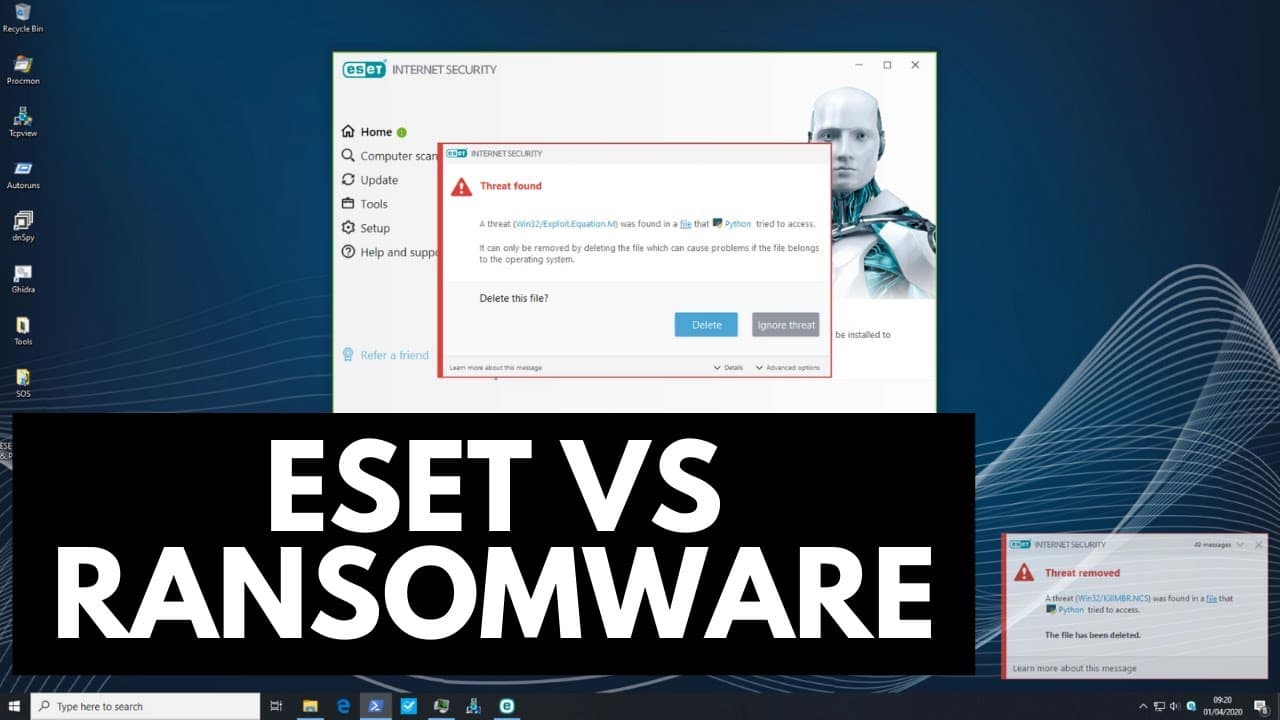
ESET Internet Security successfully blocks all ransomware threats when all shields are activated, achieving a 100% detection rate. However, when tested without signatures using default settings, it fails to prevent data encryption. Adjusting HIPS settings to smart mode offers some protection, but users should consider enabling learning mode followed by interactive mode for better overall defense.
Transcript
hello and welcome to the PC Security Channel today we'll be taking a look at ESET Internet Security will be doing a ransomware test which means we've got our friends over here as you can see we've got 56 items these are the most infamous threats from the last five years we will be executing these from a network location using our star called Malik'... Read More
Key Insights
- 🕵️ ESET Internet Security successfully detects and blocks ransomware threats with all shields turned on.
- 🏆 When tested without signatures, ESET's default settings fail to prevent data encryption.
- 🎚️ Adjusting the HIPS settings to smart mode provides some level of protection against ransomware, but data encryption still occurs.
- 📳 Enabling learning mode and then switching to interactive mode or policy-based mode can enhance ESET's ransomware protection.
- 🤩 BZ Future is a sponsor of the video and offers AV keys at a good price along with a free Windows 10 Pro key.
- ❓ ESET Internet Security is recommended with additional configuration for improved ransomware protection.
- 🏆 The PC Security Channel conducts ransomware tests periodically for informative purposes.
Install to Summarize YouTube Videos and Get Transcripts
Explore YouTube Video Summarizer or Get YouTube Transcript Extractor
Questions & Answers
Q: Did ESET Internet Security successfully detect and block all 56 ransomware threats during proactive detection testing?
Yes, with all shields turned on, ESET Internet Security detected and blocked all 56 ransomware threats.
Q: Did ESET Internet Security protect data from encryption when tested without signatures?
No, when the malware was executed without signatures, ESET's default settings were unable to prevent the encryption of data.
Q: Did adjusting the HIPS settings to smart mode improve ESET's ability to protect against ransomware?
Yes, adjusting the HIPS settings to smart mode provided some level of protection against ransomware, but data encryption still occurred.
Q: What recommendations does the video provide for improving ESET's ransomware protection?
The video suggests enabling learning mode for a few days and then switching to interactive mode or enabling policy-based mode with customized rules to enhance ESET's ransomware protection.
Summary & Key Takeaways
-
The PC Security Channel tests ESET Internet Security's proactive detection against 56 infamous ransomware threats, all executed from a network location.
-
With all shields turned on, ESET Internet Security successfully detects and blocks all 56 ransomware threats.
-
However, when testing without signatures, ESET's default settings fail to prevent encryption of data. Adjusting the HIPS settings to smart mode provides some level of protection, but data encryption still occurs.
Read in Other Languages (beta)
Share This Summary 📚
Summarize YouTube Videos and Get Video Transcripts with 1-Click
Try YouTube Summary with ChatGPT & Claude or YouTube Transcript Generator
Explore More Summaries from The PC Security Channel 📚






Summarize YouTube Videos and Get Video Transcripts with 1-Click
Try YouTube Summary with ChatGPT & Claude or YouTube Transcript Generator