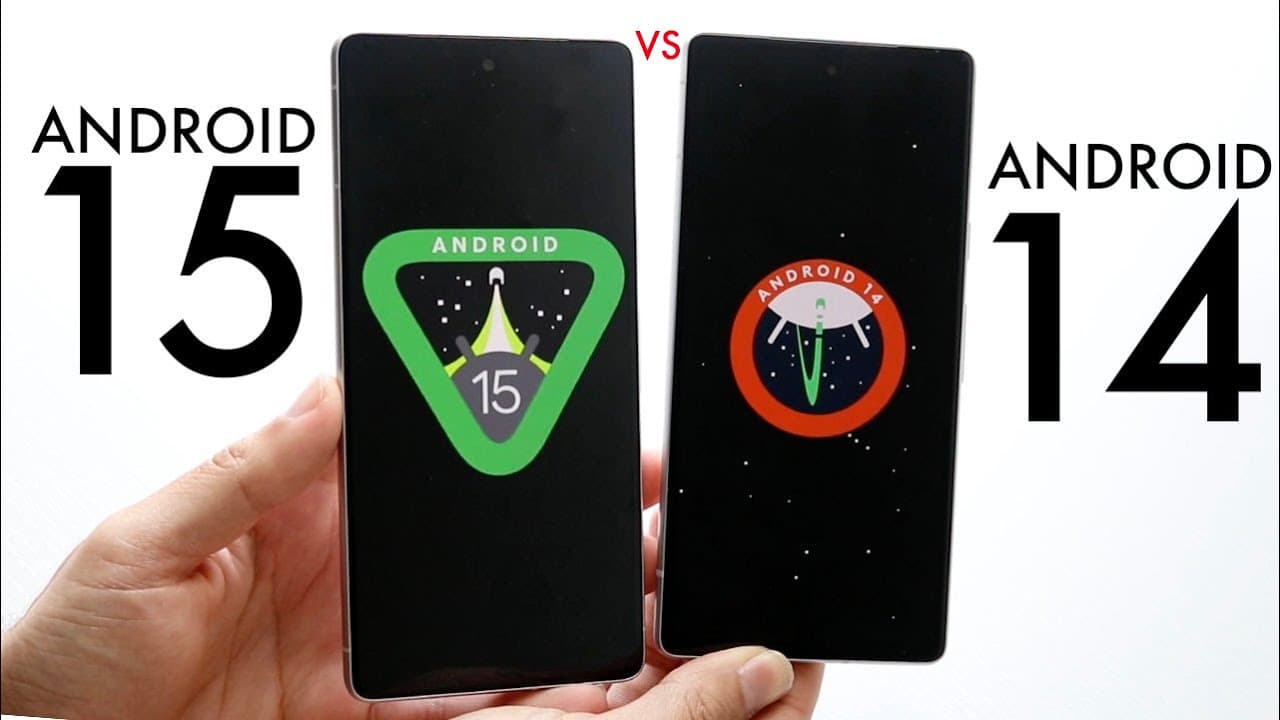
Android 15 Vs Android 14! (Comparison) (Review)
TL;DR
Android 15 introduces new features, but Android 14 remains the more stable option.
Transcript
well everyone let's go ahead and do a little bit of a comparison between Android 15 and Android 14 Now Android 15 has just came out in its first beta and I always love kind of taking a look at the differences between these two versions of software because there's definitely going to be you know little differences and changes that we're going to get... Read More
Key Insights
- 😀 Android 15 is set to enhance usability with features like partial screen sharing in apps like Google Meet.
- 💋 Satellite connectivity support in Android 15 marks a significant advancement for compatible devices, improving connectivity options.
- 🔔 Notification cooldown offers users a way to manage overwhelming notifications, especially beneficial for high-profile individuals.
- 😀 The addition of Edge-to-Edge apps by default in Android 15 improves the interface aesthetics and usability.
- 🌱 Android 15 offers planned advancements specifically for foldable devices, catering to the evolving smartphone category.
- 👤 Improvements in keyboard responsiveness and audio feedback in Android 15 aim to enhance the overall user interaction.
- 👶 Android 14 remains a robust option for users prioritizing stability and reliability over new features.
Install to Summarize YouTube Videos and Get Transcripts
Explore YouTube Video Summarizer or Get YouTube Transcript Extractor
Questions & Answers
Q: What are the main differences between Android 14 and Android 15?
The primary differences include new features in Android 15, such as improved in-app camera controls, partial screen sharing, and better accessibility for foldable devices. Android 14, while still robust and stable, does not support these new functionalities, making Android 15 more feature-rich but less stable at this stage.
Q: Is Android 15 ready for everyday use?
Currently, Android 15 is in its beta phase, meaning it may have bugs and stability issues. Android 14 is recommended for users needing a reliable and stable experience, while those interested in new features should experiment with the beta version carefully.
Q: What specific usability improvements does Android 15 offer for photographers?
Android 15 includes enhanced in-app camera controls, allowing users to take advantage of advanced settings directly within their camera applications. Features like improved interface elements make it easier for photographers to switch settings, ensuring a better photo capture experience.
Q: How does Android 15 improve Bluetooth functionalities?
Android 15 introduces a new Bluetooth popup, which acts as a quick toggle for managing Bluetooth connections easily. This feature allows users to modify their Bluetooth settings without navigating away from their current screen, streamlining connectivity management significantly.
Summary & Key Takeaways
-
Android 15's beta provides exciting new features like partial screen sharing and improved in-app camera controls, enhancing user experience.
-
Despite these advancements, Android 14 offers more stability, making it the preferable choice for many users until a full release of Android 15.
-
Features like improved Bluetooth access and Edge-to-Edge apps are highlighted as significant upgrades in Android 15 for a better overall interface.
Read in Other Languages (beta)
Share This Summary 📚
Summarize YouTube Videos and Get Video Transcripts with 1-Click
Try YouTube Summary with ChatGPT & Claude or YouTube Transcript Generator
Explore More Summaries from Simple Alpaca 📚






Summarize YouTube Videos and Get Video Transcripts with 1-Click
Try YouTube Summary with ChatGPT & Claude or YouTube Transcript Generator