What New Features Were Added to the Arc Mobile Browser?
TL;DR
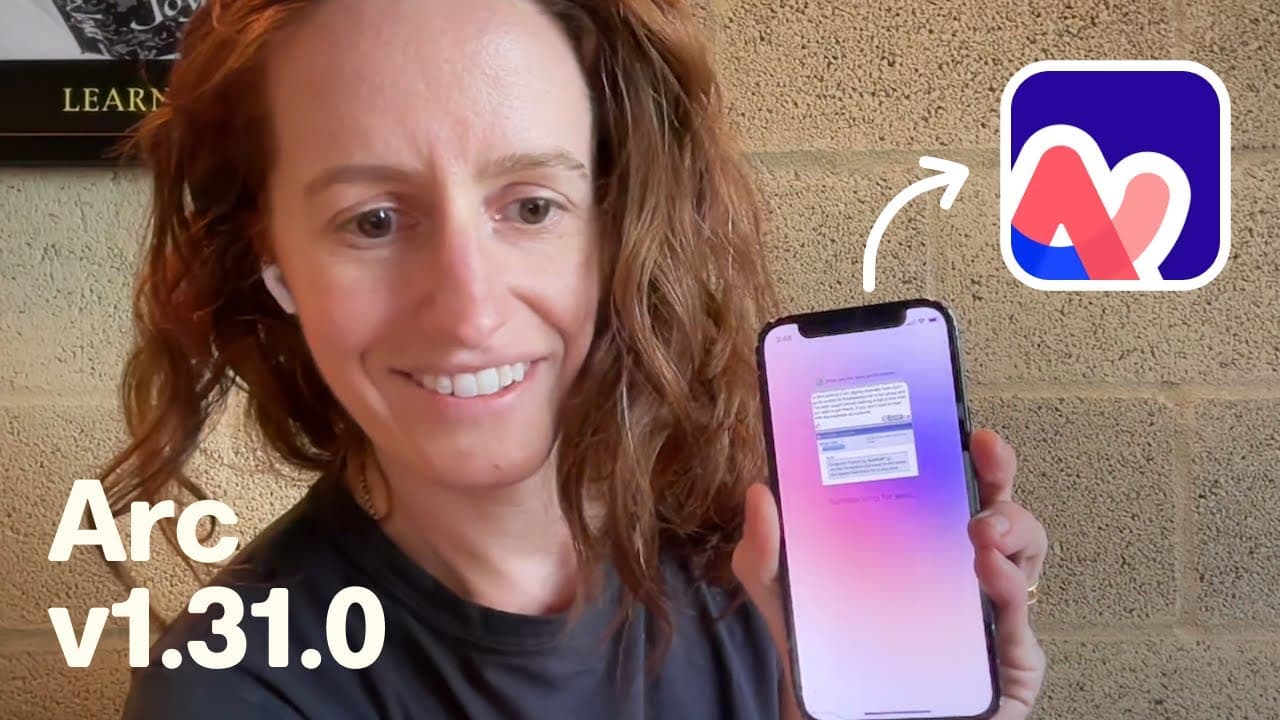
Arc's latest mobile browser update includes three user-requested features: sharable browse pages for easy link sharing, incognito mode for private browsing, and pinch to summarize to quickly remove ads and get concise information. These enhancements aim to improve user experience and performance on mobile.
Transcript
I want to start this video with some unfortunate news our CEO Josh tried on his friend's Vision Pro and he's just gotten stuck he literally can't get it off the solo nit band is just too tight if you know anyone who can help an apple or elsewhere please contact us contact the team we want Josh back but in the meantime there are updates in Arc we ne... Read More
Key Insights
- 👋 Arc has introduced new features in response to user feedback, aiming to enhance the browsing experience and make Arc search the best mobile browser.
- 👻 The sharable browse pages feature allows for easy sharing of specific webpages with others.
- 👤 Incognito mode provides users with a private browsing experience, ensuring their online activities stay confidential.
- 🫠 Pinch to summarize offers a quick way to remove ads and get concise information from webpages.
- 🥶 Arc has focused on improving performance and stability on desktop, achieving a crash free rate of over 99% and implementing metal rendering on Mac.
- 👤 Anniversary stamps on membership cards highlight the loyalty of long-time Arc users.
- 👥 The Arc team is committed to developing and improving the browser based on user feedback, while also expanding its reach and onboarding new members.
- ❓ There is a possibility of bringing Arc to Vision Pro, where the CEO is currently unable to remove the device.
Install to Summarize YouTube Videos and Get Transcripts
Explore YouTube Video Summarizer or Get YouTube Transcript Extractor
Questions & Answers
Q: How does the new sharable browse feature in Arc search work?
After performing a browse for me search, users can tap the share button to generate a link that can be sent to friends or partners. The recipients can then view the shared webpage in Arc search or any other browser on their phone or desktop.
Q: What is the purpose of incognito mode in Arc search?
Incognito mode allows users to browse privately, without saving their search history or cookies. By tapping the eye icon, users can easily switch to incognito mode and surf the web without leaving any traces.
Q: How does the pinch to summarize feature work in Arc search?
With pinch to summarize, users can pinch on a webpage to remove ads and SEO-optimized content, and quickly get the information they need. This feature provides a fast and efficient way to navigate through webpages and find relevant information.
Q: What are some of the performance improvements made in Arc on desktop?
One improvement is the ability to return to the original URL of a pinned tab by command clicking on the pin tab icon. The team has also focused on stability, achieving a crash free rate of over 99%. Additionally, the use of metal on Mac for rendering web contents has led to improvements in GPU crash rates and battery savings.
Summary & Key Takeaways
-
Arc announces three new features based on user feedback: sharable browse pages, incognito mode, and pinch to summarize.
-
Sharable browse pages allow users to share links to specific pages with friends and partners.
-
Incognito mode provides a private browsing experience, accessible with a single tap.
-
Pinch to summarize enables users to quickly remove ads and get a summarized version of a webpage.
Read in Other Languages (beta)
Share This Summary 📚
Summarize YouTube Videos and Get Video Transcripts with 1-Click
Try YouTube Summary with ChatGPT & Claude or YouTube Transcript Generator
Explore More Summaries from The Browser Company 📚



Summarize YouTube Videos and Get Video Transcripts with 1-Click
Try YouTube Summary with ChatGPT & Claude or YouTube Transcript Generator