Architecting your Compose UI | Let's implement & learn | Jetpack Compose Series
TL;DR
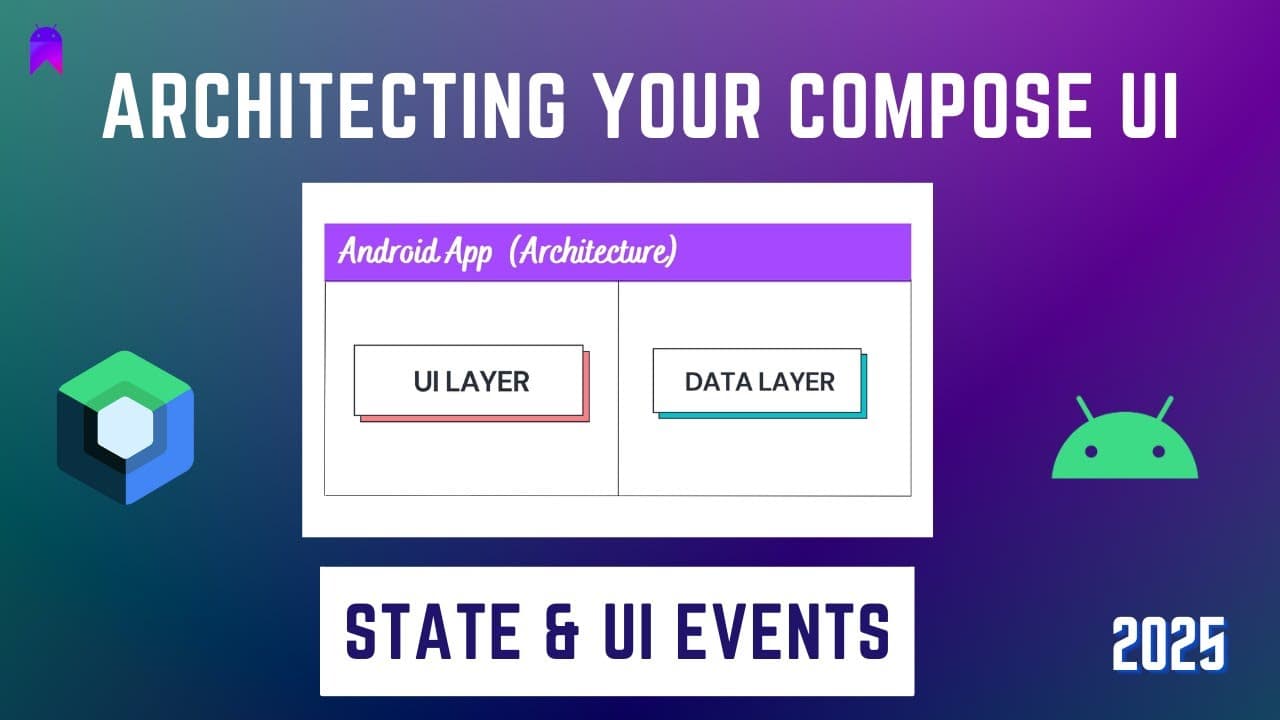
Jetpack Compose applications should follow a recommended architecture with two layers: UI and Data. The UI layer handles the display of screens and user input, while the data layer stores and manages application data.
Transcript
hello everyone welcome to Native mobile weights in today's video I am going to explain you about jetpack compose recommended architecture so as we are starting our development in Jetpack compose this is the basic architecture which we can follow inside our applications we should divide our application in at least two layers one will be UI layer and... Read More
Key Insights
- 🈸 Jetpack Compose applications should follow a recommended architecture with two layers: UI and data.
- 💻 The UI layer is responsible for displaying screens and managing UI components and UI state.
- 🥹 The data layer holds the current UI state and allows for independent validation and data management.
- ❓ UI components are composed and independent from the data layer to ensure scalability and modularity.
- 🫵 View models in the data layer store and manage the current UI state.
- 👤 UI events represent user actions and can be used to update the UI state in the data layer.
- ✋ High-order functions can be used to pass callbacks from composables to view models.
Install to Summarize YouTube Videos and Get Transcripts
Explore YouTube Video Summarizer or Get YouTube Transcript Extractor
Questions & Answers
Q: What are the two layers in the recommended Jetpack Compose architecture?
The two layers are the UI layer and the data layer. The UI layer handles screen display and user input, while the data layer stores and manages application data.
Q: What is UI state in the Jetpack Compose architecture?
UI state refers to the data entered by the user in the UI layer's composables. It represents the current state of the UI components and is stored in the data layer.
Q: How is the UI state stored in the data layer?
The UI state is stored in a view model class in the data layer. The view model holds the current UI state and can be accessed and updated by the UI layer.
Q: How can data validation be performed in the recommended architecture?
Data validation can be done in the data layer separately from the UI layer. The data layer can validate the data entered by the user and handle any validation logic.
Key Insights:
- Jetpack Compose applications should follow a recommended architecture with two layers: UI and data.
- The UI layer is responsible for displaying screens and managing UI components and UI state.
- The data layer holds the current UI state and allows for independent validation and data management.
- UI components are composed and independent from the data layer to ensure scalability and modularity.
- View models in the data layer store and manage the current UI state.
- UI events represent user actions and can be used to update the UI state in the data layer.
- High-order functions can be used to pass callbacks from composables to view models.
- The recommended architecture ensures a separation of concerns and promotes maintainability and scalability in Jetpack Compose applications.
Summary & Key Takeaways
-
Jetpack Compose applications should be divided into two layers: UI and data.
-
The UI layer is responsible for displaying screens and managing UI components and UI state.
-
The data layer holds the current UI state and is separate from the UI layer, allowing for independent validation and data management.
Read in Other Languages (beta)
Share This Summary 📚
Summarize YouTube Videos and Get Video Transcripts with 1-Click
Try YouTube Summary with ChatGPT & Claude or YouTube Transcript Generator