How to Delete Other Storage on Your iPhone
TL;DR
Learn how to clear iPhone "Other" storage to free up space efficiently.
Transcript
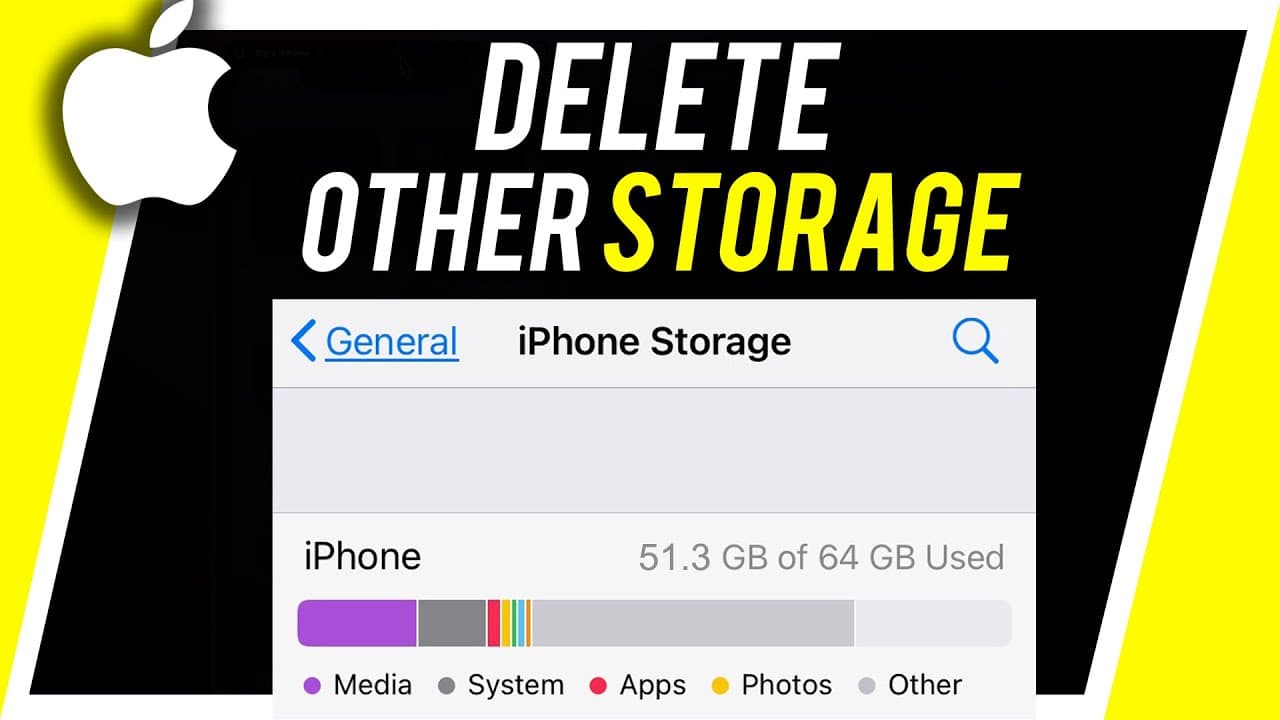
there's a good chance that if you're running out of space on your iphone there's something called other storage it gets categorized as other and it takes a bunch of space in a lot of iphones and people have no idea how to actually remove that or what it is so i wanted to make this quick video to show you what it is and how to remove it because it's... Read More
Key Insights
- 👾 "Other" storage on iPhones consists of system and cache files, impacting available storage space.
- 😀 Clearing cache files from apps like Safari and social media platforms can effectively reduce "Other" storage.
- 😀 Deleting unused apps and managing photo/video storage are additional strategies to optimize iPhone storage capacity.
- 😀 Reinstalling apps or system updates can help clear cache files and reduce "Other" storage.
- ✋ Regularly monitoring and managing iPhone storage can prevent issues related to high "Other" storage.
- ❓ Utilizing iCloud storage for data backup and management can alleviate iPhone storage constraints.
- 👤 Technical videos like these offer practical solutions for iPhone users to optimize storage efficiency.
Install to Summarize YouTube Videos and Get Transcripts
Explore YouTube Video Summarizer or Get YouTube Transcript Extractor
Questions & Answers
Q: What is the main reason for high "Other" storage on iPhones?
The main reason behind high "Other" storage on iPhones is the accumulation of system and cache files, which take up space without clear categorization.
Q: How can users identify and clear "Other" storage on their iPhones?
Users can identify and clear "Other" storage by checking iPhone storage settings, focusing on cache files in apps like Safari and social media platforms, and deleting unnecessary system updates.
Q: Is clearing cache files from apps like Safari enough to reduce "Other" storage significantly?
Clearing cache files from apps like Safari is a crucial step in reducing "Other" storage; however, users should also consider clearing cache from other frequently used apps to maximize storage savings.
Q: What steps can users take if they are still experiencing storage issues after clearing cache files?
If users are still facing storage issues after clearing cache files, they can explore additional methods like deleting unused apps, managing photo and video storage, and transferring data to iCloud.
Summary & Key Takeaways
-
iPhone storage often includes a category called "Other" that consumes significant space.
-
"Other" storage mainly consists of system and cache files, impacting storage capacity.
-
Clearing cache files from apps like Safari and social media apps can effectively reduce "Other" storage.
Read in Other Languages (beta)
Share This Summary 📚
Summarize YouTube Videos and Get Video Transcripts with 1-Click
Try YouTube Summary with ChatGPT & Claude or YouTube Transcript Generator
Explore More Summaries from Howfinity 📚






Summarize YouTube Videos and Get Video Transcripts with 1-Click
Try YouTube Summary with ChatGPT & Claude or YouTube Transcript Generator