Windows Update Ransomware
TL;DR
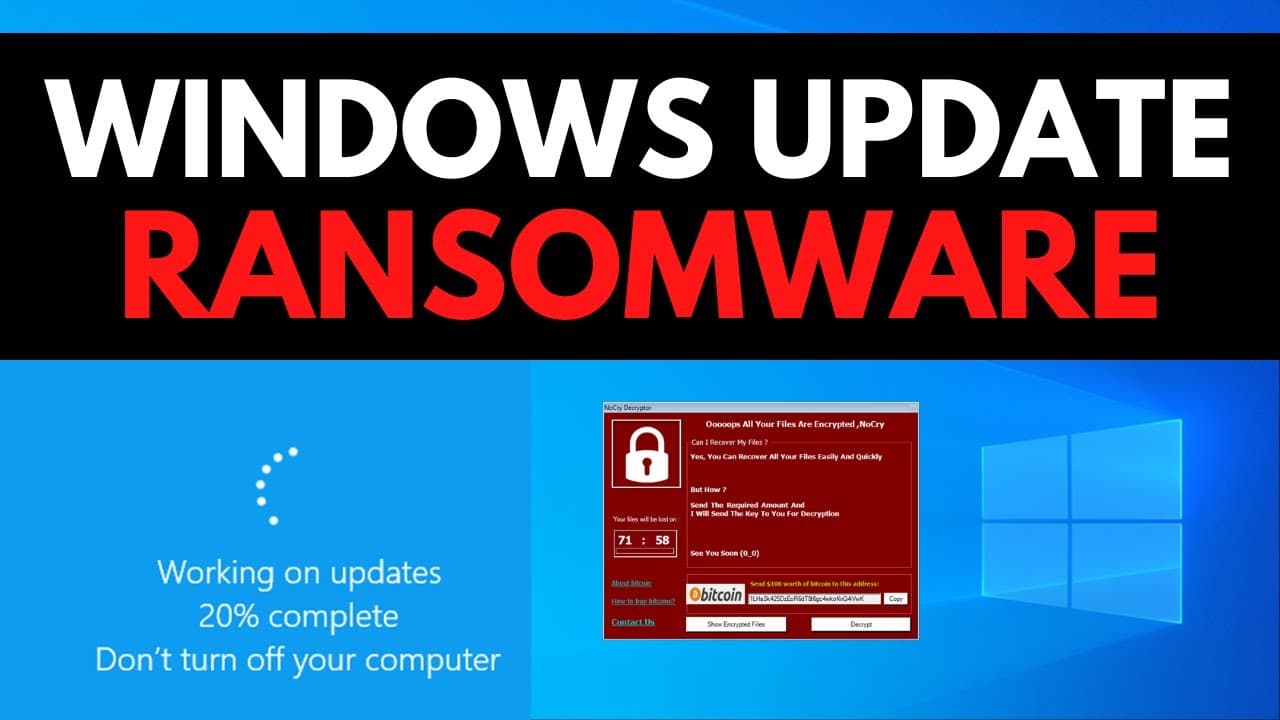
This video provides a live breakdown of the McNiber ransomware, showcasing how it can easily deceive traditional antivirus technology, encrypt files, and why it is difficult to detect.
Transcript
so you've been visiting some of those Juarez and crack sites that you probably shouldn't then you got tricked into a fake Windows update screen and now your files are all encrypted how did it happen well in this video we're going to do a live breakdown of mcniber ransomware we're going to execute it on a virtual machine see what it does and also sh... Read More
Key Insights
- 🥸 McNiber ransomware disguises itself as a legitimate Windows software utility, making detection difficult for both antivirus systems and users.
- 👤 It infiltrates systems through fake Windows update screens and other unknown transmission vectors, primarily targeting users visiting piracy websites.
- 📁 Once installed, McNiber encrypts files, deletes Shadow Copies, and demands payment for file decryption.
- 😒 Its ability to use trusted system processes, digital signatures, and absence of clear malicious indicators make detection challenging for analysts.
- 🍧 Having a behavioral defense mechanism is crucial in preventing encryption behavior, regardless of the launching source.
- ❓ The propagation method of McNiber ransomware is not entirely clear, but it is reported to spread through fake websites for software upgrades and downloads.
- 🕵️ Analysts often rely on sandbox analysis, but running the ransomware on a true system is more effective in detecting its malicious behavior.
- 💻 Users should be cautious of fake Windows update screens and be skeptical of full-screen applications pretending to download updates. Checking for Ctrl+Alt+Delete options can help verify the authenticity of the update.
Install to Summarize YouTube Videos and Get Transcripts
Explore YouTube Video Summarizer or Get YouTube Transcript Extractor
Questions & Answers
Q: How does McNiber ransomware deceive antivirus systems and users?
McNiber disguises itself as a legitimate Windows installer, using trusted system processes and digital signatures, making it hard to distinguish it from legitimate files.
Q: How does McNiber ransomware enter systems?
It primarily infects systems through fake Windows update screens, but there could be other unknown transmission vectors that are currently unidentified.
Q: What does McNiber ransomware do once it infects a system?
It encrypts files, deletes Shadow Copies, and leaves a ransom note, demanding payment for file decryption.
Q: Why is McNiber ransomware challenging to detect?
The behavior of each process in the execution chain leading to encryption is often trusted, making it challenging for analysts to identify it. Additionally, it does not exhibit clear indicators of malicious behavior.
Summary & Key Takeaways
-
The McNiber ransomware disguises itself as a legitimate Windows software utility, making it harder for both antivirus systems and users to identify it as malware.
-
It infiltrates systems through fake Windows update screens or other unknown transmission vectors, targeting users who visit piracy websites.
-
Once installed, the ransomware encrypts files, deletes shadow copies, and leaves a ransom note demanding payment in exchange for file decryption.
Read in Other Languages (beta)
Share This Summary 📚
Summarize YouTube Videos and Get Video Transcripts with 1-Click
Try YouTube Summary with ChatGPT & Claude or YouTube Transcript Generator
Explore More Summaries from The PC Security Channel 📚






Summarize YouTube Videos and Get Video Transcripts with 1-Click
Try YouTube Summary with ChatGPT & Claude or YouTube Transcript Generator