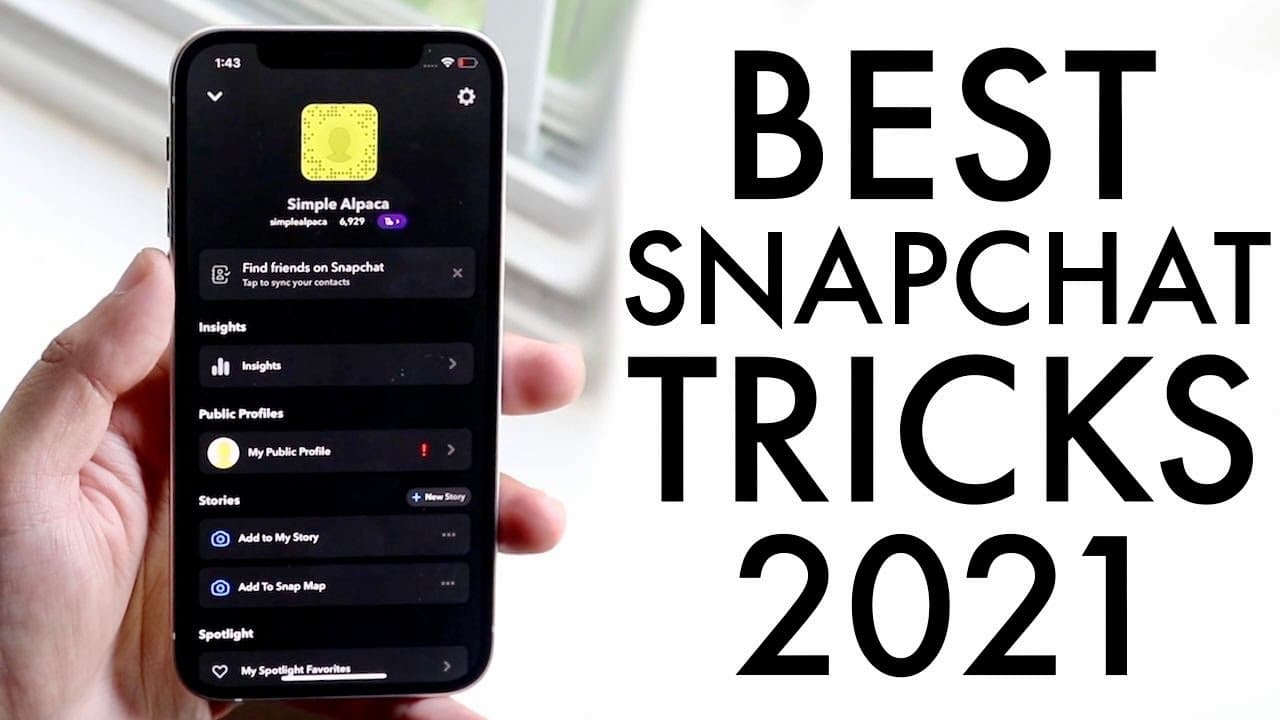
BEST Snapchat Tricks / Tips In 2021!
TL;DR
Learn essential tips to enhance your Snapchat experience and privacy.
Transcript
welcome back everyone it's been a minute since i made a snapchat's top secret tips tricks whatever the case is it's been a minute so let's go ahead and get into it now some of these are you know from a while ago but i think we might as well compile them again starting off as always if you guys want to make sure to add me there's the snap code there... Read More
Key Insights
- 😃 Dark mode enhances user experience and reduces eye strain in low-light environments; enabling it is a straightforward process within Snapchat settings.
- 🫠 The "half swipe" technique allows users to read messages discreetly, maintaining the element of surprise in conversations and preventing unnecessary notifications.
- 🚫 Being aware of contact statuses, such as whether someone has blocked you, can maintain social dynamics and manage relationships better on the platform.
- 😃 The "My Eyes Only" feature serves as a privacy safeguard for sensitive photos, allowing users to control what is visible to others.
- 💯 Increasing your Snapchat score can be competitive; engaging with friends or well-known users can amplify interactions and scores.
- 😀 Staying updated with Snapchat app versions is crucial for accessing the latest features and improvements.
- 🫵 Encouraging viewer interaction, such as sharing additional tips, enhances community building and engagement around content creators.
Install to Summarize YouTube Videos and Get Transcripts
Explore YouTube Video Summarizer or Get YouTube Transcript Extractor
Questions & Answers
Q: How do you enable dark mode on Snapchat?
To enable dark mode on Snapchat, you need to ensure your app is up to date. Open the app, tap on your icon, and navigate to settings. Scroll down to app appearance and select either "Always Dark" or "Match System" to activate dark mode. If this option isn't available, your region may not support it.
Q: Can you actually read someone’s Snapchat message without them knowing?
Yes, you can use a technique called "half swipe." By pressing down on the person's chat and swiping to the side without releasing, you can read the message without triggering the seen notification. This requires practice, but it effectively allows you to read messages discreetly.
Q: What’s the best way to check if someone has blocked you on Snapchat?
One way to check if you’ve been blocked is to send a message to the person. If it shows up as "Delivered," you are still connected. If it says "Pending," they may have unadded or blocked you. You can also search for their username; if it doesn’t appear, it’s likely you’ve been blocked.
Q: How can you hide specific photos from your Snapchat account?
Use the "My Eyes Only" feature to hide photos. First, ensure you allow the app access to your camera roll. Hold down on any photo and select the option to "Hide Snap My Eyes Only." Follow the setup prompts, which include creating a password, to secure your photos in this private space.
Q: What are some methods to increase your Snapchat score quickly?
To quickly increase your Snapchat score, add friends or celebrities and engage in mutual snapping. Each time you send or receive a snap, you earn points. Therefore, consistently exchanging snaps with others can significantly boost your score in a short time.
Summary & Key Takeaways
-
The video covers several useful Snapchat tips, including how to enable dark mode and understand Snapchat scores, providing users with practical ways to enhance their app experience.
-
Viewers will learn about the “half swipe” technique, which allows reading messages without notifying the sender while also understanding methods to check if someone has blocked them on Snapchat.
-
The final segment focuses on utilizing the "My Eyes Only" feature for greater privacy and offers strategies to increase Snapchat scores efficiently by engaging in snap exchanges with friends.
Read in Other Languages (beta)
Share This Summary 📚
Summarize YouTube Videos and Get Video Transcripts with 1-Click
Try YouTube Summary with ChatGPT & Claude or YouTube Transcript Generator
Explore More Summaries from Simple Alpaca 📚






Summarize YouTube Videos and Get Video Transcripts with 1-Click
Try YouTube Summary with ChatGPT & Claude or YouTube Transcript Generator