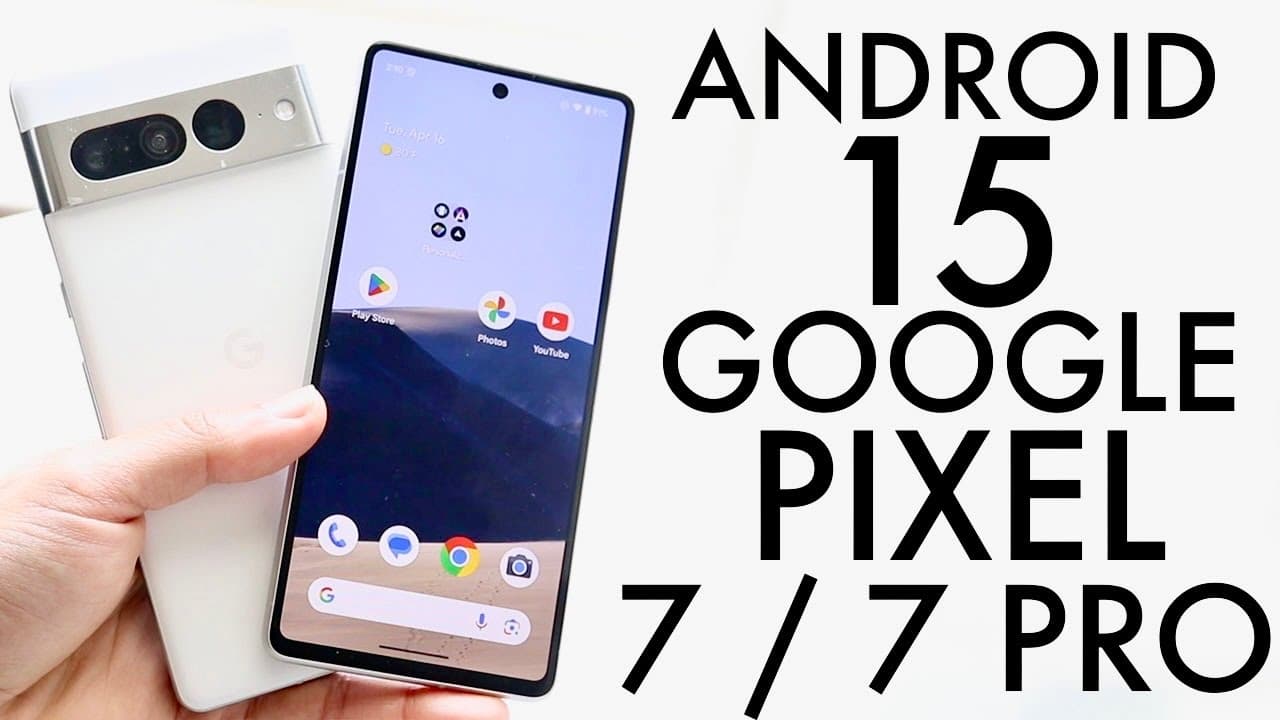
Android 15 On Google Pixel 7/Google Pixel 7 Pro! (Review)
TL;DR
The first beta of Android 15 introduces notable features, including partial screen sharing and enhanced keyboard controls.
Transcript
well everyone Android 15 has just officially came out so let's go and take a look at it on the pixel 7 and presumably the pixel 7 Pro and see how it kind of holds up now these updates were around 2 something gabyt so this is the first beta so there's going to be a lot more betas that are going to be coming out in the future so just keep that in min... Read More
Key Insights
- ❓ Android 15 is currently in its first beta stage, indicating that further updates and features are anticipated in the development process.
- 😒 The addition of partial screen sharing in video calls represents a significant improvement for professional and personal use during meetings.
- 😎 Notification management is enhanced through the introduction of a cool-down feature, allowing users to filter interruptions based on their preferences.
- 😀 Improved in-app camera controls offer more versatile brightness settings, allowing for better photography experiences.
- 🎹 The universal keyboard vibration setting enhances user interaction across various applications and keyboard layouts.
- 🫷 Enhanced Bluetooth connectivity features signify a push towards better device management and integration.
- 👤 Users with foldable devices will benefit from a more refined sensitivity detection on cover screens, improving usability.
Install to Summarize YouTube Videos and Get Transcripts
Explore YouTube Video Summarizer or Get YouTube Transcript Extractor
Questions & Answers
Q: What are some of the standout features in the first beta of Android 15?
The first beta of Android 15 introduces several standout features including partial screen sharing in Google Meet, a notification cool down option to manage incoming notifications, and in-app camera controls that offer enhanced brightness adjustments. These features aim to improve usability and provide a more refined Android experience.
Q: How does the notification cool down feature work in Android 15?
The notification cool down feature in Android 15 is designed to help users manage notification overload. When activated, it allows certain notifications to come through while effectively "cooling down" the rest, preventing the constant barrage of alerts and providing a more focused and less distracting experience.
Q: Can you explain the new keyboard vibration feature available in Android 15?
The new keyboard vibration feature in Android 15 enables users to add tactile feedback to their typing experience. This feature is universal across different keyboards and can be adjusted within the keyboard settings or the main settings menu, allowing users to customize their interaction based on personal preferences.
Q: What improvements have been made to the Bluetooth toggle in Android 15?
In Android 15, the Bluetooth toggle has received enhancements, allowing for easier access and more intuitive controls. This improvement aims to streamline the process of connecting and managing Bluetooth devices, providing users with a more efficient and user-friendly interface.
Summary & Key Takeaways
-
Android 15 has officially launched its first beta version, bringing exciting new features and improvements for Pixel 7 and Pixel 7 Pro users.
-
Key enhancements include partial screen sharing capabilities in Google Meet, a notification cool-down feature, and advanced camera controls for better brightness management.
-
Despite being a beta release, the new Bluetooth toggle and improved keyboard vibration settings are user-friendly innovations that promise a refined user experience.
Read in Other Languages (beta)
Share This Summary 📚
Summarize YouTube Videos and Get Video Transcripts with 1-Click
Try YouTube Summary with ChatGPT & Claude or YouTube Transcript Generator
Explore More Summaries from Simple Alpaca 📚






Summarize YouTube Videos and Get Video Transcripts with 1-Click
Try YouTube Summary with ChatGPT & Claude or YouTube Transcript Generator