SVG Stroke-Path Animation Tutorial | SVGator
TL;DR
Learn how to create a self-drawing animation for stroke paths using stroke offset and stroke dashes animators, with step-by-step instructions and tips.
Transcript
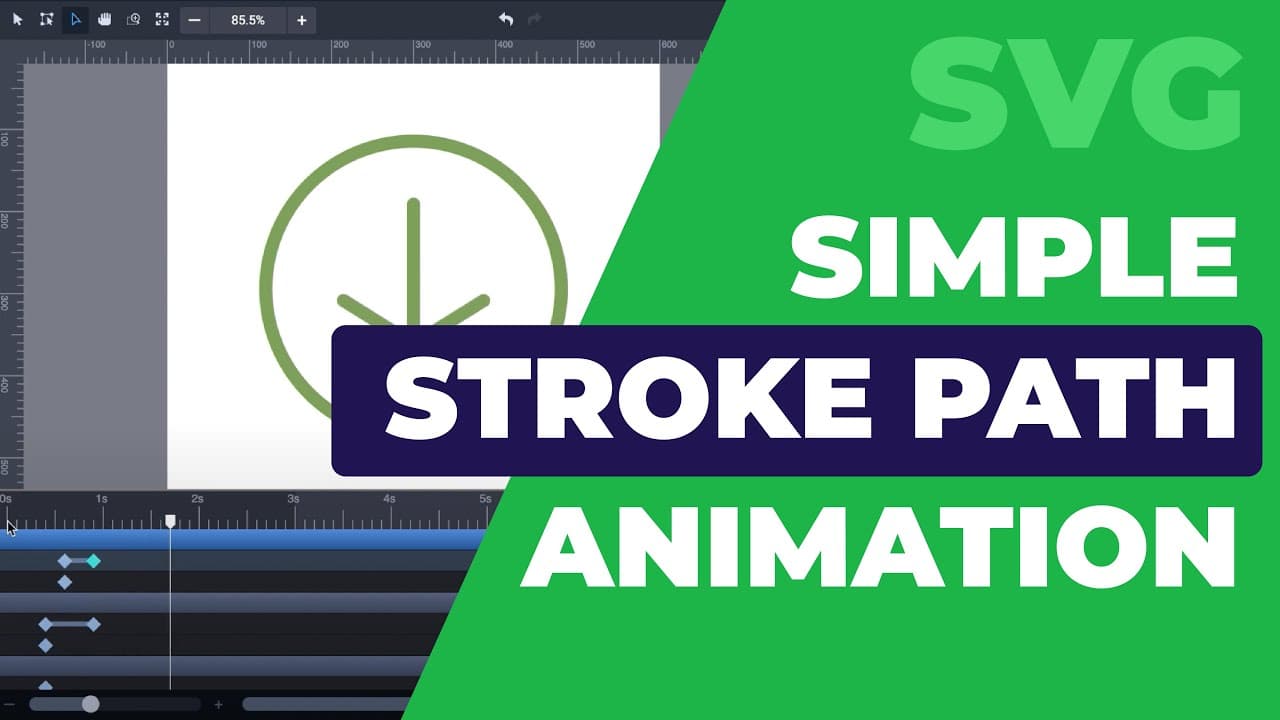
hi it's kid with svj Durr in this video I'm going to show you how to create a simple stroke path animation this download icon that I've created an animated to draw itself to use stroke path animators make sure you have visible stroke paths in this case the sample I've created is made entirely of lines there are no elements with fill color so let's ... Read More
Key Insights
- 🤳 Stroke offset and stroke dashes animators are essential for creating self-drawing animations for stroke paths.
- 🫥 Manipulating starting and ending points of lines allows for customization of the animation flow.
- ❓ Copying and pasting animators can ensure symmetrical animations.
- 🐎 Adjusting timing and distances can control the speed and pacing of the animation.
Install to Summarize YouTube Videos and Get Transcripts
Explore YouTube Video Summarizer or Get YouTube Transcript Extractor
Summary & Key Takeaways
-
This tutorial demonstrates how to create a self-drawing animation for stroke paths, using stroke offset and stroke dashes animators.
-
It shows how to set keyframes and values for the animators in the stroke panel, and how to manipulate starting and ending points for the lines.
-
The tutorial also covers symmetrical animations, adjusting animation speed, animating a circle, and adding a final detail by rotating the circle.
Read in Other Languages (beta)
Share This Summary 📚
Summarize YouTube Videos and Get Video Transcripts with 1-Click
Try YouTube Summary with ChatGPT & Claude or YouTube Transcript Generator
Summarize YouTube Videos and Get Video Transcripts with 1-Click
Try YouTube Summary with ChatGPT & Claude or YouTube Transcript Generator