What Are J Cuts and L Cuts in Film Editing?
TL;DR
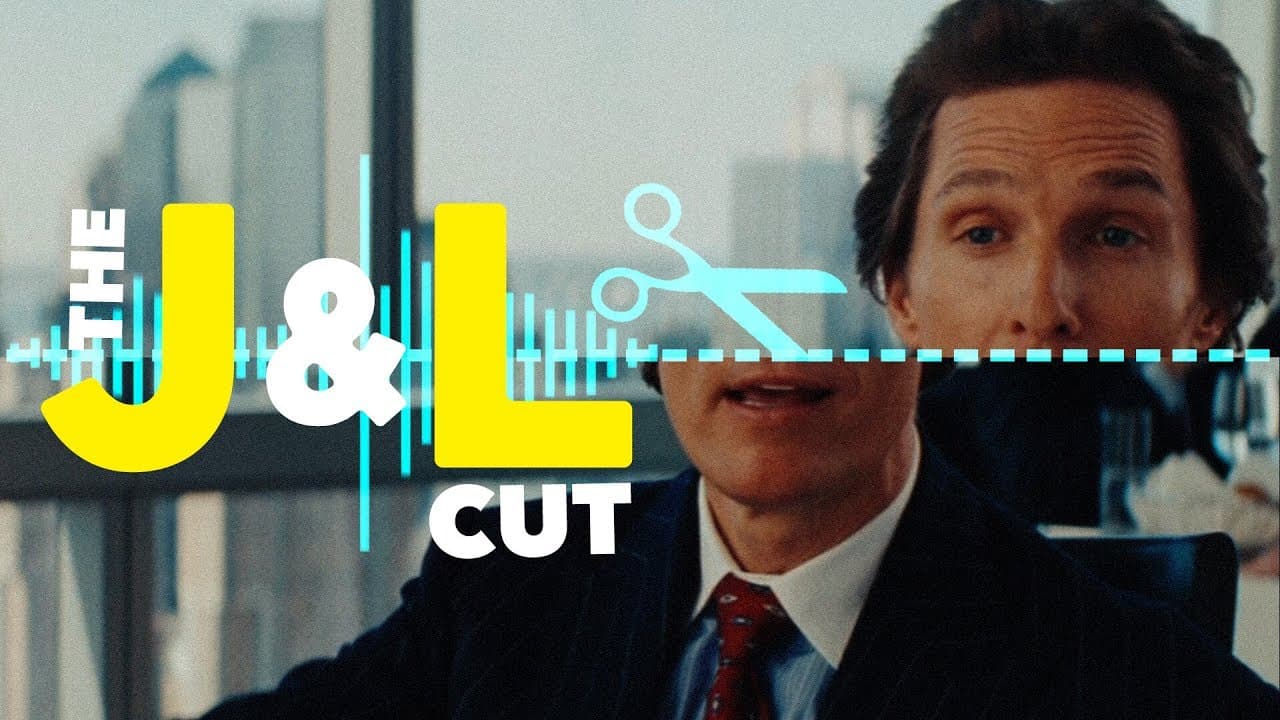
J cuts and L cuts are film editing techniques that enhance storytelling by manipulating audio and visual transitions. A J cut occurs when audio from the next scene precedes the visual, while an L cut continues the audio from a previous scene into the next. Both techniques help create a natural flow in dialogue and can be used for impactful scene transitions and dramatic effect.
Transcript
"It's alive! It's alive! That is hot! In! In! Shut that mother**ker! Shut it! Shut it! Shut it! Sold!" (humming) Did you hear that? Let's listen again. "Shut it! Shut it! Shut it! Sold!" (humming) Did you notice how the sound from the next scene arrived before the image? That’s called a J-Cut. A J-Cut occurs when the audio of a shot or scene preced... Read More
Key Insights
- 💇 J and L cuts are essential editing techniques used in almost every film to enhance storytelling and create a natural flow.
- ⛔ These techniques are not limited to conversations but can be used for various effects such as transitions, dream sequences, and flashbacks.
- 🍽️ J cuts create urgency and L cuts add suspense and a sense of prolonging the scene.
- 💇 J and L cuts can be used to create powerful openings and closings, captivating the audience and leaving a lasting impact.
Install to Summarize YouTube Videos and Get Transcripts
Explore YouTube Video Summarizer or Get YouTube Transcript Extractor
Summary & Key Takeaways
-
J cuts occur when the audio of a shot or scene precedes the visual, while L cuts happen when the audio from one shot carries over to the next shot.
-
J and L cuts are commonly used in conversations to break up dialogue and create a more natural flow.
-
These techniques are also utilized for scene transitions, dream sequences, flashbacks, and impactful openings and closings in films.
Read in Other Languages (beta)
Share This Summary 📚
Summarize YouTube Videos and Get Video Transcripts with 1-Click
Try YouTube Summary with ChatGPT & Claude or YouTube Transcript Generator
Summarize YouTube Videos and Get Video Transcripts with 1-Click
Try YouTube Summary with ChatGPT & Claude or YouTube Transcript Generator