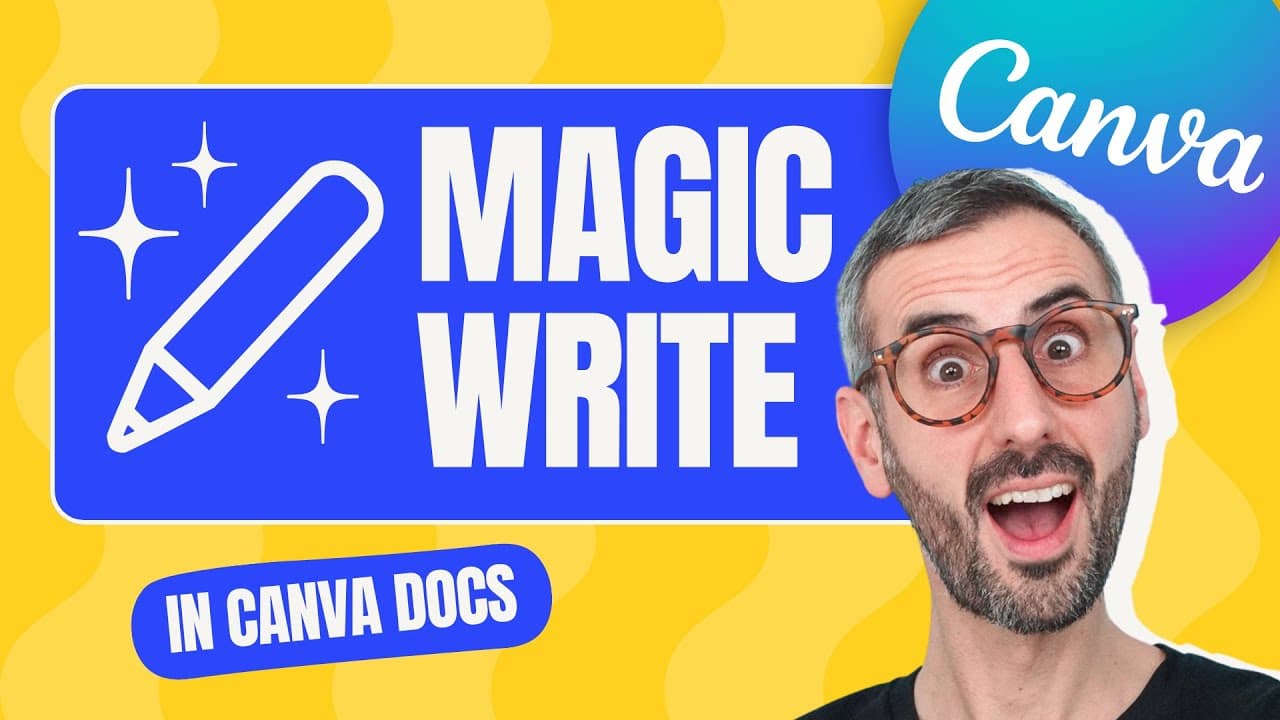
Introducing Magic Write ✨ Canva's AI Copy Generator
TL;DR
Canva has launched a new AI copy generator called Magic Write, allowing users to generate copy with one click.
Transcript
Canva just launched Canva docs and with that launch, they introduced a very powerful and interesting feature that nobody saw coming it's an AI copy generator which will magically write copy for you with the click of a button it's called Magic Write and we need to talk about it. Hey, what's up everyone Ronnie here you're go-to Canva Guru today we ne... Read More
Key Insights
-
🚀 Canva has introduced an AI copy generator called Magic Write, allowing users to generate copy with one click.
-
👤 Magic Write is available for free users with limitations and offers more usage for Canva Pro users.
-
💦 The feature works best in English but also supports other languages.
-
🧑🎓 Magic Write is not accessible for teachers and students in Canva for Education plans.
-
🛄 Canva aims to enhance creativity and productivity by automating the copywriting process through AI.
-
👤 The company also introduced Canva Docs templates, making it easier for users to create visually appealing written documents.
-
👤 Magic Write generates copy based on user prompts, providing ideas and suggestions for various purposes.
-
🪄 Magic Write, an online AI text generator, is available at https://www.canva.com/magic-write/
Install to Summarize YouTube Videos and Get Transcripts
Explore YouTube Video Summarizer or Get YouTube Transcript Extractor
Summary & Key Takeaways
-
Canva has introduced Magic Write, an AI copy generator, as part of the rollout of Canva Docs.
-
Users can access Magic Write by clicking the plus button in Canva Docs and selecting the feature.
-
Magic Write generates copy based on user prompts, providing a range of ideas and suggestions for various purposes.
Read in Other Languages (beta)
Share This Summary 📚
Summarize YouTube Videos and Get Video Transcripts with 1-Click
Try YouTube Summary with ChatGPT & Claude or YouTube Transcript Generator
Explore More Summaries from Design with Canva 📚
![How to make an INSTAGRAM PUZZLE feed with Canva [2024] - FREE, fun and easy! thumbnail](/_next/image?url=https%3A%2F%2Fi.ytimg.com%2Fvi%2F8DJyuoUYQj4%2Fhqdefault.jpg&w=750&q=75)

Summarize YouTube Videos and Get Video Transcripts with 1-Click
Try YouTube Summary with ChatGPT & Claude or YouTube Transcript Generator