Products
Features
YouTube Video Summarizer
Summarize YouTube videos
Web & PDF Highlighter
Highlight web pages & PDFs
Chat with PDF
Ask any PDF questions with AI
Ask AI Clone
Chat with your highlights & memories
Audio Transcriber
Transcribe audio files to text
Glasp Reader
Read and highlight articles
Kindle Highlight Export
Export your Kindle highlights
Idea Hatch
Hatch ideas from your highlights
Integrations
Obsidian Plugin
Notion Integration
Pocket Integration
Instapaper Integration
Medium Integration
Readwise Integration
Snipd Integration
Hypothesis Integration
Apps & Extensions
Chrome Extension
Safari Extension
Edge Add-ons
Firefox Add-ons
iOS App
Android App
Discover
Discover
Ideas
Discover new ideas and insights
Articles
Curated articles and insights
Books
Book recommendations by great minds
Posts
Essays and notes from readers
Quotes
Inspiring quotes collection
Videos
Curated videos and summaries
Explore Glasp
Glasp Newsletter
Weekly insights and updates
Glasp Talk
Interview series with great minds
Glasp Blog
Latest news and articles
Glasp Use Cases
Learn how others use Glasp
Build & Support
Glasp API
Access Glasp's API for developers
MCP Connector
Connect Glasp to Claude & ChatGPT
Community
Glasp Reddit Community
Students
Student discount and benefits
FAQs
Frequently Asked Questions
AboutPricing
DashboardLog inSign up

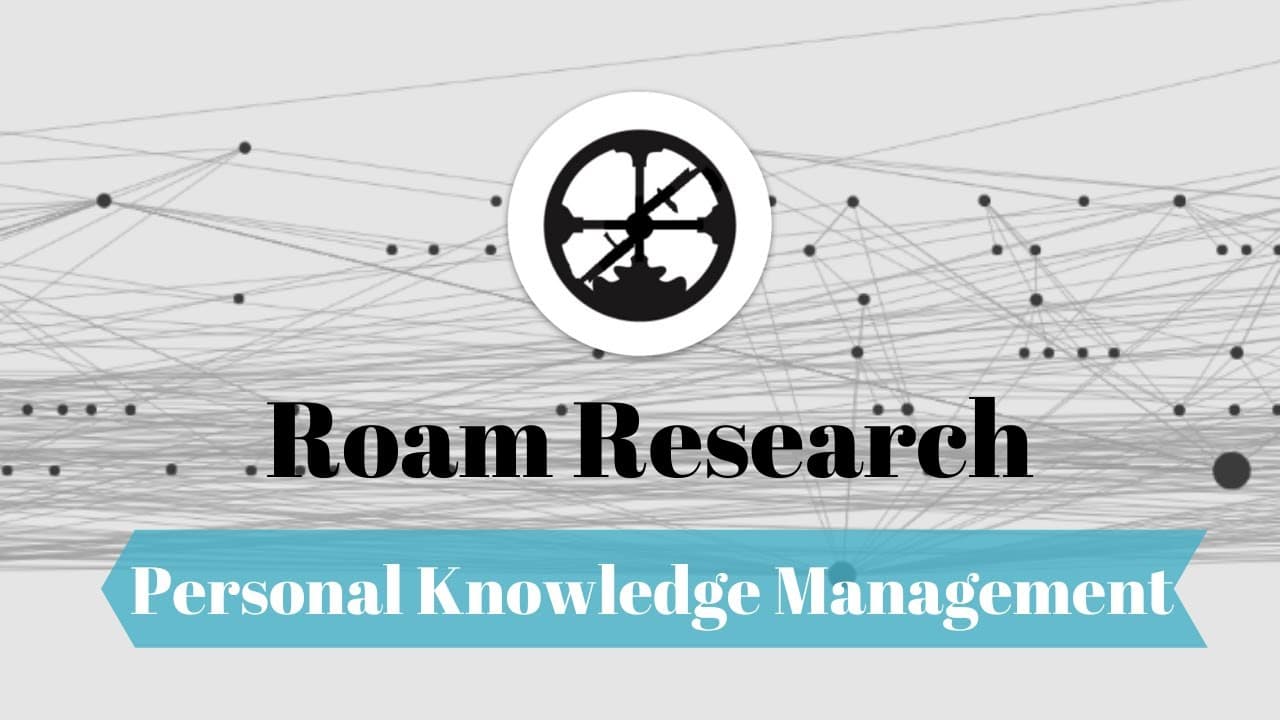
How to Use the Zettelkasten Method in Roam
191.1K views
•
February 14, 2020
by
Shu Omi
YouTube video player
How to Use the Zettelkasten Method in Roam

TL;DR

Master the Zettelkasten method in Roam by taking brief literature notes in your own words, creating reference notes, and transforming them into permanent notes. This process enhances your understanding and retention, allowing you to identify connections and build on your existing knowledge effectively.

Transcript

Hello my name is Shu. In this video I want to show you how to take smart notes in Roam. This personal knowledge management system is based on the Zettelkasten method which was developed by a German sociologist Niklas Luhmann. I explained this method in detail in my previous video, so if you haven't watched it you should check it out. The process of... Read More

Key Insights

  • 🎵 The Zettelkasten method in Roam is a straightforward process of taking literature notes, creating reference notes, and transforming them into permanent notes.
  • 🎵 Rewriting literature notes in your own words helps with understanding and retention.
  • 🏛️ Finding relevant notes and building connections through keywords is crucial for effective learning.
  • 🎵 Writing permanent notes in proper sentences is important, as they can be directly used in articles or essays.
  • 🎵 Roam's tagging and filtering features make it easy to organize and find permanent notes.
  • 🛀 Learning takes time and effort, and importing highlights without active note-taking is not effective.
  • 🤔 Writing facilitates thinking and understanding, making it an essential part of the learning process.

Install to Summarize YouTube Videos and Get Transcripts

Explore YouTube Video Summarizer or Get YouTube Transcript Extractor

Summary & Key Takeaways

  • The Zettelkasten method involves taking literature notes, rewriting them in your own words, and creating reference notes.

  • Literature notes should be brief and written in your own words, while reference notes provide basic information about the content.

  • Permanent notes are created by connecting relevant literature notes, finding keywords, and writing in proper sentences.


Read in Other Languages (beta)

English

Share This Summary 📚

Summarize YouTube Videos and Get Video Transcripts with 1-Click

Download browser extensions on:

Try YouTube Summary with ChatGPT & Claude or YouTube Transcript Generator

Explore More Summaries from Shu Omi 📚
Which Chrome Extensions Can Boost Your Productivity? thumbnail
Which Chrome Extensions Can Boost Your Productivity?
Shu Omi
What Are the Best AI Chrome Extensions of 2023? thumbnail
What Are the Best AI Chrome Extensions of 2023?
Shu Omi
Which Are the Best AI Assistants in 2023? thumbnail
Which Are the Best AI Assistants in 2023?
Shu Omi
The Complete Chrome Extension Guide for Better Productivity (2024) thumbnail
The Complete Chrome Extension Guide for Better Productivity (2024)
Shu Omi
How Can Logseq Transform Your Note-Taking? thumbnail
How Can Logseq Transform Your Note-Taking?
Shu Omi
What Are the Best Productivity Apps for 2025? thumbnail
What Are the Best Productivity Apps for 2025?
Shu Omi

Summarize YouTube Videos and Get Video Transcripts with 1-Click

Download browser extensions on:

Try YouTube Summary with ChatGPT & Claude or YouTube Transcript Generator

Apps & Extensions

  • Chrome Extension
  • Safari Extension
  • Edge Add-ons
  • Firefox Add-ons
  • iOS App
  • Android App

Key Features

  • YouTube Video Summarizer
  • Web & PDF Summarizer
  • Web & PDF Highlighter
  • Chat with PDF
  • Ask AI Clone
  • Audio Transcriber
  • Glasp Reader
  • Kindle Highlight Export
  • Idea Hatch

Integrations

  • Obsidian Plugin
  • Notion Integration
  • Pocket Integration
  • Instapaper Integration
  • Medium Integration
  • Readwise Integration
  • Snipd Integration
  • Hypothesis Integration

More Features

  • APIs
  • MCP Connector
  • Blog & Post
  • Embed Links
  • Image Highlight
  • Personality Test
  • Quote Shots

Company

  • About us
  • Blog
  • Community
  • FAQs
  • Job Board
  • Newsletter
  • Pricing
Terms

•

Privacy

•

Guidelines

© 2026 Glasp Inc. All rights reserved.