How to Make an Animated LOWER THIRD - Easy & Quick Canva Tutorial
TL;DR
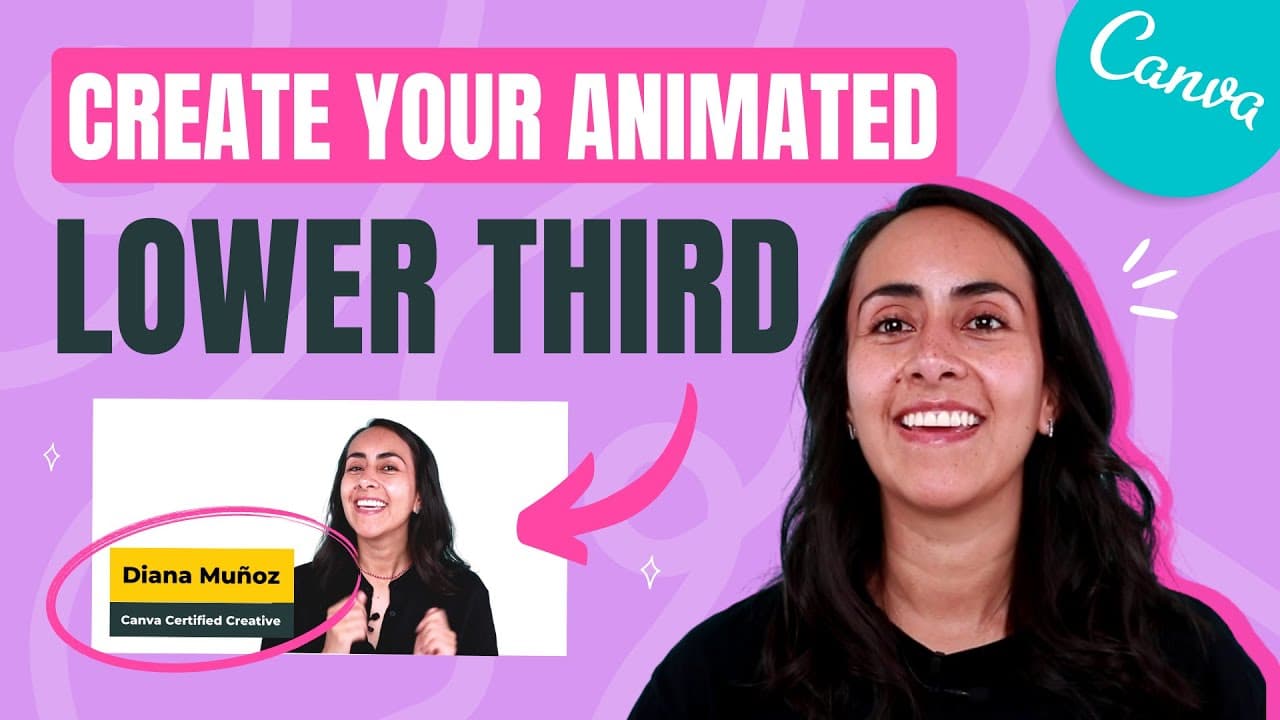
Learn how to create a lower third animation using Canva, download it, and remove the green background using Adobe Premiere Pro.
Transcript
in today's tutorial i'm going to teach you how to create this animation that we see right here this lower third and we're going to do everything in canva so if you guys are interested in this tutorial let's go to my computer here we are in the canva homepage and for this project in particular let's go to video and then select the first option that ... Read More
Key Insights
- 😘 Canva provides a user-friendly platform for creating animations, including lower thirds.
- ❓ Text and elements can be customized with different fonts, colors, and animations.
- 🤩 Removing the green background from the animation can be done using Adobe Premiere Pro's Ultra Key effect.
Install to Summarize YouTube Videos and Get Transcripts
Explore YouTube Video Summarizer or Get YouTube Transcript Extractor
Summary & Key Takeaways
-
The tutorial teaches how to create a lower third design animation using Canva's video editor.
-
Steps include adding rectangles, text boxes, changing fonts and colors, and applying animations.
-
The video also briefly shows how to remove the green background using Adobe Premiere Pro.
Read in Other Languages (beta)
Share This Summary 📚
Summarize YouTube Videos and Get Video Transcripts with 1-Click
Try YouTube Summary with ChatGPT & Claude or YouTube Transcript Generator
Explore More Summaries from Design with Canva 📚






Summarize YouTube Videos and Get Video Transcripts with 1-Click
Try YouTube Summary with ChatGPT & Claude or YouTube Transcript Generator