How to create a pixelated effect on Canva
TL;DR
Learn to create pixelated effects using new Canva apps in a simple tutorial.
Transcript
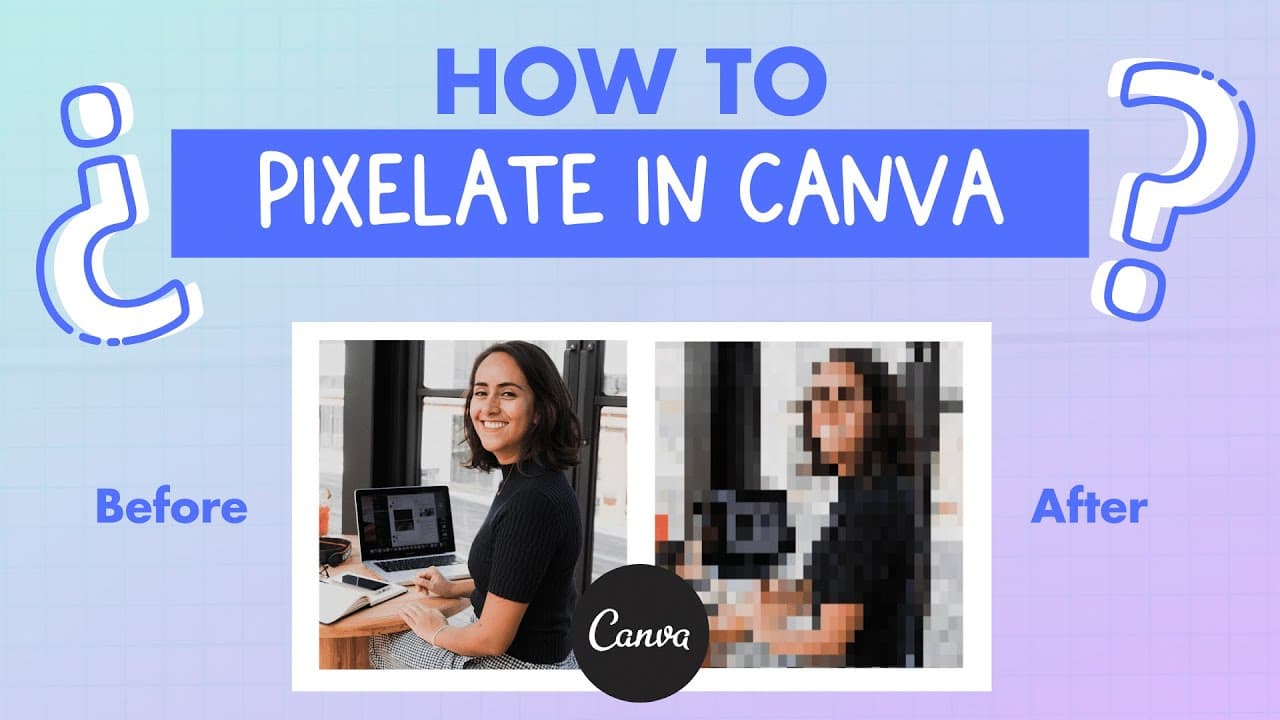
hey guys this is Deanna and today we are going to learn this if you see in this image we have the screen of this form kind of blurry or pixelated and this is our original photo so how did I do this in canva how is this even possible okay so we are going to do the same effect with this photo and it's really really simple because canva just launched ... Read More
Key Insights
- 😀 Canva's new apps like duotone, color mix, and pixelate offer creative image editing options.
- 🛟 Duplicating images in Canva before applying effects preserves the original for experimentation.
- 😥 Anchor points should be utilized for precise cropping in Canva to maintain image proportions.
- 🎚️ Adjusting sliders in Canva enhances the level of detail in pixelated effects.
- 👤 Canva provides a user-friendly platform for creating unique visual effects seamlessly.
- ❓ The tutorial emphasizes the simplicity and effectiveness of achieving pixelated effects in Canva.
- 👻 Experimenting with different effects in Canva allows for personalized and creative image editing results.
Install to Summarize YouTube Videos and Get Transcripts
Explore YouTube Video Summarizer or Get YouTube Transcript Extractor
Summary & Key Takeaways
-
Demonstrates the process of duplicating an image, applying pixelated effects, and cropping for a desired outcome in Canva.
-
Utilizes new Canva apps like duotone, color mix, and pixelate to achieve creative effects.
-
Provides step-by-step instructions on how to enhance images with pixelated effects using Canva's tools.
Read in Other Languages (beta)
Share This Summary 📚
Summarize YouTube Videos and Get Video Transcripts with 1-Click
Try YouTube Summary with ChatGPT & Claude or YouTube Transcript Generator
Explore More Summaries from Design with Canva 📚






Summarize YouTube Videos and Get Video Transcripts with 1-Click
Try YouTube Summary with ChatGPT & Claude or YouTube Transcript Generator