Awesome Micro Animations With Figma Tutorial
TL;DR
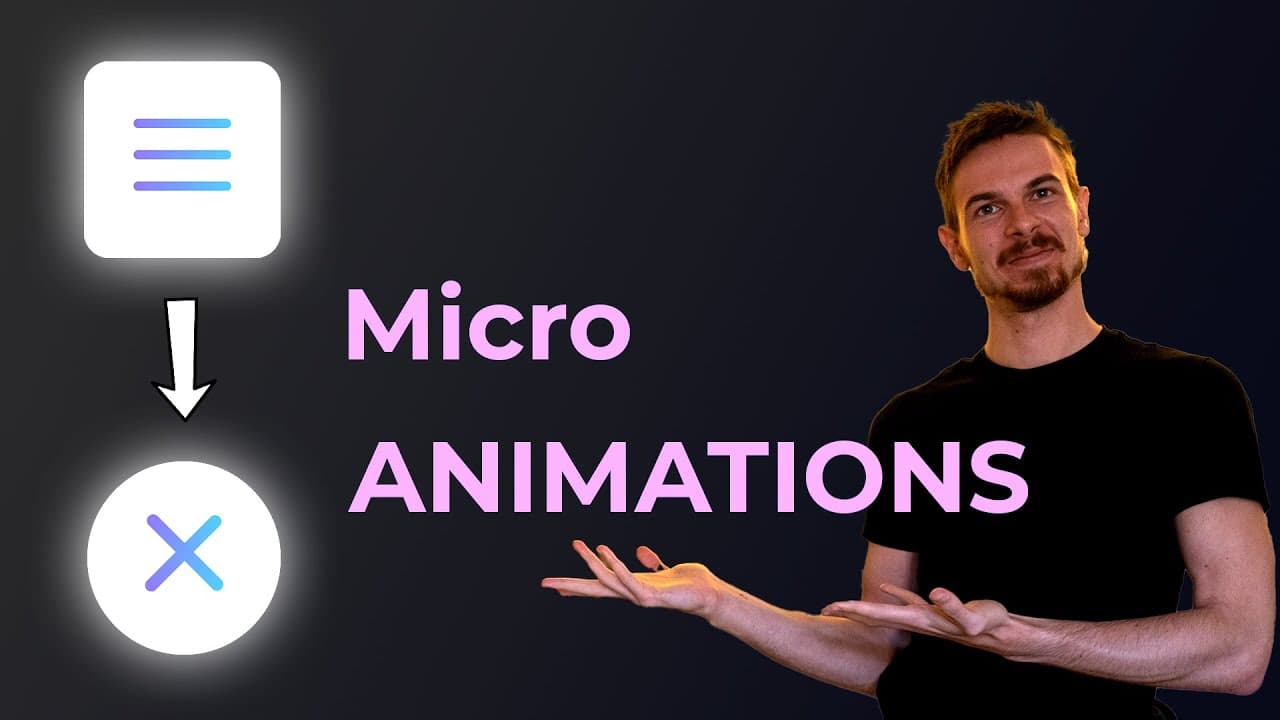
Learn how to use Figma to create impressive micro animations in just 15 minutes.
Transcript
hello there my gorgeous friends on the internet in today's episode i want to show you a few awesome things that you can do with figma and you can create these awesome micro animations i would say so let me just show you quickly what you can do because there's quite a lot so i put together two examples that i want to teach you and yeah that's pretty... Read More
Key Insights
- 🎯 Figma can be used to create micro animations in a relatively short amount of time.
- 💻 The narrator demonstrates how to create a button toggle animation using Figma, including setting up the artboard, creating the background, and adding a circle in the middle.
- 🎨 The narrator shows how to customize the toggle's appearance, including resizing, smoothing out borders, and changing colors.
- 🔄 The narrator demonstrates how to animate the toggle using Figma's smart animate feature, creating smooth transitions between the off and on states.
- 🔀 The narrator also shows how to customize the easing of the animation, creating a curved effect for a more dynamic appearance.
- ⚙️ The narrator explains the concept of masking in Figma and demonstrates how to use it to hide or reveal elements within the toggle animation.
- 💡 The narrator provides tips for customizing the appearance of the toggle, including adding gradients and changing the font.
- 🌟 The narrator concludes by showcasing another example of a micro animation created in Figma, demonstrating the versatility of the software for creating a variety of animations.
Install to Summarize YouTube Videos and Get Transcripts
Explore YouTube Video Summarizer or Get YouTube Transcript Extractor
Summary & Key Takeaways
-
The video demonstrates how to create two different micro animations using Figma.
-
The first animation is a button toggle with a smooth transition between on and off states.
-
The second animation involves creating a hamburger menu icon that transforms into an "X" shape.
Read in Other Languages (beta)
Share This Summary 📚
Summarize YouTube Videos and Get Video Transcripts with 1-Click
Try YouTube Summary with ChatGPT & Claude or YouTube Transcript Generator
Explore More Summaries from developedbyed 📚

Summarize YouTube Videos and Get Video Transcripts with 1-Click
Try YouTube Summary with ChatGPT & Claude or YouTube Transcript Generator