Easily automate your invoices from Google Sheets in minutes (Step by step)
TL;DR
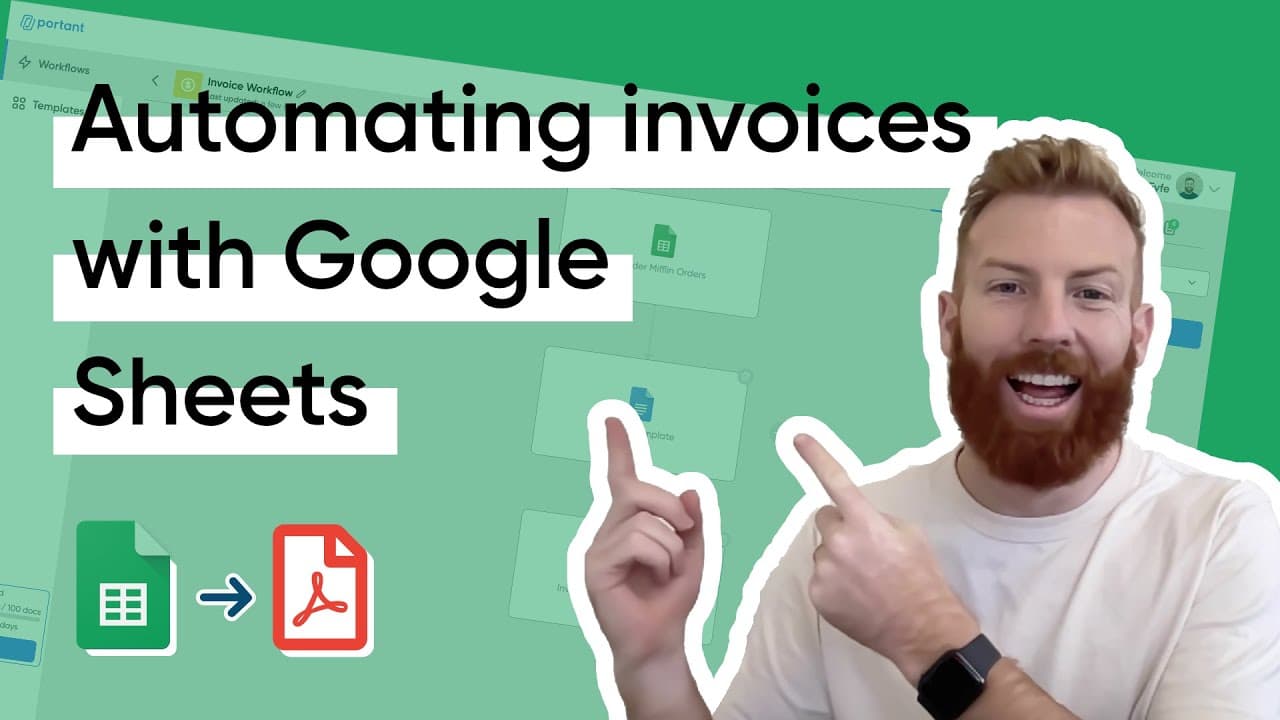
Automating invoicing with Portant can save small medium-sized businesses up to 567 hours per year on admin tasks.
Transcript
Automating invoicing is a great way of saving you time and preventing errors. Did you know that small medium-sized businesses waste up to 567 hours per year on admin tasks? That's almost three and a half months of one person's job! So if you're not automating your invoicing you're missing out on potential efficiency gains... and that's why in th... Read More
Key Insights
- ◾ Automating invoicing using Portant can save small medium-sized businesses significant amounts of time on administrative tasks.
- 😀 Portant is an app that facilitates document automation, including the extraction of data from Google Sheets and populating Google Doc invoice templates.
- 👻 Customization options, such as selecting or creating invoice templates and formatting tags, allow businesses to personalize their invoices.
- 🤨 The 'Data Grouping' feature in Portant enables the combination of multiple rows into a single invoice, simplifying the invoicing process.
- 💌 Portant offers the option to automatically email the generated invoices as PDF attachments, streamlining the distribution process.
- 💌 Users can customize the sender's email address to match their organization's email aliases or group addresses.
- 📜 Updating existing documents and preventing duplicates is possible by using Portant's checkbox feature.
Install to Summarize YouTube Videos and Get Transcripts
Explore YouTube Video Summarizer or Get YouTube Transcript Extractor
Questions & Answers
Q: How does automating invoicing with Portant save time?
Automating the invoicing process eliminates the need to manually input data, reducing the time spent on administrative tasks. Portant extracts information from a Google Sheet and populates invoice templates, saving businesses valuable time.
Q: Can I customize the invoice template using Portant?
Yes, Portant allows users to select or create their own invoice templates and customize the layout, formatting, and design. This ensures that the generated invoices align with the company's branding and preferences.
Q: How does Portant handle line items in the invoice?
Portant has a feature called 'Data Grouping' that combines multiple rows from a Google Sheet into a single invoice. By selecting a unique identifier (e.g., invoice number), Portant can group the data and display it as line items on the invoice.
Q: Can Portant automate the emailing of invoices?
Yes, Portant offers an email block that can be added to the workflow. Users can customize the email content and attach the generated invoice as a PDF. The sender's email address can also be customized, allowing businesses to send invoices from a designated alias or group email address.
Key Insights:
- Automating invoicing using Portant can save small medium-sized businesses significant amounts of time on administrative tasks.
- Portant is an app that facilitates document automation, including the extraction of data from Google Sheets and populating Google Doc invoice templates.
- Customization options, such as selecting or creating invoice templates and formatting tags, allow businesses to personalize their invoices.
- The 'Data Grouping' feature in Portant enables the combination of multiple rows into a single invoice, simplifying the invoicing process.
- Portant offers the option to automatically email the generated invoices as PDF attachments, streamlining the distribution process.
- Users can customize the sender's email address to match their organization's email aliases or group addresses.
- Updating existing documents and preventing duplicates is possible by using Portant's checkbox feature.
- Portant's automation capabilities improve efficiency, accuracy, and consistency in the invoicing process.
Summary & Key Takeaways
-
Automating invoicing saves time and reduces errors for small and medium-sized businesses.
-
Portant is an app that allows the automation of document workflows, including invoicing.
-
Using Portant, businesses can extract data from a Google Sheet and populate a Google Doc invoice template to generate PDF invoices.
Read in Other Languages (beta)
Share This Summary 📚
Summarize YouTube Videos and Get Video Transcripts with 1-Click
Try YouTube Summary with ChatGPT & Claude or YouTube Transcript Generator