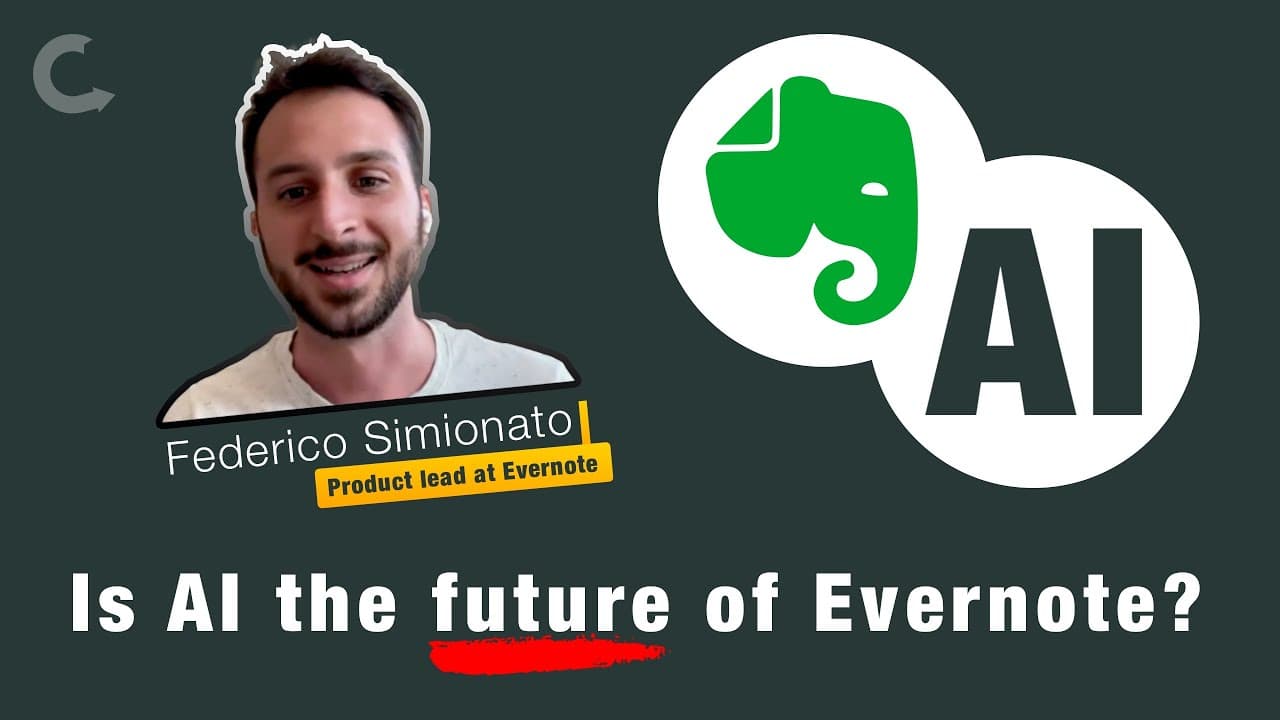
Is AI the Future of Evernote's Memory and Search Tools?
TL;DR
Evernote is transforming into an AI-driven platform that serves as an extension of your brain, enhancing memory backup and information retrieval. Key features include natural language AI search, which provides direct answers to user questions, and AI No Cleanup, which automatically tidies up notes by correcting errors in grammar and formatting. Privacy remains a priority, with user consent required for AI interactions.
Transcript
hello Federico welcome back thank you good morning I know you are pretty busy making everyone no better you and your team you reminded me of that the last time so thank you so much for being with us again thank you again I have so many questions about AI but there's this video uh I don't know if you've seen this I can send you in a future uh I I li... Read More
Key Insights
- ✊ Evernote aims to make the platform an extension of the brain by leveraging the power of AI.
- 💁 The focus is on improving memory backup and making information retrieval more efficient for users.
- 👨🔬 AI search allows users to ask questions in natural language, providing relevant answers without the need for traditional keyword searches.
- 💁 The AI No Cleanup feature helps users organize and tidy up their messy notes by automatically correcting grammar, capitalization, and formatting errors.
- 👤 Evernote prioritizes user privacy and follows privacy by design and by default principles in implementing AI features.
- ✍️ Future AI developments in Evernote may include features like presenting contextually related notes and proactive writing assistance.
- 💯 The emphasis is on creating a perfect Evernote experience for users by enhancing stability, reliability, and compatibility.
Install to Summarize YouTube Videos and Get Transcripts
Explore YouTube Video Summarizer or Get YouTube Transcript Extractor
Questions & Answers
Q: Why did Evernote focus on AI features rather than creating other fancy tools?
Evernote aims to leverage the power of AI to transform the platform into an extension of the brain, combining human intelligence and traditional software capabilities for improved memory backup and efficient information retrieval.
Q: How does the AI search feature in Evernote work?
AI search allows users to ask questions in natural language, similar to how they would communicate with a human. Evernote provides relevant answers and eliminates the need for traditional keyword searches, making it easier to retrieve information.
Q: How does the AI No Cleanup feature help users?
The AI No Cleanup feature automatically corrects grammar, capitalization, and formatting errors in messy notes. It saves users time and effort in tidying up their notes, enabling them to focus on the content rather than the formatting.
Q: How does Evernote ensure privacy while utilizing AI?
Evernote follows the principles of privacy by design and by default. Users explicitly opt-in to use AI features, and only necessary information is sent to AI models. Evernote's partnerships ensure that user data is not saved or used to train AI models.
Key Insights:
- Evernote aims to make the platform an extension of the brain by leveraging the power of AI.
- The focus is on improving memory backup and making information retrieval more efficient for users.
- AI search allows users to ask questions in natural language, providing relevant answers without the need for traditional keyword searches.
- The AI No Cleanup feature helps users organize and tidy up their messy notes by automatically correcting grammar, capitalization, and formatting errors.
- Evernote prioritizes user privacy and follows privacy by design and by default principles in implementing AI features.
- Future AI developments in Evernote may include features like presenting contextually related notes and proactive writing assistance.
- The emphasis is on creating a perfect Evernote experience for users by enhancing stability, reliability, and compatibility.
- AI is not the sole focus of Evernote, but rather an important component in improving and expanding the platform's capabilities.
Summary & Key Takeaways
-
Evernote is working on incorporating AI features to make the platform an extension of the brain, focusing on improving memory backup and information retrieval.
-
The AI search feature allows users to ask natural language questions, enabling Evernote to provide relevant answers and eliminate the need for navigating through a user interface.
-
The AI No Cleanup feature helps users organize and tidy up their messy notes by automatically correcting grammar, capitalization, and formatting errors.
Read in Other Languages (beta)
Share This Summary 📚
Summarize YouTube Videos and Get Video Transcripts with 1-Click
Try YouTube Summary with ChatGPT & Claude or YouTube Transcript Generator