Awesome iPhone Trick On iOS 13/ iOS 12/ iOS 11!
TL;DR
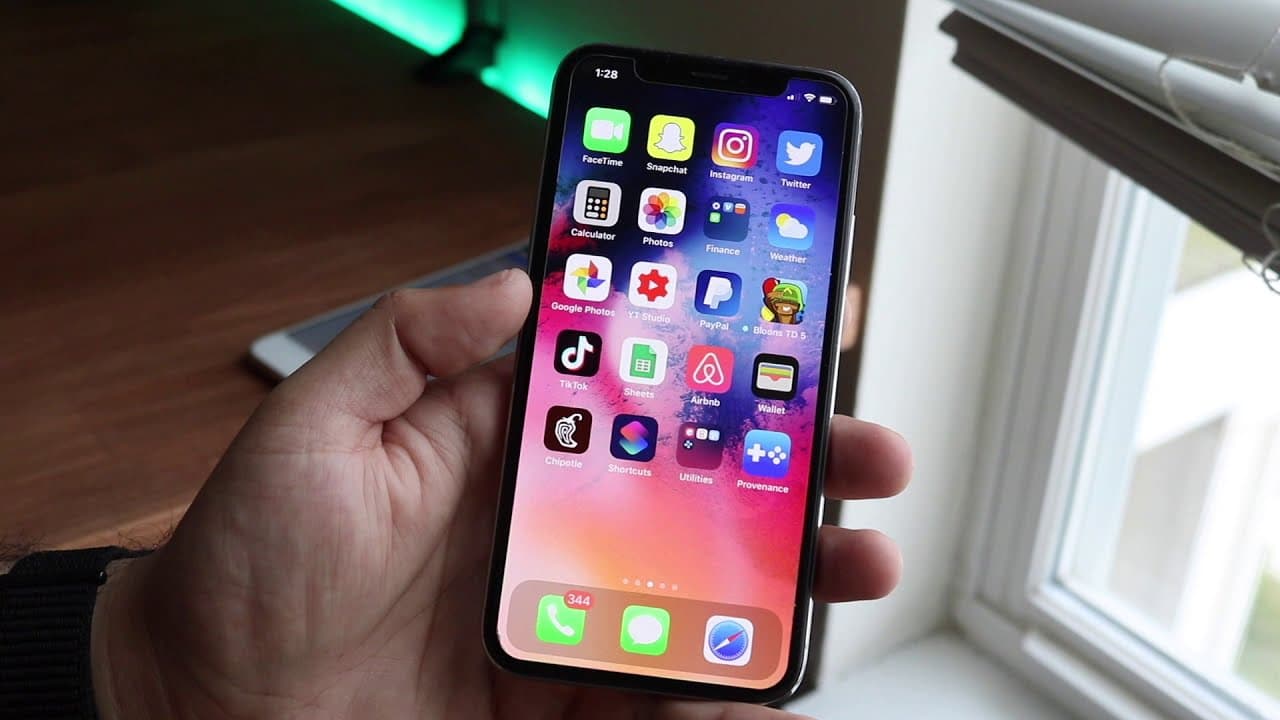
Learn how to install a PlayStation 1 emulator on iOS 13 devices easily.
Transcript
what's going on everyone welcome back to the channel another tutorial I know I dropped like 50 of these but with every new iOS version there's always like new features new ways to install things and iOS 13 is no exception so I'm gonna show you how to install PlayStation 1 emulator on any iOS 13 device the same tutorial can pretty much work with iOS... Read More
Key Insights
- 👻 iOS 13 simplifies the installation of emulators significantly compared to previous versions, allowing users to install without a computer.
- 👍 TweakBox is a crucial app for this process, facilitating access to non-Apple approved applications such as Provenance.
- 😤 Users are reminded to only download ROMs for games they own legally, highlighting the importance of content ownership.
- 📁 The introduction of a download manager in iOS 13 provides enhanced file management capabilities, allowing easy access to downloaded games and files.
- 💁 Properly handling BIOS files is important: they need to be in specific formats and case to function with the emulator.
- 😫 The step-by-step nature of the tutorial ensures that even novices can follow along and set up their emulator successfully.
- 👾 Newer iOS versions offer better file access and organization, crucial for managing saved game states effectively.
Install to Summarize YouTube Videos and Get Transcripts
Explore YouTube Video Summarizer or Get YouTube Transcript Extractor
Questions & Answers
Q: Can I use this tutorial for iOS versions earlier than 13?
Yes, while this tutorial specifically focuses on iOS 13, it mentions that similar methods can be applied to iOS 12 and 11. However, users on earlier versions may still need a computer for installation, which is a significant shift in convenience that iOS 13 offers.
Q: What is TwekBox and why is it necessary?
TweakBox is a third-party app installer that allows users to download apps not available in the official App Store, including emulators like Provenance. It simplifies the installation process, especially for apps that require configuration or bypassing Apple's restrictions, making it essential for this tutorial.
Q: Are there any legal concerns with downloading ROMs?
Yes, this video emphasizes that users must only download ROMs for games they legally own, such as copies they purchased. Engaging in illegal downloads could lead to copyright issues, which is why the tutorial refrains from providing specific methods for acquiring such ROMs.
Q: What should I do if the emulator shows an "untrusted developer" error?
If you encounter an "untrusted developer" message when trying to open Provenance, you’ll need to navigate to Settings, then General, and find Profiles and Device Management. There, you can trust the Provenance app to gain access without restrictions.
Q: How do I manage downloaded files in iOS 13's download manager?
iOS 13's download manager allows users to manage downloaded files better, making it easier to find and access them. By utilizing the Files app, users can view downloaded ROMs or BIOS files directly and accurately import them into the Provenance emulator.
Q: What are BIOS files, and why are they needed?
BIOS files are essential for emulators to function correctly as they contain the firmware that the original hardware would typically use. Specific files need to be downloaded and placed in the correct directories for the emulator to properly recognize and run the games.
Q: What steps should I take to troubleshoot issues with the emulator?
If you face problems with the emulator, make sure all BIOS files are correctly named and in the right format, as case sensitivity affects recognition. Also, ensure all necessary files have been copied to the correct folder in the device’s storage. Restarting Provenance can also help resolve minor glitches.
Summary & Key Takeaways
-
This tutorial guides iOS 13 users on how to install a PlayStation 1 emulator without the need for a computer, highlighting easier installation methods than previous iOS versions.
-
Key prerequisites for installation include having the TweakBox app, which is necessary to download the emulator called Provisional. The tutorial provides step-by-step instructions on this process.
-
Users will also need to download ROMs and BIOS files legally to play games, with emphasis on ensuring proper file format and placement to avoid issues during setup.
Read in Other Languages (beta)
Share This Summary 📚
Summarize YouTube Videos and Get Video Transcripts with 1-Click
Try YouTube Summary with ChatGPT & Claude or YouTube Transcript Generator
Explore More Summaries from Simple Alpaca 📚






Summarize YouTube Videos and Get Video Transcripts with 1-Click
Try YouTube Summary with ChatGPT & Claude or YouTube Transcript Generator