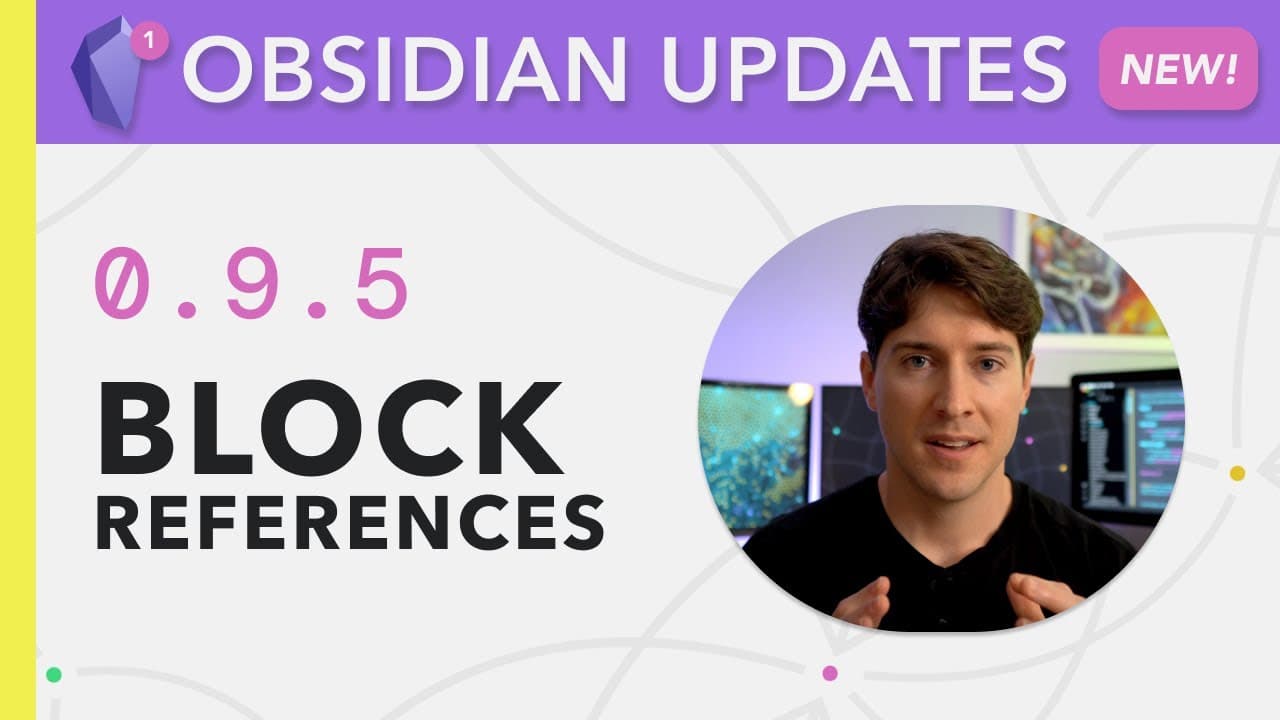
Obsidian Block References — Now in the Obsidian App!
TL;DR
Block references in Obsidian are a powerful feature that allows users to link and reference specific blocks of text within their notes.
Transcript
for many people block reference is a killer feature a superpower it's what allows bruce banner to become the incredible hulk but is that always a good thing sometimes it is sometimes it's not but before i get into my hot take on block references let's explore this exciting new feature in obsidian just as a reminder i'm nick milo and this ... Read More
Key Insights
- 🚫 Block references in Obsidian allow users to link and reference specific blocks of text, providing a more granular level of organization within notes.
- ℹ️ They can be used to reference external sources, making it easier to integrate research papers, quotes, and other information into notes.
- 👻 Block references offer flexibility in how they are created, allowing users to embed references or create regular links to main blocks.
- 👨🔬 The latest version of Obsidian (0.9.5) introduces new features such as global searches, header searches, and improved themes.
- 👤 The use of block references can vary depending on individual preferences, with some users finding them game-changers, while others may prefer a more controlled note-taking approach.
- 💭 Finding a balance between utilizing the power of block references and maintaining control over thoughts and ideas is important.
Install to Summarize YouTube Videos and Get Transcripts
Explore YouTube Video Summarizer or Get YouTube Transcript Extractor
Questions & Answers
Q: What are block references in Obsidian?
Block references in Obsidian are a feature that allows users to link and reference specific blocks of text within their notes. They can be embedded or created as regular links.
Q: How can block references be used to reference external sources?
Users can use block references to reference external sources, such as research papers or quotes from social media. This allows for easy integration of external information within their notes.
Q: How do block references work in the latest version of Obsidian?
In the latest version of Obsidian (0.9.5), block references can be searched globally, allowing users to search for specific blocks across their entire library. Additionally, there are new features like header searches and an improved community theme.
Q: How can block references be used to enhance note-taking?
Block references can enhance note-taking by providing a way to link and reference specific information within notes. This can help users organize and connect their thoughts more effectively.
Key Insights:
- Block references in Obsidian allow users to link and reference specific blocks of text, providing a more granular level of organization within notes.
- They can be used to reference external sources, making it easier to integrate research papers, quotes, and other information into notes.
- Block references offer flexibility in how they are created, allowing users to embed references or create regular links to main blocks.
- The latest version of Obsidian (0.9.5) introduces new features such as global searches, header searches, and improved themes.
- The use of block references can vary depending on individual preferences, with some users finding them game-changers, while others may prefer a more controlled note-taking approach.
- Finding a balance between utilizing the power of block references and maintaining control over thoughts and ideas is important.
- Community feedback and input on how they plan to use block references in Obsidian is valuable and encourages discussion and exploration of this feature.
Summary & Key Takeaways
-
Block references in Obsidian allow users to link and reference specific blocks of text within their notes.
-
Users can embed block references or create regular links to main blocks, providing flexibility in how they reference information.
-
Block references can be used to reference external sources, such as research papers or quotes from social media, within notes.
Read in Other Languages (beta)
Share This Summary 📚
Summarize YouTube Videos and Get Video Transcripts with 1-Click
Try YouTube Summary with ChatGPT & Claude or YouTube Transcript Generator
Explore More Summaries from Linking Your Thinking with Nick Milo 📚


Summarize YouTube Videos and Get Video Transcripts with 1-Click
Try YouTube Summary with ChatGPT & Claude or YouTube Transcript Generator