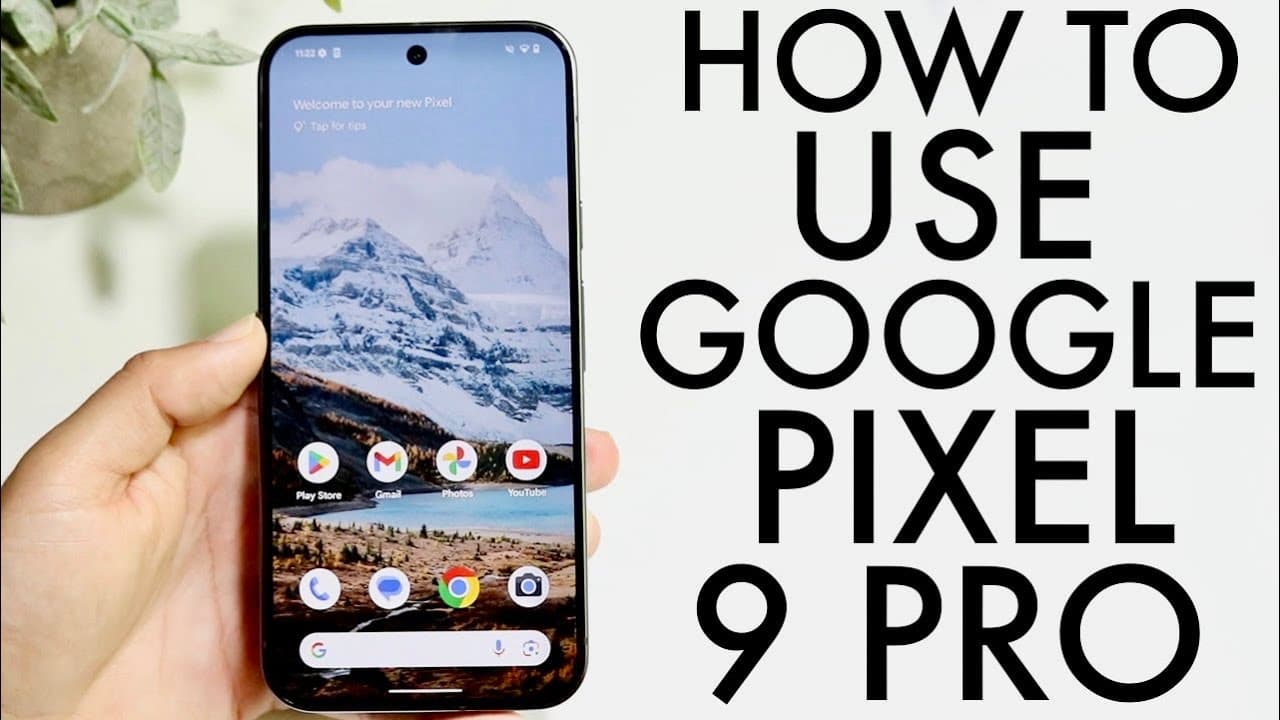
How To Use Google Pixel 9 Pro XL! (Complete Beginners Guide)
TL;DR
The Google Pixel 9 Pro offers an impressive design and user-friendly features.
Transcript
so everyone the Google pixel 9 Pro XEL has just came out and this is a beautiful phone it's going to last for a very long amount of time so I wanted to go and give you a quick breakdown and an introduction guide basically on exactly how to use this beautiful phone so there's a lot of cool stuff going on with it so let's get started the very first t... Read More
Key Insights
- 💄 The Google Pixel 9 Pro features a bright 120Hz display, making it one of the most visually engaging smartphones available.
- 😂 Its durable design, combined with an IP certification, ensures the phone can withstand everyday wear and tear.
- 🛜 Wireless charging and reverse wireless charging options provide convenient power management strategies for users.
- 👻 Customizable lock and home screens enable personalization, allowing users to create a device that reflects their preferences.
- 👤 The device supports gesture-based navigation, making it intuitive to use and enhancing the overall user experience.
- 👨🔬 Accessing device settings is simplified through a dedicated search option, streamlining the process of locating specific functionalities.
- 🗯️ Regular software updates are crucial for maintaining optimal performance; users should check for updates right after purchasing the device.
Install to Summarize YouTube Videos and Get Transcripts
Explore YouTube Video Summarizer or Get YouTube Transcript Extractor
Questions & Answers
Q: What are the standout design features of the Google Pixel 9 Pro?
The Google Pixel 9 Pro boasts a large 120Hz display that offers vibrant colors and smooth motion. The design includes flat edges and reflective sides, providing an elegant look. The frosted glass back adds a premium feel while also supporting wireless and reverse wireless charging. Its thin bezels enhance the immersive experience while using the device.
Q: How can users customize the lock screen on the Google Pixel 9 Pro?
Users can customize their lock screen by long-pressing on the screen to access the customization option. This allows them to modify the appearance of notifications, adjust the layout, and add or remove toggles. These customizable features enable a personalized experience, as users can tailor the lock screen to suit their needs and preferences.
Q: What is the process for downloading apps on the Google Pixel 9 Pro?
To download apps on the Pixel 9 Pro, users access the Play Store, where they can browse or search for applications. Once located, they can tap on the app and then click the download button. The app will automatically install and become accessible from the home screen, streamlining the process for easy app management.
Q: How does the notification management work on the Pixel 9 Pro?
Notifications on the Google Pixel 9 Pro can be accessed by swiping down from the top of the screen. This reveals a notification drawer where users can view incoming messages and alerts from various apps. Notifications can be expanded for more information and can be managed directly, allowing for quick responses and actions from the notification panel.
Summary & Key Takeaways
-
The Google Pixel 9 Pro features a stunning 120Hz display, minimal bezels, and a durable design, making it visually appealing and functional.
-
Users can customize their lock and home screens extensively, with options for adding widgets, changing layouts, and modifying quick toggles for enhanced usability.
-
The device includes practical features like a SIM card tray, multiple charging options, and important settings that ensure a smooth experience for users.
Read in Other Languages (beta)
Share This Summary 📚
Summarize YouTube Videos and Get Video Transcripts with 1-Click
Try YouTube Summary with ChatGPT & Claude or YouTube Transcript Generator
Explore More Summaries from Simple Alpaca 📚





Summarize YouTube Videos and Get Video Transcripts with 1-Click
Try YouTube Summary with ChatGPT & Claude or YouTube Transcript Generator