Top MacOS Big Sur Features!
TL;DR
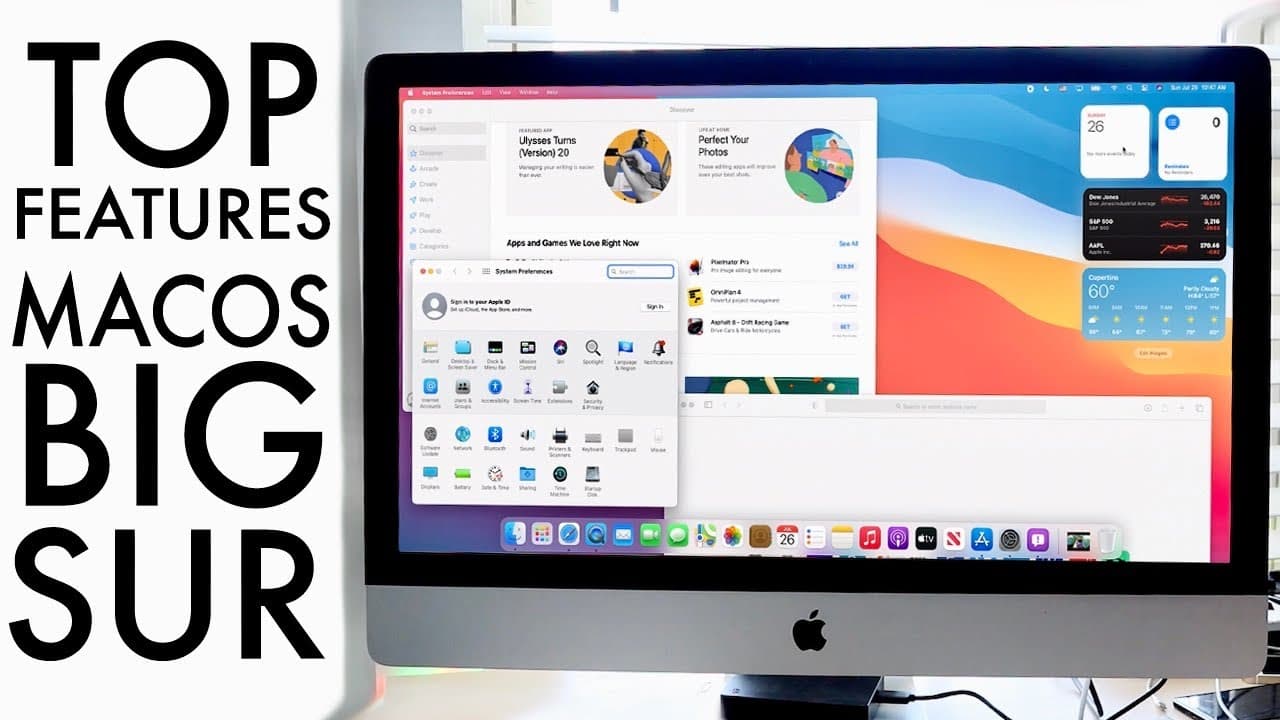
MacOS 11 introduces significant features but is not recommended for primary devices due to bugs.
Transcript
welcome back everyone so mac os 11 officially came out where beta came out and there's a public beta out as well and i have yet to talk about it i have a couple of macbooks that i want to install and see how it runs on there too so it's been a minute since i've talked about mac os at all or even macbooks now with this update when apple actually wen... Read More
Key Insights
- 👶 MacOS 11 represents a significant visual redesign with new icons and a cleaner interface, distinguishing it from previous versions.
- 🎮 The ability to edit videos in the Photos app is a major addition, making basic video editing accessible to a broader audience without advanced software knowledge.
- 👶 Safari updates enhance usability, offering features like wallpaper customization and a new translation tool while addressing previous concerns about browser performance.
- 👤 Users can expect a similar user experience between Mac and iOS devices, particularly with improvements in the Messages app.
- 🔋 Battery monitoring has been enhanced, allowing users to see detailed battery usage and app impact, which can aid in optimizing device performance.
- 🎮 The introduction of updated control center features reflects a streamlined approach to managing settings, aligning it more closely with iOS design.
- 💦 Users are encouraged to avoid using beta versions on primary devices, highlighting the risk of working with potentially unstable software.
Install to Summarize YouTube Videos and Get Transcripts
Explore YouTube Video Summarizer or Get YouTube Transcript Extractor
Questions & Answers
Q: What is the main reason for caution when installing MacOS 11?
The primary reason for caution lies in the software's buggy nature. Users are advised against installing it on main devices because encountering bugs may disrupt daily productivity or lead to data loss. It’s advisable to wait for the official, stable version before upgrading on primary machines.
Q: What notable new feature was added to the Photos app in MacOS 11?
MacOS 11 introduced video editing capabilities within the Photos app, allowing users to edit videos by adjusting lighting, color, and cropping. This feature caters to casual users who need basic editing tools without venturing into more complex software like iMovie or Final Cut.
Q: How has Safari been improved in MacOS 11?
Safari received several improvements in MacOS 11, including customizable wallpapers, enhanced privacy settings, and a new translation feature. These updates aim to provide a cleaner interface for users while addressing previous grievances regarding browser usability and functionality.
Q: What updates were made to the Messages app in MacOS 11?
The Messages app in MacOS 11 now aligns closely with the iOS 14 version, featuring pinned comments, mentions, inline replies, and message effects. This consistency across devices enhances user experience and simplifies communication for users transitioning between Mac and iOS.
Summary & Key Takeaways
-
MacOS 11, also known as Big Sur, features a redesigned interface and added video editing capabilities within the Photos app, making it more versatile for users.
-
The new version includes updates to Safari, such as improved privacy features, a cleaner interface, and a built-in translation tool, addressing previous criticisms.
-
Users are advised against installing MacOS 11 on primary devices due to potential bugs and stability issues; it's best for side machines until official release.
Read in Other Languages (beta)
Share This Summary 📚
Summarize YouTube Videos and Get Video Transcripts with 1-Click
Try YouTube Summary with ChatGPT & Claude or YouTube Transcript Generator
Explore More Summaries from Simple Alpaca 📚






Summarize YouTube Videos and Get Video Transcripts with 1-Click
Try YouTube Summary with ChatGPT & Claude or YouTube Transcript Generator