How to set up an ANONYMOUS iPhone & Apple Computer (2021)
TL;DR
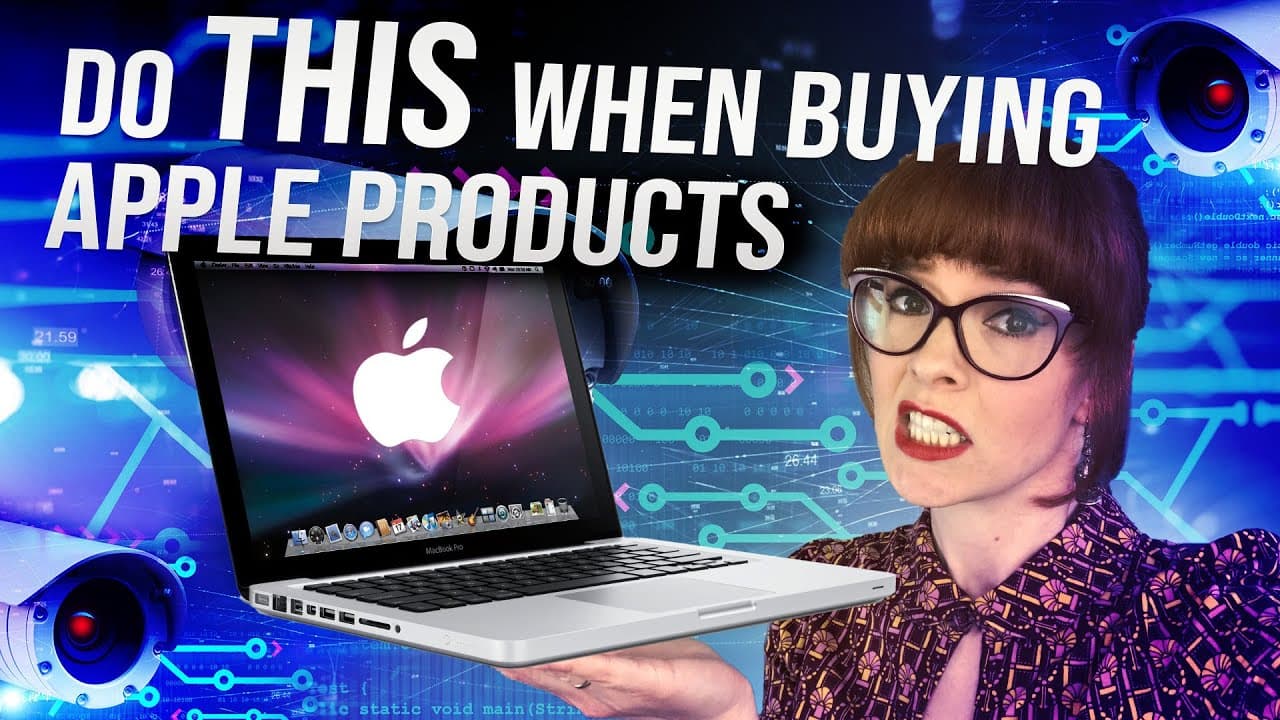
This content explores the steps to set up anonymous Apple devices, highlighting the importance of purchasing devices with cash, configuring settings to enhance privacy, and being mindful of personal information disclosure.
Transcript
We carry devices everywhere. They connect us with loved ones, coworkers, and ultimately the entire planet. This new digital landscape is also filled with people trying to monitor these activities and figure out exactly what we’re doing on our devices. Do you use a phone? You have a tracking device? Do you make a call? It was probably ... Read More
Key Insights
- 🥺 Various entities monitor and record digital activities, leading to concerns regarding privacy and the need for anonymity.
- 🏪 Privacy is a spectrum, and individuals must make tradeoffs between privacy and convenience based on their threat model and personal preferences.
- 😫 Setting up anonymous Apple devices requires purchasing with cash, avoiding personal information disclosure, configuring privacy settings, and being mindful of how devices transmit signals and connect to networks.
- 💁 Small steps towards reducing digital footprints and understanding personal information leakage can significantly enhance privacy-consciousness.
Install to Summarize YouTube Videos and Get Transcripts
Explore YouTube Video Summarizer or Get YouTube Transcript Extractor
Questions & Answers
Q: Why is it important to buy Apple devices with cash instead of ordering online?
Buying devices with cash minimizes the risk of personal information being tied to the devices, as online purchase requires providing sensitive information such as delivery address, credit card details, and email for receipt.
Q: How can one set up an anonymous Apple computer to ensure privacy?
To enhance privacy, it is recommended to skip data transfer options, disable location services, skip setting up an Apple ID, enable FileVault disk encryption, disable iCloud backups, disable Siri, and consider using a VPN.
Q: Can an Apple ID be bypassed during the setup of an iPhone?
It is necessary to set up an Apple ID to use the App Store and download apps for the iPhone. However, it is possible to create an Apple ID later during device setup and select "do it later" to avoid adding payment information initially.
Q: How can one minimize the risk of devices being linked together and compromising anonymity?
It is advised to only have one device turned on at a time, forget all networks after using them, and turn off devices when not in use. Faraday bags can also be used to block signals and prevent devices from being linked.
Key Insights:
- Various entities monitor and record digital activities, leading to concerns regarding privacy and the need for anonymity.
- Privacy is a spectrum, and individuals must make tradeoffs between privacy and convenience based on their threat model and personal preferences.
- Setting up anonymous Apple devices requires purchasing with cash, avoiding personal information disclosure, configuring privacy settings, and being mindful of how devices transmit signals and connect to networks.
- Small steps towards reducing digital footprints and understanding personal information leakage can significantly enhance privacy-consciousness.
- While most individuals do not require bulletproof privacy, being mindful of personal information and taking steps to protect it can go a long way in maintaining digital privacy.
Summary & Key Takeaways
-
Our digital activities are constantly monitored and recorded by various entities, such as companies and governments, through tracking devices, intercepted calls, and data collection programs.
-
Privacy is a spectrum, and the tradeoff for privacy often involves sacrificing convenience. Different individuals have varying levels of willingness to prioritize privacy over convenience.
-
Setting up anonymous Apple devices requires purchasing them with cash, avoiding personal information disclosure, setting up the devices in-store, and configuring settings that enhance privacy.
Read in Other Languages (beta)
Share This Summary 📚
Summarize YouTube Videos and Get Video Transcripts with 1-Click
Try YouTube Summary with ChatGPT & Claude or YouTube Transcript Generator
Explore More Summaries from NBTV (Naomi Brockwell TV) 📚
Summarize YouTube Videos and Get Video Transcripts with 1-Click
Try YouTube Summary with ChatGPT & Claude or YouTube Transcript Generator