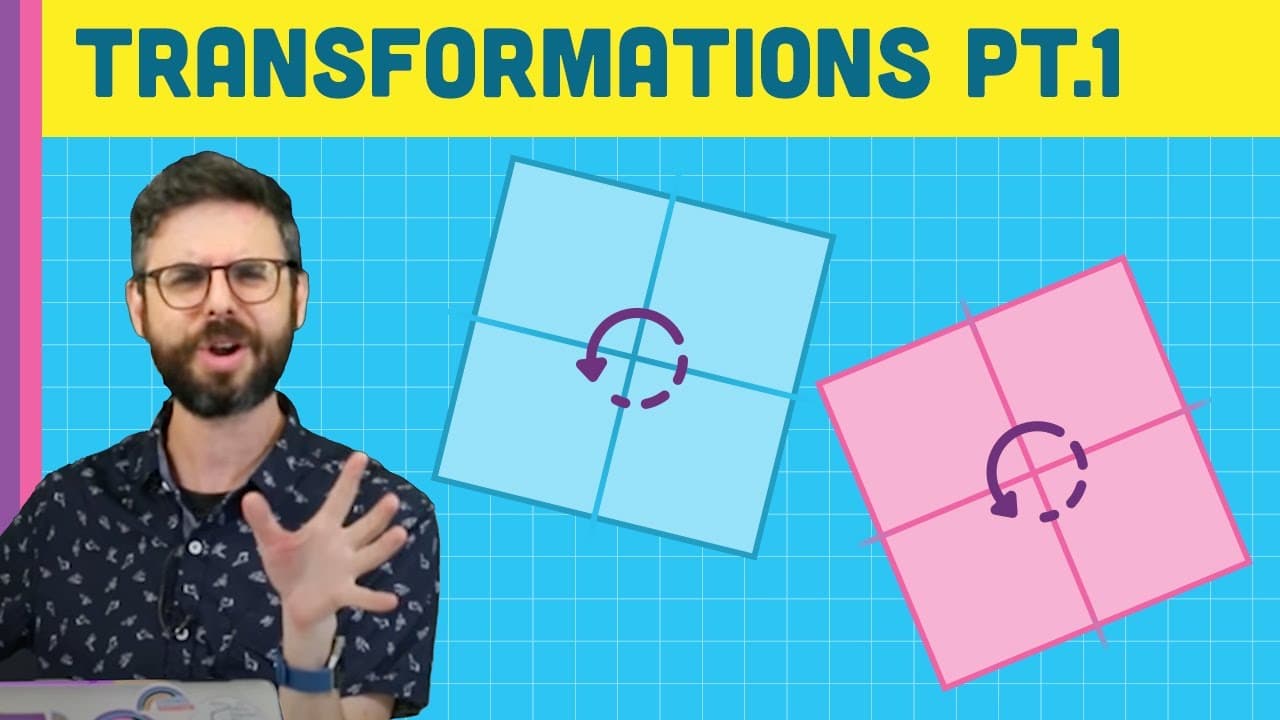
How to Rotate Shapes in p5.js (translate, rotate, push, pop)
TL;DR
Learn about translate, rotate, scale, push, and pop functions in P5.js for graphical transformations.
Transcript
Hello, everybody. In this video tutorial, I'm starting here by this whiteboard. My friend, the whiteboard. I think I might have disturbed people in the room next to me. OK, it's fine. It's fine. Hopefully, no one's going to come and complain. I want to talk about transformations. So this is actually a video tutorial that I've been missing for a lon... Read More
Key Insights
- 🫷 Transformations in P5.js involve translate, rotate, scale, push, and pop functions to control view orientation and object positioning.
- 🪈 Understanding the order of operations is crucial in managing transformations and ensuring the desired visual effects.
- 🫷 Push and pop functions help in saving and restoring transformation states, enabling independent control over multiple transformations.
- 👻 Scale function in P5.js allows for easy resizing of shapes and objects for dynamic visual representations.
Install to Summarize YouTube Videos and Get Transcripts
Explore YouTube Video Summarizer or Get YouTube Transcript Extractor
Questions & Answers
Q: Why are transformations important in P5.js?
Transformations allow control over view orientation, scale, and rotation, essential for creating dynamic visual effects in P5.js graphics.
Q: How does the order of operations impact transformations in P5.js?
The sequence of translate, rotate, and other transformations affects how objects are positioned and manipulated on the canvas in P5.js.
Q: What is the significance of push and pop functions in P5.js transformations?
Push and pop functions in P5.js help to save and restore transformation states, enabling the isolation and management of independent transformations in complex projects.
Q: How does the scale function work in P5.js for transformations?
The scale function in P5.js adjusts the size of shapes and objects, allowing for easy scaling effects in graphical applications.
Summary & Key Takeaways
-
Transformations in P5.js control view orientation, scale, and rotation on the canvas for drawing.
-
Key functions explored: translate, rotate, scale, push, and pop for controlling transformations.
-
Understanding the order of operations and push/pop functions to manage independent transformations effectively.
Read in Other Languages (beta)
Share This Summary 📚
Summarize YouTube Videos and Get Video Transcripts with 1-Click
Try YouTube Summary with ChatGPT & Claude or YouTube Transcript Generator
Explore More Summaries from The Coding Train 📚






Summarize YouTube Videos and Get Video Transcripts with 1-Click
Try YouTube Summary with ChatGPT & Claude or YouTube Transcript Generator