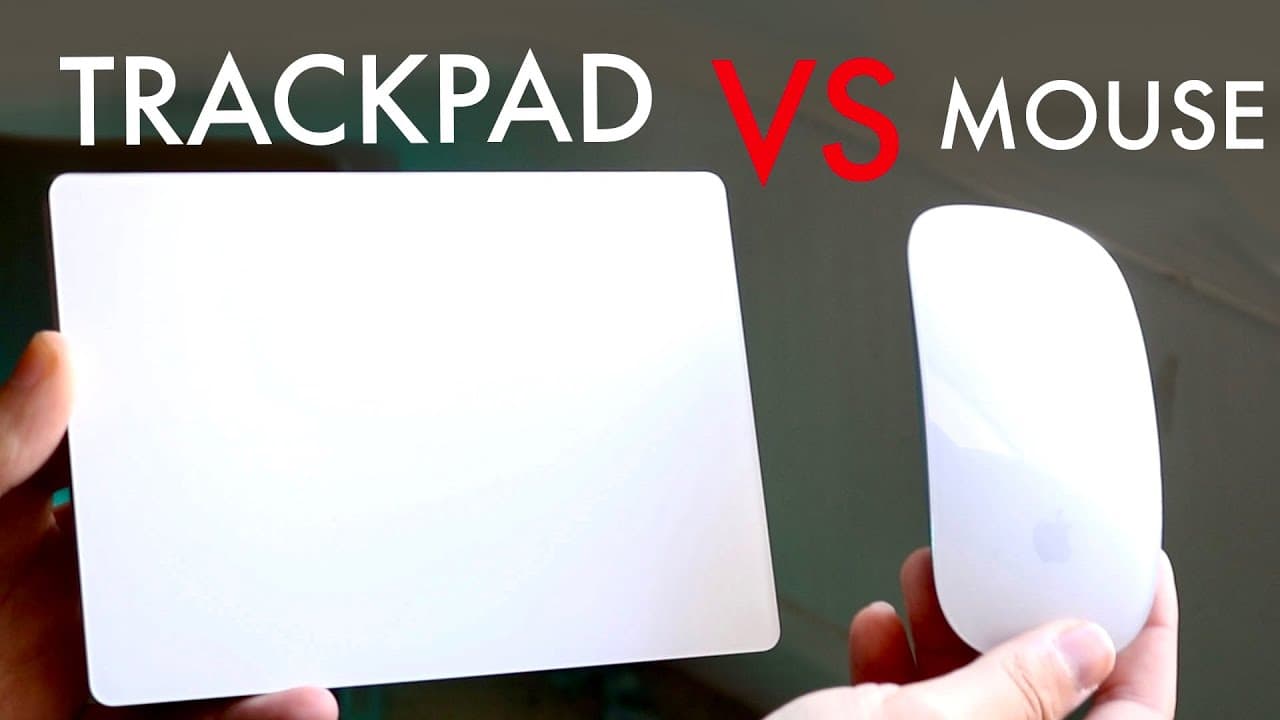
Magic Trackpad Vs Magic Mouse! (Comparison) (Review)
TL;DR
The Magic Trackpad is generally favored over the Magic Mouse for Mac users.
Transcript
well everyone it's time for us to go ahead and kind of compare the magic tripod against the Magic Mouse and see which one you should buy for your specific device whether it's a Macbook a Mac Mini Mac Studio or an iMac whatever Mac you're trying to buy I've personally used both for many many years I've probably been using the magic tripod for I thin... Read More
Key Insights
- 🤟 The Magic Trackpad is deemed superior by the speaker for most productivity tasks due to its gesture controls and intuitive design.
- 🖐️ Pricing plays a crucial role in purchasing decisions; some users might choose the less expensive Magic Mouse even if it offers fewer features.
- 👤 Charging limitations of the Magic Mouse (inability to use while charging) are significant complaints among users.
- 😒 The speaker acknowledges that personal preferences and specific use cases (like gaming) can impact the choice between the two devices.
- 🤟 The smooth interaction with Mac through the Magic Trackpad enhances the overall user experience, particularly for those accustomed to MacBook gestures.
- 😘 The Magic Mouse may appeal to users looking for portability and a lower-cost option without needing advanced features.
- 🎮 Gesture control on the Magic Trackpad aligns better with the workflows of professionals engaged in creative tasks, such as video editing.
Install to Summarize YouTube Videos and Get Transcripts
Explore YouTube Video Summarizer or Get YouTube Transcript Extractor
Questions & Answers
Q: What are the main differences in price between the Magic Mouse and Magic Trackpad?
The Magic Mouse is priced at $79, while the Magic Trackpad costs $129. The $50 price difference may lead consumers to choose the Magic Mouse, particularly those on a budget or who prioritize basic functionality over extensive capabilities.
Q: Why does the speaker prefer the Magic Trackpad for video editing?
The speaker favors the Magic Trackpad for video editing due to its smooth gesture controls and the ability to efficiently navigate timelines and drag items without the constant clicking associated with the Magic Mouse, enhancing workflow and productivity.
Q: Are there any specific tasks where the Magic Mouse excels?
The Magic Mouse is noted for its versatility in certain gaming scenarios. It provides a multi-touch surface that can facilitate quicker actions, potentially offering a better experience for first-person shooters and other games, even if neither is designed specifically for gaming.
Q: What drawbacks does the Magic Mouse have compared to the Magic Trackpad?
A major drawback of the Magic Mouse is its inability to be used while charging, which can be inconvenient. Additionally, it requires more clicking and dragging, which some users may find cumbersome compared to the fluid gestures enabled by the Magic Trackpad.
Summary & Key Takeaways
-
The speaker compares the Magic Trackpad and Magic Mouse, emphasizing that while both are effective, the Magic Trackpad is preferred for workflow efficiency, particularly in video editing and navigation.
-
Price is a significant factor, with the Magic Mouse priced at $79 and the Magic Trackpad at $129, which can influence consumer choices.
-
While the Magic Mouse is more portable and may be better for gaming, the Magic Trackpad offers superior functionality for most tasks, especially if using gestures on a MacBook.
Read in Other Languages (beta)
Share This Summary 📚
Summarize YouTube Videos and Get Video Transcripts with 1-Click
Try YouTube Summary with ChatGPT & Claude or YouTube Transcript Generator
Explore More Summaries from Simple Alpaca 📚






Summarize YouTube Videos and Get Video Transcripts with 1-Click
Try YouTube Summary with ChatGPT & Claude or YouTube Transcript Generator