Google Camera App (GCam) Vs Samsung Camera App! (Comparison) (Review)
TL;DR
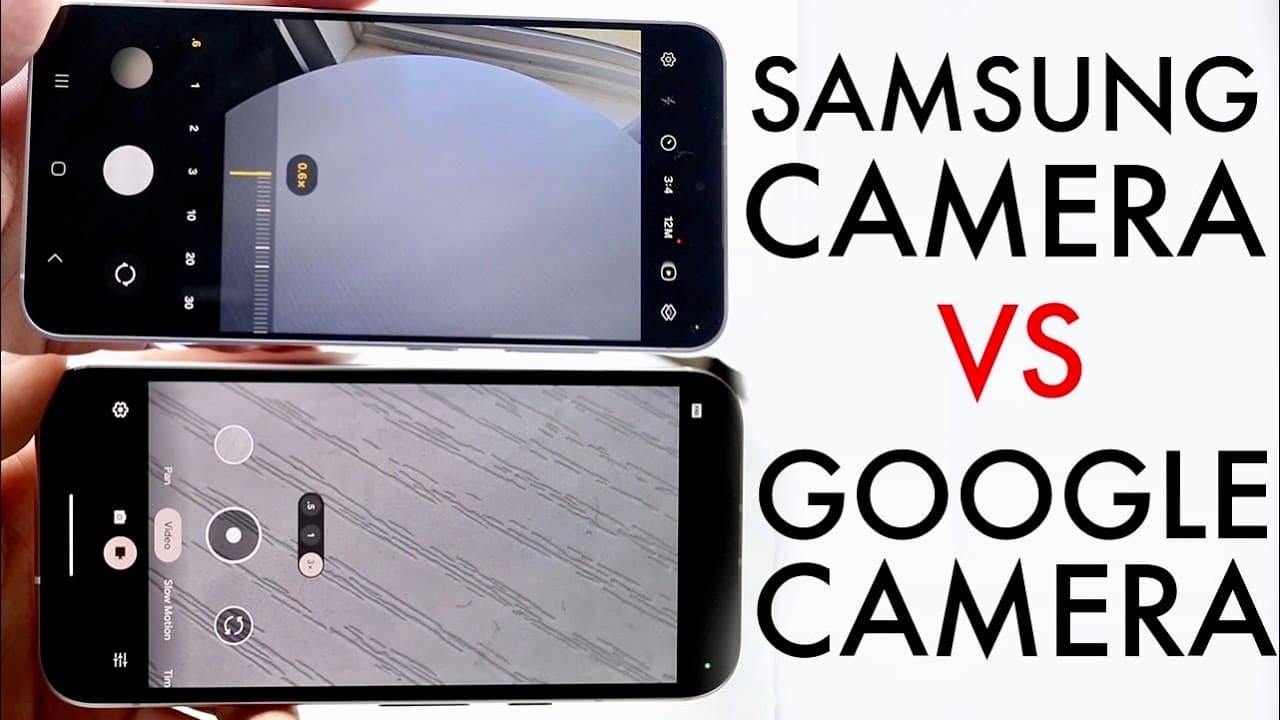
Google and Samsung camera apps excel in different areas, making choosing one subjective.
Transcript
so as we all know the Android platform has a lot of different applications you can use for basically the same type of task and the camera applications have always been one of those things that a lot of people would look at and be you know thinking about which camera application is the better one for you whether it's the Google camera app or the Sam... Read More
Key Insights
- 🎥 Both the Google Pixel and Samsung Galaxy camera apps serve similar core functionalities, such as photo and video capturing, yet differ significantly in features and design.
- 😀 The Samsung Galaxy camera app offers a wealth of features, including advanced shooting modes, while the Google camera app is more streamlined with an emphasis on user-friendliness.
- 👏 The Google camera app claims superiority in low-light photography due to its robust use of AI technologies that enhance image quality.
- 👍 Samsung’s app allows for 8K video recording, attracting users who value high-definition video capabilities.
- 👤 User experiences vary, with some individuals preferring more features and options, while others appreciate a more minimalist approach to camera operations.
- 👤 The combat between these two applications reflects broader trends within smartphone photography, emphasizing user preferences in balancing complexity and capability.
- 😄 The success of a camera app can largely depend on user needs, such as whether one prioritizes video quality, photo ease, or advanced photography features.
Install to Summarize YouTube Videos and Get Transcripts
Explore YouTube Video Summarizer or Get YouTube Transcript Extractor
Questions & Answers
Q: What are the primary differences between the Google Pixel and Samsung Galaxy camera apps?
The primary differences lie in their features and design philosophies. The Samsung Galaxy camera app comes packed with numerous functionalities, such as 8K video recording capabilities and additional settings for various photography modes. In contrast, the Google Pixel camera app emphasizes a more minimalistic approach, focusing on enhancing photo quality through AI and machine learning rather than offering a plethora of features.
Q: How does AI impact the performance of the Google camera app?
The Google camera app leverages artificial intelligence to enhance photo quality, especially in low-light situations. This includes computational photography techniques that analyze images in real-time to improve clarity and detail. As a result, while it may lack some features of the Samsung app, it excels in producing stunning low-light images thanks to these AI-driven enhancements.
Q: Which camera app is better for video recording?
For video recording, the Samsung Galaxy camera app generally outshines the Google app, as it supports up to 8K resolution, offering high-quality video capture. This capability makes it the preferred choice for users who prioritize video quality and advanced recording features. The Google camera app, however, can record 4K videos, making it suitable but not as advanced as its Samsung counterpart.
Q: Are there user preferences between the two camera apps?
Preferences between the two apps differ widely among users, with many favoring the Samsung Galaxy camera app for its extensive features and control over shooting settings. Conversely, some users prefer the Google Pixel camera app for its straightforward interface and superior image processing abilities, particularly in challenging lighting conditions. Ultimately, it comes down to individual requirements and how users prioritize features versus simplicity.
Summary & Key Takeaways
-
The analysis contrasts the Google Pixel camera app with the Samsung Galaxy camera app, highlighting their unique features and capabilities.
-
While the Samsung app offers more built-in features and 8K video support, the Google app excels in AI-driven low-light photography and simple navigation.
-
Preferences vary among users, as some favor the feature-rich experience of the Samsung app, while others appreciate the minimalistic design of the Google app.
Read in Other Languages (beta)
Share This Summary 📚
Summarize YouTube Videos and Get Video Transcripts with 1-Click
Try YouTube Summary with ChatGPT & Claude or YouTube Transcript Generator
Explore More Summaries from Simple Alpaca 📚






Summarize YouTube Videos and Get Video Transcripts with 1-Click
Try YouTube Summary with ChatGPT & Claude or YouTube Transcript Generator