Best iMessage Tricks / Tips! (2021)
TL;DR
Discover essential iMessage features and tricks introduced in iOS 15.
Transcript
back everyone let's go and talk about some of the best imessage tricks and tips that you can utilize in 2021 now a lot of these are pretty much proponent to ios 15 so if you have ios 15 and you're installing your device then this is perfect if not there's still some other ones that you can utilize which i'm sure some of you will end up appreciating... Read More
Key Insights
- 😑 iOS 15 enhances iMessage by allowing users to send photos with effects, offering more creative expression in messaging.
- 🤙 The direct FaceTime call button in iMessage simplifies the process of initiating video or audio calls with contacts, streamlining communication.
- 💁 Pinning messages containing links or important information in iMessage helps users maintain organization and access key details quickly.
- 📷 The stacked photo feature improves the visual layout of image sharing and simplifies the process of viewing multiple photos sent together.
- 🍄 Fun animations like confetti and fireworks add personality to messages, emphasizing the integration of playful communication elements in iMessage.
- 👊 The ability to save images from messages has been improved, making it easier for users to store photos directly from chats.
- 👻 iMessage effects can now be sent without needing specific phrases, allowing users to add creativity to any message.
Install to Summarize YouTube Videos and Get Transcripts
Explore YouTube Video Summarizer or Get YouTube Transcript Extractor
Questions & Answers
Q: What new photo sending capability does iOS 15 introduce for iMessage users?
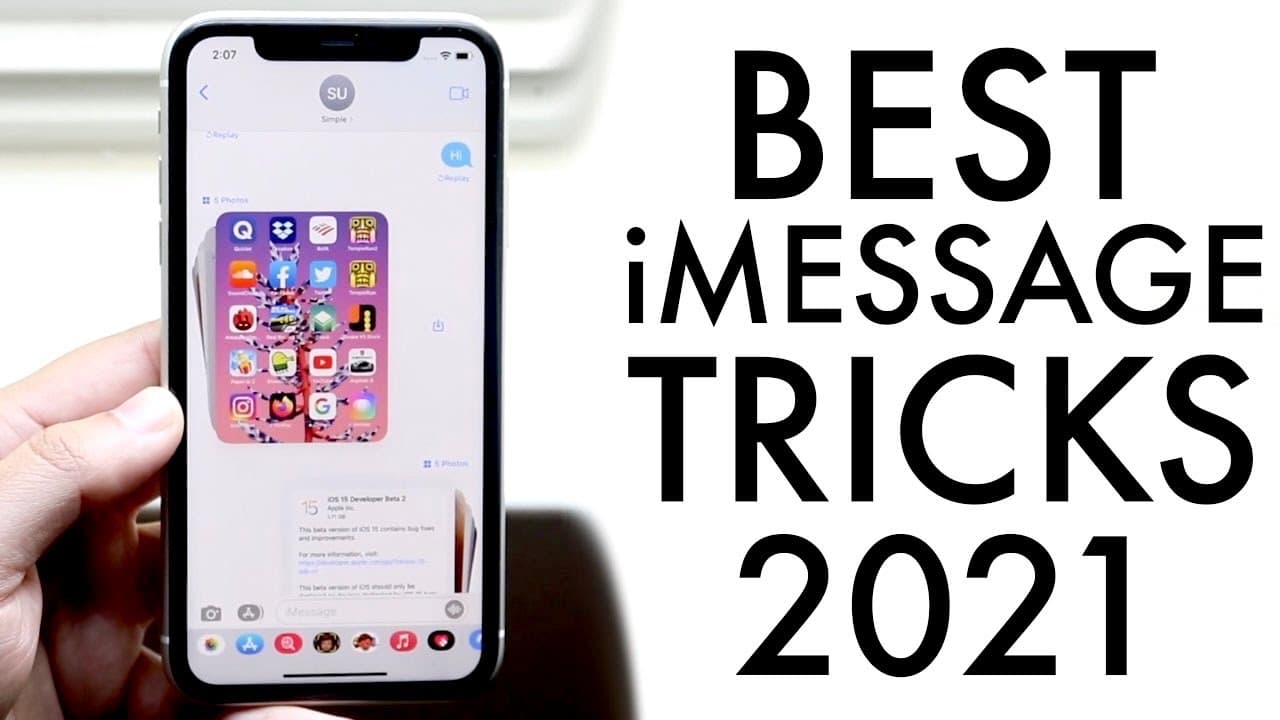
iOS 15 allows users to send multiple photos as a stacked message instead of individually. This means that when you send multiple images at once, they appear as a single entity in the chat, creating a cleaner appearance. You can tap to view the stack and swipe through the images, which enhances the overall messaging experience.
Q: How can users send messages with different effects using iMessage?
To send messages with effects, users can hold down the send icon after typing their message. This action opens a panel with various effects, such as "Slam," "Loud," "Gentle," or "Invisible Ink." Users can select the desired effect before sending the message, adding a dynamic element to their communications.
Q: What can users do with links in iMessage starting from iOS 15?
With iOS 15, users can now pin specific messages that contain links or other important information. By holding down on the message, you can select the pin option, allowing for easier access to this information later. This feature helps keep valuable correspondence organized and readily available.
Q: Which message effects are still available in iOS 15?
iOS 15 retains several fun message effects such as "Pew Pew," which displays playful animations when triggers like the phrase "happy birthday" are sent. Other effects include confetti for celebrations and fireworks, enhancing the festive nature of certain messages.
Summary & Key Takeaways
-
The video outlines new features in iMessage with iOS 15, including the ability to send photos with effects and a redesigned interface for FaceTime integration.
-
Users can now pin specific messages like links for quick access, improving organization within conversations.
-
The presentation highlights fun message effects like confetti and fireworks, ensuring users can communicate with flair and easily send multiple photos stacked together.
Read in Other Languages (beta)
Share This Summary 📚
Summarize YouTube Videos and Get Video Transcripts with 1-Click
Try YouTube Summary with ChatGPT & Claude or YouTube Transcript Generator
Explore More Summaries from Simple Alpaca 📚






Summarize YouTube Videos and Get Video Transcripts with 1-Click
Try YouTube Summary with ChatGPT & Claude or YouTube Transcript Generator