HOW TO LOWER YOUR PING IN ROBLOX
TL;DR
This video tutorial provides a step-by-step guide on how to lower your ping in Roblox games, allowing for better gameplay experience.
Transcript
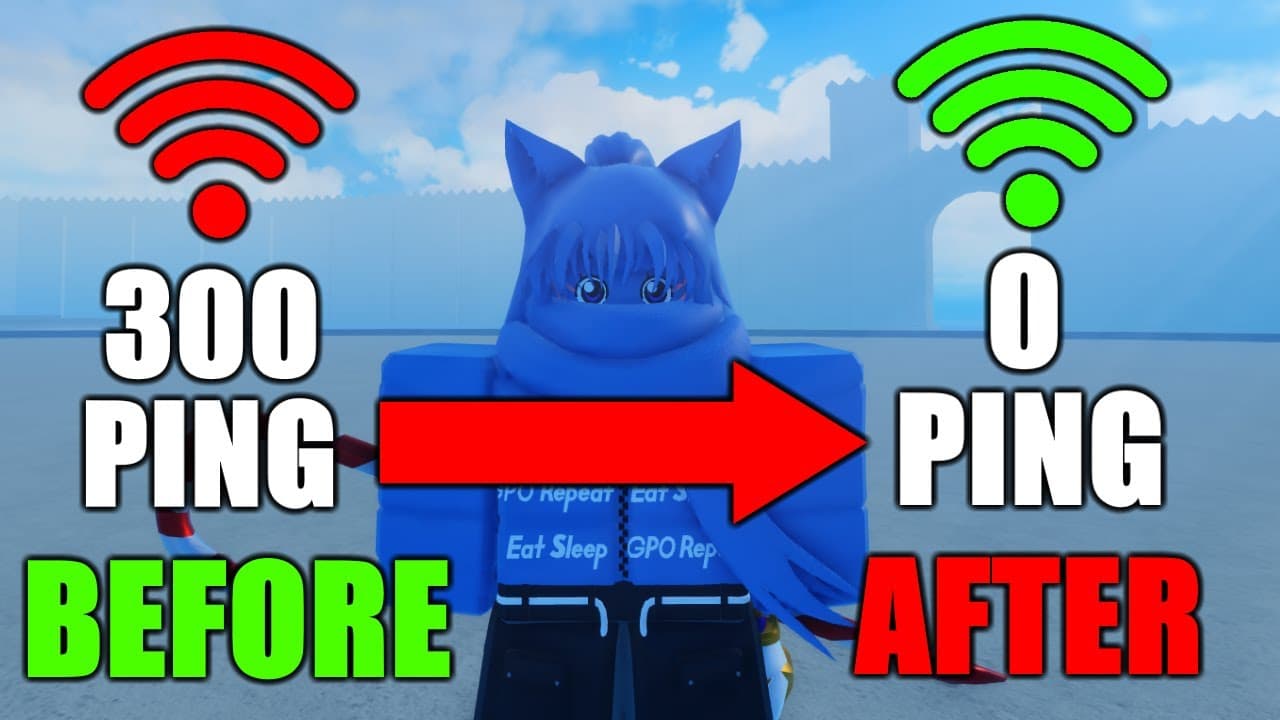
so if you like me and get bad ping in every single game you play on Roblox you want to follow this video to the end I'm going to show you just how to get it fixed and hopefully you go from this to this I got nightmares okay I'm gonna keep this short this isn't an ad I genuinely use this a lot on my ping because the way it works is it's been connect... Read More
Key Insights
- 😴 Bad ping can be a common problem for Roblox players, especially those with satellite internet connections.
- 😴 The recommended software allows users to choose their server location, improving ping by reducing distance and latency.
- 🛟 Private servers and choosing server locations closer to your physical location can significantly lower ping in Roblox games.
- 🎮 Ping is crucial in Roblox games, affecting gameplay elements such as character control, combat, and overall responsiveness.
- 🎮 The video suggests using specific settings in the recommended software to optimize ping for Roblox gameplay.
- 😴 Roblox settings and in-game features like performance stats can be used to monitor and check ping.
- 🥳 The software mentioned in the video offers a three-day trial, after which users have the option to purchase it.
Install to Summarize YouTube Videos and Get Transcripts
Explore YouTube Video Summarizer or Get YouTube Transcript Extractor
Questions & Answers
Q: Why does bad ping affect gameplay in Roblox?
Bad ping in Roblox can cause delays and lags in gameplay, making it difficult to control characters and engage in fast-paced actions such as fighting games.
Q: How does the software recommended in the video help lower ping?
The software allows users to select their desired server location, enabling them to connect to servers that are closer to their physical location. This reduces the distance and latency between the player's device and the game server, resulting in lower ping.
Q: Do I have to pay for the software after the free trial?
Yes, after the three-day trial, the software requires a payment. However, the video suggests that users can create multiple accounts to keep using the trial version if they don't wish to purchase the software.
Q: Can lowering ping improve gameplay in all Roblox games?
Lowering ping can generally improve gameplay in Roblox games, as it reduces delays and improves responsiveness. However, the actual impact may vary depending on the specific game and its network infrastructure.
Key Insights:
- Bad ping can be a common problem for Roblox players, especially those with satellite internet connections.
- The recommended software allows users to choose their server location, improving ping by reducing distance and latency.
- Private servers and choosing server locations closer to your physical location can significantly lower ping in Roblox games.
- Ping is crucial in Roblox games, affecting gameplay elements such as character control, combat, and overall responsiveness.
- The video suggests using specific settings in the recommended software to optimize ping for Roblox gameplay.
- Roblox settings and in-game features like performance stats can be used to monitor and check ping.
- The software mentioned in the video offers a three-day trial, after which users have the option to purchase it.
- Lowering ping can enhance the overall gaming experience in Roblox and potentially provide a competitive edge in multiplayer games.
Summary & Key Takeaways
-
The video explains that bad ping can negatively impact gameplay in Roblox, especially for players with satellite internet connections.
-
The video recommends using a software that allows users to choose their server location, ultimately improving ping.
-
The video provides instructions on how to set up the software and optimize the settings for better ping in Roblox games.
Read in Other Languages (beta)
Share This Summary 📚
Summarize YouTube Videos and Get Video Transcripts with 1-Click
Try YouTube Summary with ChatGPT & Claude or YouTube Transcript Generator