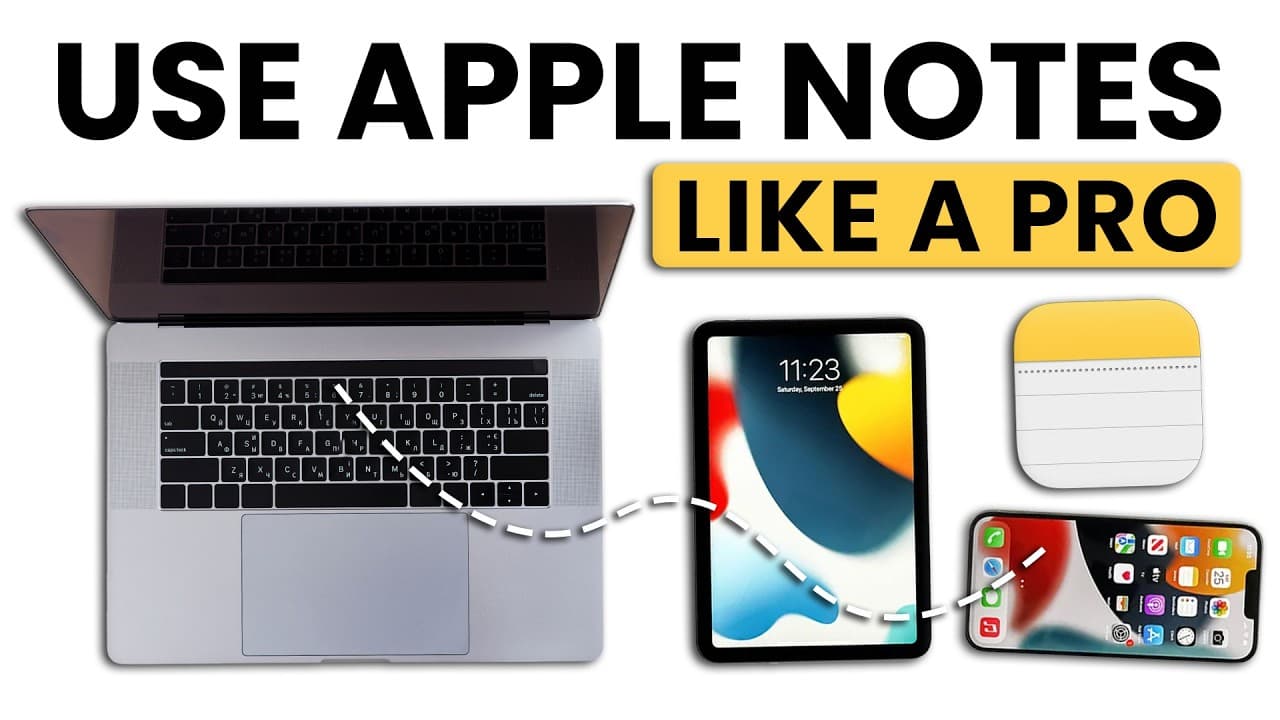
The Ultimate Guide to Apple Notes: 32 Features to Streamline Your Day
TL;DR
Discover 32 Apple Notes features to enhance productivity.
Transcript
after using more than 30 note taking apps over the years I keep coming back to Apple notes for one reason Apple notes does one thing but it does that one thing really well it captures and organizes information and you probably already know the basic features like that you can pin important notes you can format text like change the color or font siz... Read More
Key Insights
- Apple Notes offers a robust search feature that surpasses traditional folder structures, making it easy to find information quickly and efficiently.
- The app provides advanced security options, allowing users to lock notes with end-to-end encryption, ensuring privacy and protection of sensitive information.
- Quick Notes and Hot Corners enable instant note-taking across devices, enhancing productivity by capturing ideas as they occur.
- Apple Notes includes a powerful document scanning feature with OCR capabilities, turning scanned documents into searchable text.
- Smart folders and tags help users organize notes automatically based on custom rules, streamlining information management.
- Cross-device syncing ensures seamless continuity, allowing users to access and edit notes on any Apple device without losing data.
- Advanced formatting options, including tables and checklists, allow users to create structured and clear notes tailored to their needs.
- Linking notes and integrating with other Apple apps transforms Apple Notes into a comprehensive knowledge base, centralizing project-related information.
Install to Summarize YouTube Videos and Get Transcripts
Explore YouTube Video Summarizer or Get YouTube Transcript Extractor
Questions & Answers
Q: What makes Apple Notes' search feature stand out?
Apple Notes' search feature is exceptionally fast and robust, allowing users to find notes quickly without relying on traditional folder structures. It searches through titles, content, PDFs, and even handwritten notes. Advanced search options include date-based searches and the ability to exclude specific folders, enhancing its utility for both personal and professional use.
Q: How does Apple Notes ensure the security of sensitive information?
Apple Notes ensures the security of sensitive information through end-to-end encryption. Users can lock notes using device passcodes, Face ID, Touch ID, or custom passwords. Locked notes do not appear in search results unless authenticated, providing an additional layer of privacy and protection for confidential documents.
Q: What are Quick Notes and Hot Corners in Apple Notes?
Quick Notes and Hot Corners are features in Apple Notes that allow users to capture ideas instantly across devices. Quick Notes can be accessed from the control center on iPhones and iPads, while Hot Corners on Mac enable users to open the notes app by moving the cursor to a designated screen corner. These features enhance productivity by ensuring ideas are captured as they occur.
Q: How does the document scanning feature in Apple Notes work?
The document scanning feature in Apple Notes includes sophisticated edge detection and OCR capabilities, allowing users to scan documents and convert them into searchable text. The scanner automatically straightens and crops documents, works in various lighting conditions, and saves scans in color, grayscale, or black and white. This feature ensures clear, professional scans while keeping file sizes manageable.
Q: What are smart folders and tags in Apple Notes?
Smart folders and tags in Apple Notes allow users to organize notes automatically based on custom rules. Tags, created by typing hashtags in notes, serve as the foundation for smart folders, which can be set up with multiple criteria, including tags, dates, and content types. This system offers flexibility and efficiency in managing information, with notes appearing in multiple smart folders simultaneously.
Q: How does Apple Notes handle cross-device syncing?
Apple Notes offers seamless cross-device syncing, ensuring that notes are accessible and editable on any Apple device. The syncing is nearly instantaneous, and continuity features allow users to start a note on one device and continue on another. The app intelligently handles conflicts by preserving all changes and helping users merge them, minimizing the risk of data loss.
Q: What advanced formatting options does Apple Notes offer?
Apple Notes provides advanced formatting options, including tables, headers, subheaders, bulleted and numbered lists, and checklists. Tables automatically adjust to device screens, ensuring readability, while checklists allow for task tracking with indentations for subtasks. Text formatting options like bold, italic, and strikethrough enhance the clarity and structure of notes, catering to diverse user needs.
Q: How does linking work in Apple Notes?
Linking in Apple Notes allows users to create connections between notes, transforming the app into a powerful knowledge base. Users can link notes, web pages, emails, calendar events, and other Apple app content, centralizing project-related information. Web links automatically generate rich previews, providing context without requiring users to click through, enhancing the utility and organization of notes.
Summary & Key Takeaways
-
Apple Notes stands out for its advanced search capabilities, allowing users to find information quickly without relying on traditional folder structures. The app's security features, including end-to-end encryption, ensure that sensitive notes remain private and protected across all devices.
-
Quick Notes and Hot Corners enhance productivity by enabling instant note-taking, while the document scanning feature, with OCR capabilities, turns scanned documents into searchable text. Smart folders and tags automate note organization, making information management more efficient.
-
Apple Notes offers seamless cross-device syncing, allowing users to access and edit notes on any Apple device. Advanced formatting options, such as tables and checklists, enable users to create structured notes, while linking features integrate with other Apple apps to centralize project-related information.
Read in Other Languages (beta)
Share This Summary 📚
Summarize YouTube Videos and Get Video Transcripts with 1-Click
Try YouTube Summary with ChatGPT & Claude or YouTube Transcript Generator
Explore More Summaries from Mike Dee 📚


Summarize YouTube Videos and Get Video Transcripts with 1-Click
Try YouTube Summary with ChatGPT & Claude or YouTube Transcript Generator