Learn How To Advertise On Facebook In Just 11 Minutes!
TL;DR
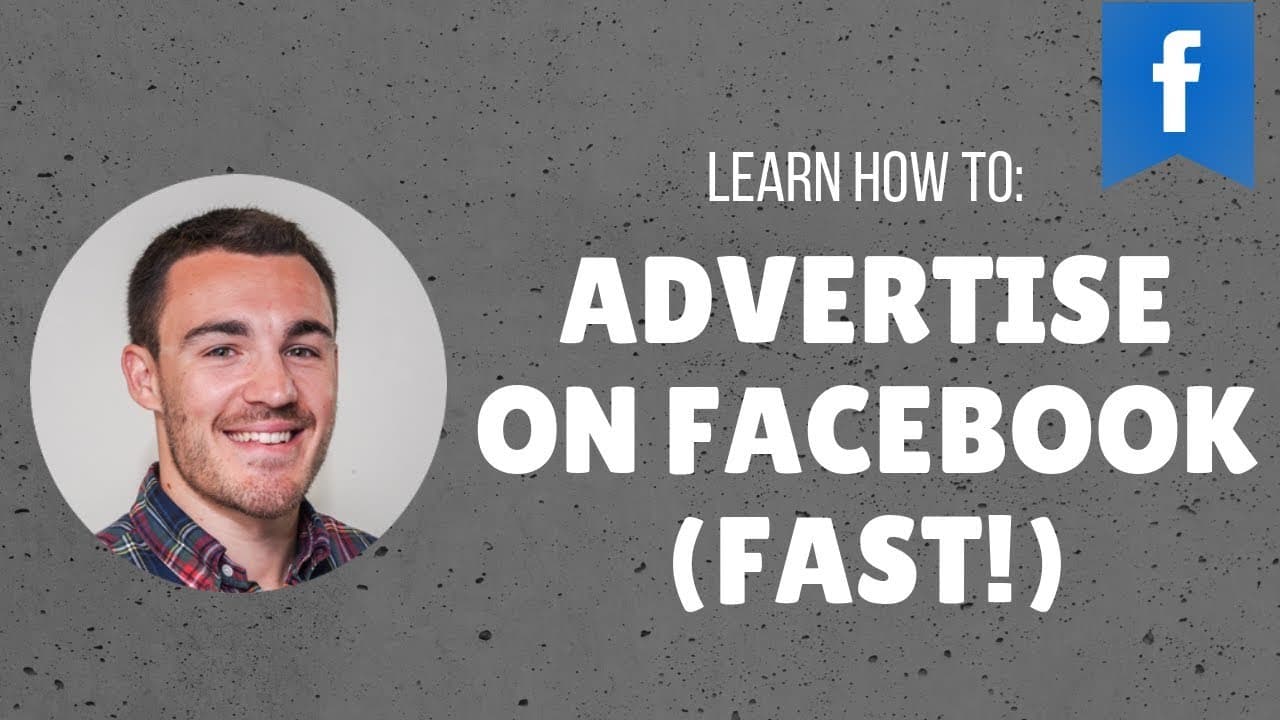
Learn to create effective Facebook ads in 11 minutes.
Transcript
hi guys it's been Heath from bleaker and in this video I'm going to show you how to advertise on Facebook as quickly as possible no one wants long-winded videos I'm going to show you the quickest and easiest way to get started with Facebook advertising whilst making sure that your campaigns are actually still effective because that's important so f... Read More
Key Insights
- Start by using Facebook's Ads Manager instead of boosting posts for more effective campaign management and options.
- Choose the right campaign objective, such as conversions, for optimal results, ensuring the Facebook pixel is installed on your website.
- Target audience selection is crucial; focus on age, gender, location, and specific interests to reach the right people.
- Use simple, compelling ad copy that highlights the benefits or urgency of your product, such as a sale or limited-time offer.
- Select images that resonate with your audience; use product images or relevant stock photos if necessary for visual appeal.
- The call-to-action button should align with your campaign goal, whether it's 'Shop Now' for products or 'Sign Up' for services.
- Preview your ad in different placements to ensure it looks appealing across all devices and formats in the Facebook ecosystem.
- Regularly review and adjust your campaigns based on performance data to improve effectiveness and ROI over time.
Install to Summarize YouTube Videos and Get Transcripts
Explore YouTube Video Summarizer or Get YouTube Transcript Extractor
Questions & Answers
Q: Why should you use Facebook's Ads Manager instead of boosting posts?
Using Facebook's Ads Manager provides more comprehensive options and control over your ad campaigns compared to boosting posts. Ads Manager allows you to select from a variety of campaign objectives, target audiences more precisely, and access detailed analytics. This leads to more effective advertising and better results.
Q: What is the importance of the Facebook pixel in ad campaigns?
The Facebook pixel is crucial for tracking conversions and optimizing your ad campaigns. By installing the pixel on your website, you can gather data on user interactions, which helps in targeting the right audience and improving ad performance. It enables you to measure the effectiveness of your ads and make informed adjustments.
Q: How should you determine the target audience for your ads?
Determining the target audience involves considering demographics such as age, gender, and location, as well as specific interests related to your product or service. Start with a broad audience and refine it based on performance data. This ensures your ads reach the most relevant people who are likely to engage with your content.
Q: What are some key elements of effective ad copy?
Effective ad copy should be concise and highlight the main benefits or urgency of your product or service. Use simple language and focus on what makes your offering unique or desirable. Include a call-to-action that encourages users to take the next step, such as making a purchase or signing up for a service.
Q: How do you choose the right images for your ads?
Choose images that resonate with your target audience and are directly related to your product or service. Use high-quality visuals that capture attention and convey the message effectively. If you don't have product images, consider using relevant stock photos that align with your ad's theme and objectives.
Q: What is the role of the call-to-action button in an ad?
The call-to-action button directs users to take a specific action that aligns with your campaign goal, such as 'Shop Now' for product sales or 'Sign Up' for service inquiries. It should be clear and encourage users to engage further, increasing the likelihood of achieving your desired outcome from the ad.
Q: Why is it important to preview ads in different placements?
Previewing ads in different placements ensures that they look appealing and function correctly across all devices and formats. Facebook offers various ad placements, such as mobile and desktop newsfeeds, and the appearance can differ. Checking previews helps maintain a consistent and professional look, enhancing user experience.
Q: How often should you review and adjust your ad campaigns?
Regularly reviewing and adjusting your ad campaigns is essential for maintaining effectiveness and achieving a high return on investment. Analyze performance data frequently, such as weekly or bi-weekly, to identify areas for improvement. Make data-driven adjustments to targeting, ad content, and budget allocation to optimize results.
Summary & Key Takeaways
-
This video tutorial provides a step-by-step guide to creating a Facebook ad campaign in just over ten minutes. It emphasizes using Facebook's Ads Manager for more control and effectiveness compared to boosting posts. The tutorial covers choosing objectives, targeting audiences, and crafting compelling ad content.
-
Key elements of a successful Facebook ad campaign include selecting the right campaign objective, such as conversions, and ensuring the Facebook pixel is installed on your website. Audience targeting should focus on demographics and interests, while ad content should be concise and highlight product benefits or urgency.
-
The tutorial also discusses the importance of selecting appropriate images and call-to-action buttons that align with campaign goals. It encourages advertisers to preview ads across different placements and devices, and to regularly monitor and adjust campaigns for optimal performance and return on investment.
Read in Other Languages (beta)
Share This Summary 📚
Summarize YouTube Videos and Get Video Transcripts with 1-Click
Try YouTube Summary with ChatGPT & Claude or YouTube Transcript Generator
Explore More Summaries from Ben Heath 📚
Summarize YouTube Videos and Get Video Transcripts with 1-Click
Try YouTube Summary with ChatGPT & Claude or YouTube Transcript Generator