The Many Uses of AutoHotKey
TL;DR
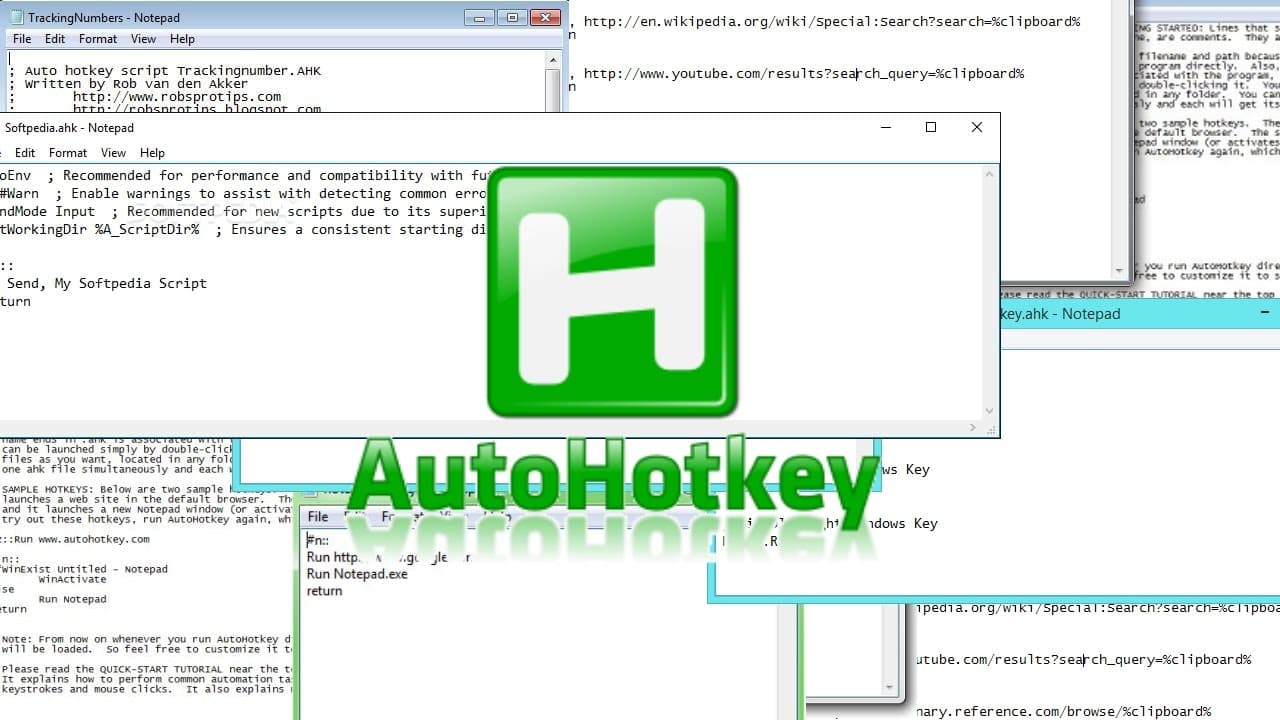
AutoHotkey is a powerful program that allows users to create customized scripts for automation, text expansion, and more.
Transcript
hello and welcome and in this video I'm going to be explaining why autohotkey is just the greatest program ever it's great for customization and accessibility because it allows you to make your own scripts for do lots of stuff so I'll be showcasing a few of my scripts here like this one this says when I press alt ctrl alt + X it will type out all t... Read More
Key Insights
- 👻 AutoHotkey is a versatile program that allows users to automate tasks and customize their computer experience.
- 🏪 It offers features such as text expansion, macros, automatic typing, and auto-clicking for increased productivity and convenience.
- 🤗 AutoHotkey can be used for game automation, opening specific programs or websites, and even creating scripts remotely using cloud storage solutions like Dropbox.
- 👻 It is highly customizable, allowing users to create personalized scripts for various applications and games.
- 🤗 AutoHotkey's startup programs feature can help optimize the computer's performance by opening programs gradually instead of all at once.
- 🎹 AutoHotkey can be used to remap keys and create additional function keys, making keyboard shortcuts more accessible and efficient.
- 🪟 The program can also be used to hide and unhide windows, making it useful for managing multiple windows or applications.
Install to Summarize YouTube Videos and Get Transcripts
Explore YouTube Video Summarizer or Get YouTube Transcript Extractor
Questions & Answers
Q: What is AutoHotkey and what can it be used for?
AutoHotkey is a program that allows users to create scripts to automate tasks and customize their computer experience. It can be used for tasks such as text expansion, macros, and automatic typing, making it a versatile tool for increasing productivity.
Q: How can AutoHotkey be used for text language autocorrection?
AutoHotkey has a feature called "text language" that allows users to define shortcuts that automatically expand into full words or phrases. This can be useful for autocorrecting text and ensuring proper grammar and spelling while typing.
Q: Can AutoHotkey be used for automation in games?
Yes, AutoHotkey can be used to automate tasks in games. Users can create scripts that, when triggered by certain key combinations, perform specific actions within a game, such as typing messages or executing commands.
Q: How can AutoHotkey be used to open specific programs or websites?
AutoHotkey can be used to create shortcuts that, when activated, open specific programs or websites. This can be helpful, for example, when a game is stuck and the user needs to open a browser to search for a solution without minimizing the game window.
Key Insights:
- AutoHotkey is a versatile program that allows users to automate tasks and customize their computer experience.
- It offers features such as text expansion, macros, automatic typing, and auto-clicking for increased productivity and convenience.
- AutoHotkey can be used for game automation, opening specific programs or websites, and even creating scripts remotely using cloud storage solutions like Dropbox.
- It is highly customizable, allowing users to create personalized scripts for various applications and games.
- AutoHotkey's startup programs feature can help optimize the computer's performance by opening programs gradually instead of all at once.
- AutoHotkey can be used to remap keys and create additional function keys, making keyboard shortcuts more accessible and efficient.
- The program can also be used to hide and unhide windows, making it useful for managing multiple windows or applications.
- AutoHotkey can be a powerful tool for automating repetitive tasks, enhancing accessibility, and improving the overall user experience.
Summary & Key Takeaways
-
AutoHotkey is a program that enables users to create scripts for automating tasks and customizing their computer experience.
-
It offers features such as text expansion, macros, automatic typing, and auto-clicking, which can enhance productivity and accessibility.
-
Users can create scripts for specific applications or games, enabling them to perform complex actions with a simple key press.
Read in Other Languages (beta)
Share This Summary 📚
Summarize YouTube Videos and Get Video Transcripts with 1-Click
Try YouTube Summary with ChatGPT & Claude or YouTube Transcript Generator