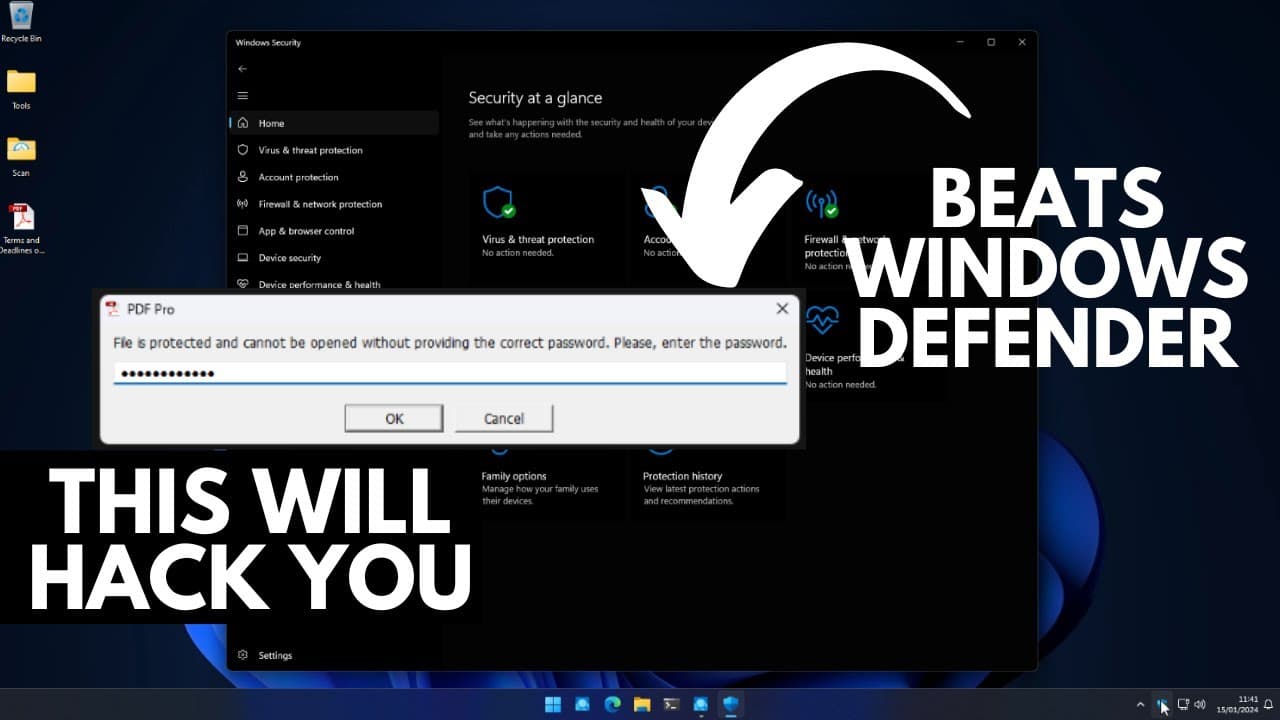
Malware beats Windows Defender: How you get hacked
TL;DR
Attackers are using info stealer malware delivered via email to bypass Windows Defender and gain access to user data.
Transcript
this is how you're most likely to get hacked in 2024 info stealer malware delivered via email which seems to be surprisingly good at bypassing Windows Defender I'm going to Showcase how the attackers do that in just a second yes they do manage to completely beat Windows Defender which is why this Avenue of attack via the supposed PDF contracts is s... Read More
Key Insights
- 💌 Attackers employ info stealer malware delivered via email to bypass Windows Defender and gain access to user data.
- ☠️ The gradual approach, starting with harmless emails and escalating to requests for operating system information, increases the success rate of these attacks.
- 👊 Password protection and reputation-based scanning make it difficult for Windows Defender to detect and prevent these sophisticated attacks.
- 👤 Captured data, such as login credentials and cookies, is often sold on the dark web, emphasizing the need for users to promptly change passwords and secure sensitive accounts.
Install to Summarize YouTube Videos and Get Transcripts
Explore YouTube Video Summarizer or Get YouTube Transcript Extractor
Questions & Answers
Q: How do attackers initially gain access to a user's data?
Attackers send harmless emails to entice users to respond, gradually progressing to emails with links to legitimate websites, and gradually gathering information about the user's operating system.
Q: How does the malware evade detection by Windows Defender?
The malware is delivered as a password-protected PDF, which prevents Windows Defender from scanning the code. Additionally, it uses reputation-based scanning, which Windows Defender cannot effectively perform.
Q: What happens when the user runs the password-protected PDF?
Running the PDF executes code that captures data from the user's browsers, including login credentials and cookies. This information is then transferred to the attackers.
Q: What can users do to protect themselves if they have accidentally run the malware?
Users should change their passwords, log out of all browsers, and secure any sensitive accounts. Attackers may sell the captured data on the dark web, making it crucial to take immediate action.
Summary & Key Takeaways
-
Attackers send initial harmless emails to get users to respond, gradually escalating to emails with links to legitimate websites and requests for operating system information.
-
Users are tricked into downloading a zip file containing innocuous files and a password-protected PDF. Upon entering the password, the attacker gains access to the user's data.
-
Windows Defender fails to detect the malware due to password protection and reputation-based scanning, making it difficult to detect and prevent such attacks.
Read in Other Languages (beta)
Share This Summary 📚
Summarize YouTube Videos and Get Video Transcripts with 1-Click
Try YouTube Summary with ChatGPT & Claude or YouTube Transcript Generator
Explore More Summaries from The PC Security Channel 📚






Summarize YouTube Videos and Get Video Transcripts with 1-Click
Try YouTube Summary with ChatGPT & Claude or YouTube Transcript Generator