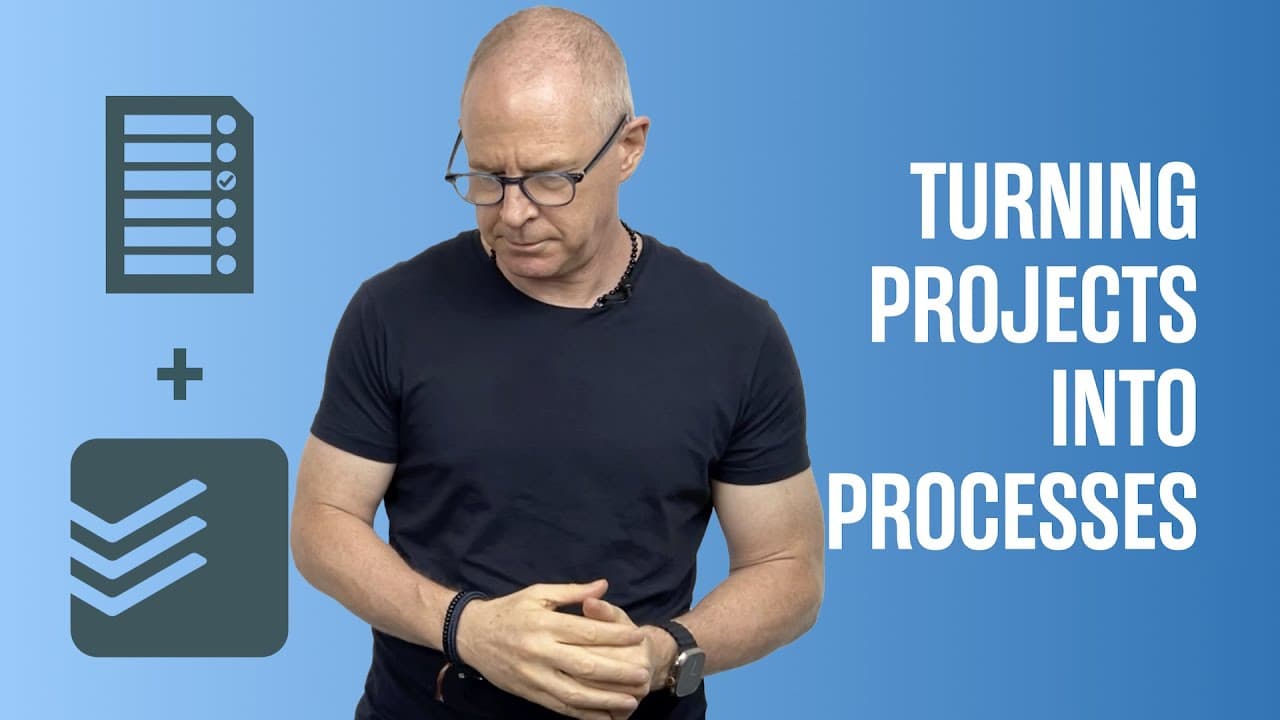
Turning Projects Into Processes.
TL;DR
Learn how to transform a podcast project into a recurring process in order to increase productivity and avoid procrastination.
Transcript
hello and welcome to another episode of my working with todoist series my name is Carl Pauline and today I want to show you how you can build what some people may term as a project into a process that you can do consistently week after week now what I'm going to do is I'm going to take an example of a podcast because there's six or seven tasks mayb... Read More
Key Insights
- 📽️ Treating a project as a process in Todoist reduces the risk of procrastination and creates a more efficient workflow.
- 😀 Planning the tasks in a notes app before transferring them to Todoist helps clarify and organize the steps needed for a podcast.
- 🎙️ Using recurring tasks in Todoist ensures that podcast-related activities are consistently completed each week.
- 🦻 Clear task descriptions are important to eliminate ambiguity and aid in planning and prioritization.
- ❓ Choosing the appropriate categories and priorities for tasks in Todoist is subjective and depends on personal preferences and workflow.
- 🎏 Utilizing flags in Todoist can help highlight important podcast tasks for easier prioritization.
Install to Summarize YouTube Videos and Get Transcripts
Explore YouTube Video Summarizer or Get YouTube Transcript Extractor
Questions & Answers
Q: Why is it better to treat a podcast as a process rather than a project in Todoist?
Treating a podcast as a process reduces the risk of procrastination and avoids creating unnecessary work by focusing on recurring tasks instead of individual projects.
Q: What is the benefit of planning the podcast tasks in a notes app before transferring them to Todoist?
Planning in a notes app allows for brainstorming and clarifying the tasks before transferring them to Todoist, ensuring clear and concise task descriptions.
Q: How can you set up recurring tasks for podcast-related activities in Todoist?
In Todoist, you can set up recurring tasks by specifying the due dates for each task, such as inviting guests every Friday, researching guests every Monday, and editing the podcast every Saturday.
Q: Can you change the due dates of podcast tasks on a week-to-week basis in Todoist?
Yes, you can change the due dates of podcast tasks in Todoist as needed, allowing flexibility for scheduling guest recordings and adapting to different circumstances.
Key Insights:
- Treating a project as a process in Todoist reduces the risk of procrastination and creates a more efficient workflow.
- Planning the tasks in a notes app before transferring them to Todoist helps clarify and organize the steps needed for a podcast.
- Using recurring tasks in Todoist ensures that podcast-related activities are consistently completed each week.
- Clear task descriptions are important to eliminate ambiguity and aid in planning and prioritization.
- Choosing the appropriate categories and priorities for tasks in Todoist is subjective and depends on personal preferences and workflow.
- Utilizing flags in Todoist can help highlight important podcast tasks for easier prioritization.
- The time sector system, a new time management system, is promoted by Carl Pauline as an effective approach to managing time and increasing productivity.
Summary & Key Takeaways
-
In this video, Carl Pauline demonstrates how to turn the process of creating a podcast into recurring tasks in Todoist.
-
By treating each task as part of a process, you can avoid unnecessary work and reduce the risk of procrastination.
-
Using a notes app to brainstorm and plan the tasks before transferring them to Todoist helps clarify the steps needed to produce a podcast.
Read in Other Languages (beta)
Share This Summary 📚
Summarize YouTube Videos and Get Video Transcripts with 1-Click
Try YouTube Summary with ChatGPT & Claude or YouTube Transcript Generator
Explore More Summaries from Carl Pullein 📚

Summarize YouTube Videos and Get Video Transcripts with 1-Click
Try YouTube Summary with ChatGPT & Claude or YouTube Transcript Generator