11.2: Using the Movie Object for Displaying Recorded Videos - Processing Tutorial
TL;DR
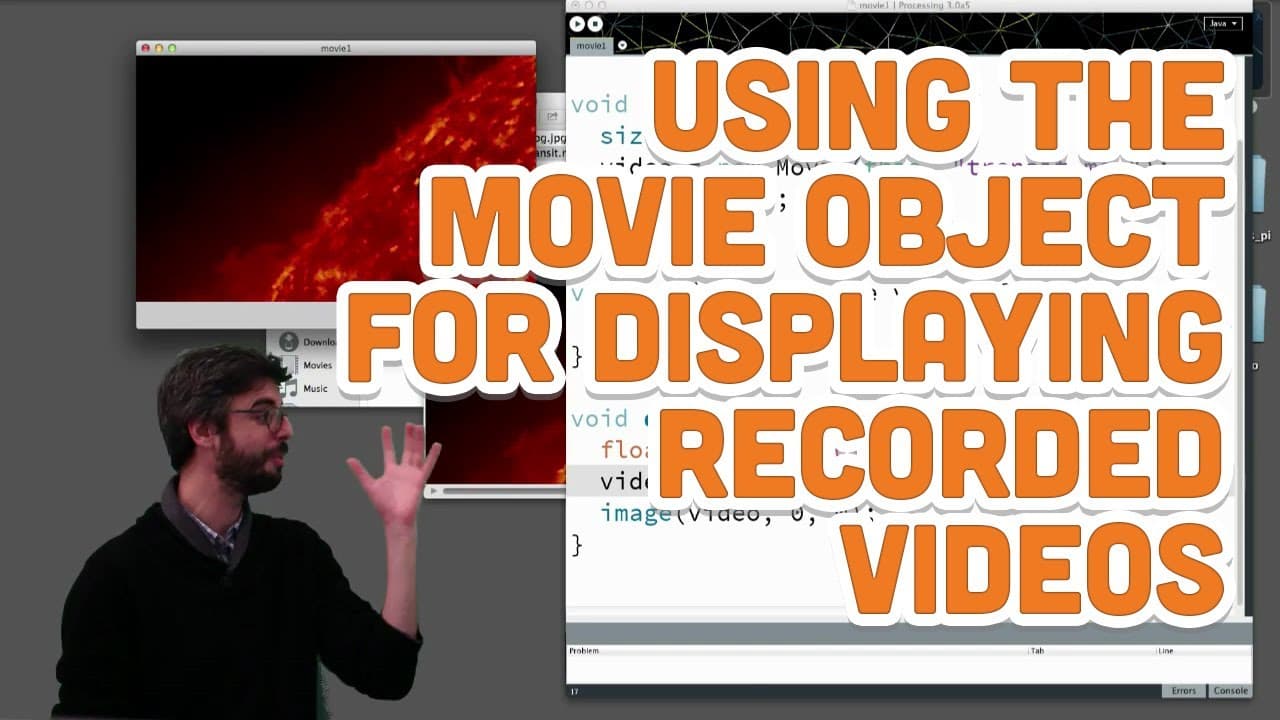
Learn key differences between using recorded files vs. live capture objects in Processing for video manipulation.
Transcript
okay so let's very briefly now just look at a few key differences between using a recorded file a file for a quartic movie from a file versus a live capture object from a live camera so um we saw that there that we could make a new capture object and we have to give a width and a height of frames per second we've used the keyword this all the same ... Read More
Key Insights
- 🎥 Differences in creating capture vs. movie objects in Processing.
- 🎮 Key functions like jump, speed, and duration for video playback control.
- 🐎 Interactive possibilities such as looping and dynamic speed adjustments.
- 🐎 Utilizing mouse interactions for altering video playback speed.
- ⌛ Real-time manipulation of video pixels in Processing.
- 🎮 Seamless looping functionality for continuous video playback.
- 🎮 Ability to jump to specific timestamps in video files within Processing.
Install to Summarize YouTube Videos and Get Transcripts
Explore YouTube Video Summarizer or Get YouTube Transcript Extractor
Questions & Answers
Q: What are the key differences between using a recorded file and live capture object in Processing for video manipulation?
The main difference lies in the process of creating objects – for a capture object, width, height, and frames per second are specified, while a movie object references a specific file without specifying dimensions.
Q: How can functions like jump, speed, and duration be utilized in video playback manipulation?
The jump function allows users to navigate to a specific time in the video, speed function enables adjusting playback speed, and duration provides the total length of the video for precise control over playback in Processing.
Q: Can video playback be looped in Processing?
Yes, looping can be achieved in Processing by utilizing the loop function when playing a video file, allowing seamless playback repetition without interrupted viewing experiences.
Q: What interactive features can be enabled for video manipulation in Processing?
Users can introduce interactive elements like adjusting playback speed based on mouse movements, or implementing jumping to specific points in the video upon mouse clicks to enhance user engagement with video content.
Summary & Key Takeaways
-
Creating a new capture object in Processing requires specifying width, height, and frames per second, while creating a movie object necessitates referencing a specific file.
-
Functions like jump, speed, and duration allow for manipulation of video playback in Processing.
-
Users can experiment with various features like looping, speed adjustment, and pixel manipulation in video files within Processing.
Read in Other Languages (beta)
Share This Summary 📚
Summarize YouTube Videos and Get Video Transcripts with 1-Click
Try YouTube Summary with ChatGPT & Claude or YouTube Transcript Generator
Explore More Summaries from The Coding Train 📚






Summarize YouTube Videos and Get Video Transcripts with 1-Click
Try YouTube Summary with ChatGPT & Claude or YouTube Transcript Generator