Blender 3.0 Beginner Tutorial - Part 1
TL;DR
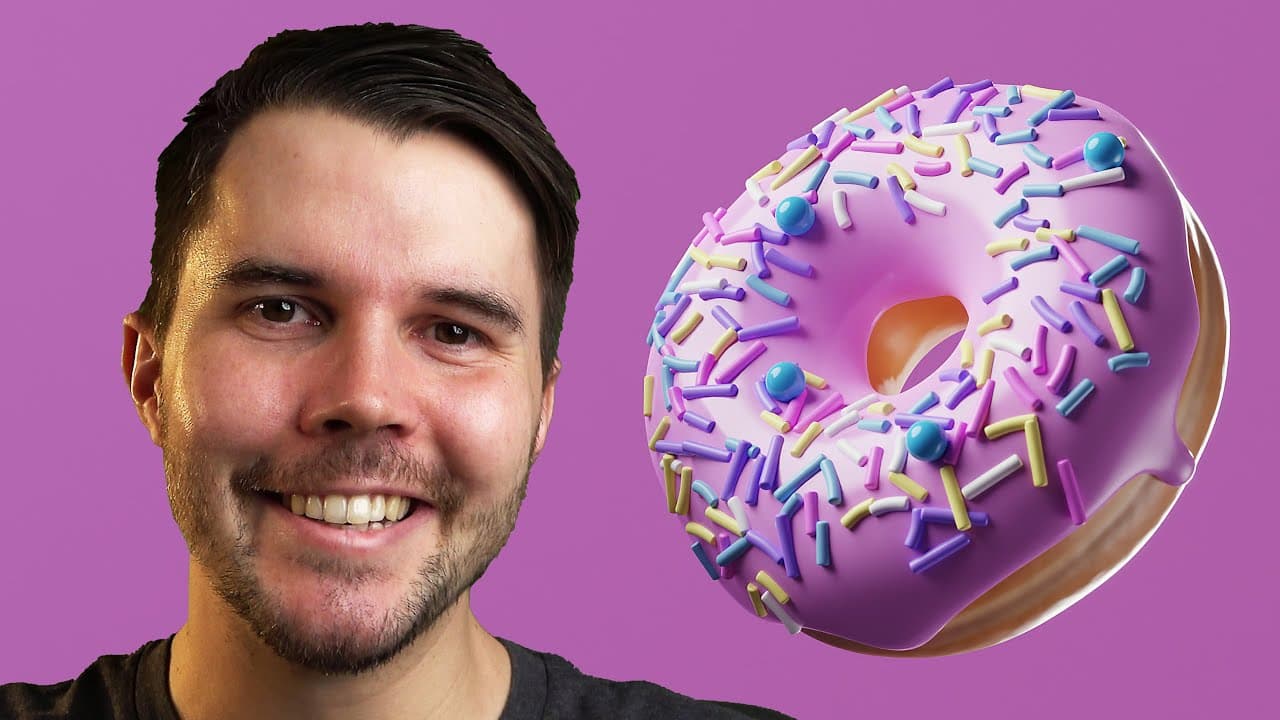
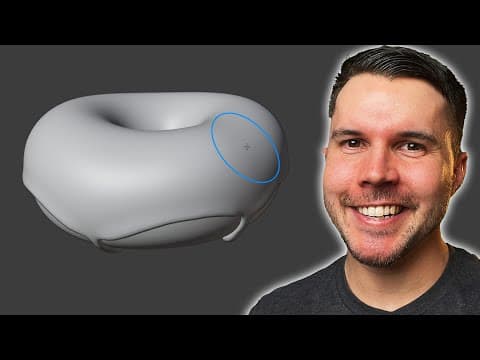
Learn the essential features of Blender in this tutorial series while building a 3D donut.
Transcript
if you've just opened blender for the first time and then you've tried to do things maybe trying to see how far you can go without getting help you might have discovered you need help immediately you can't even move things without a tutorial but the good news is um you don't need to learn everything that you can see right i for example have been us... Read More
Key Insights
- 🤑 It's not necessary to learn every feature of Blender; focus on the essential ones used in most projects.
- ❓ The 3D viewport in Blender is where you visualize and manipulate objects.
- 🐎 Learning hotkeys can significantly speed up your workflow in Blender.
- 🖕 Navigation in Blender is done using the middle mouse button for orbiting, panning, and zooming.
- 🫵 Aligning views and changing perspectives can be done through hotkeys or using the toolbar.
- 🎑 The outliner panel helps you manage and organize objects in your scene.
- 🎹 A keyboard shortcut PDF is available for reference to make learning Blender easier.
Install to Summarize YouTube Videos and Get Transcripts
Explore YouTube Video Summarizer or Get YouTube Transcript Extractor
Questions & Answers
Q: How many of Blender's features are commonly used in most projects?
Around 20% of Blender's features are commonly used in 80-90% of projects, so it's not necessary to learn everything.
Q: What will you learn in this tutorial series?
This tutorial series will teach you the essential features of Blender while guiding you through the process of creating a realistic 3D donut.
Q: What is the 3D viewport in Blender?
The 3D viewport is where you'll spend most of your time in Blender. It is where you visualize and manipulate objects in your scene.
Q: How can you move objects in Blender?
You can use the move tool in the toolbar or the hotkey "g" followed by a click to grab and move objects. Alternatively, you can hold the middle mouse button and drag to snap objects to axes.
Q: How can you rotate and scale objects in Blender?
You can use the rotate and scale tools in the toolbar or the hotkeys "r" and "s" followed by a click. Holding the middle mouse button allows you to snap rotation and scale to axes.
Q: How can you navigate and explore the scene in Blender?
You can orbit the scene by clicking and dragging the middle mouse button. Pan by holding shift and dragging the middle mouse button. Zoom by scrolling the middle mouse button or using the magnifying glass tool.
Q: How can you align your view and change perspectives in Blender?
You can align your view by clicking the axes letters or using the hotkeys on the number pad. You can switch between orthographic and perspective views using the hotkey number pad 5.
Q: How can you find and manage objects in Blender?
The outliner panel keeps track of all objects in your scene. You can select, duplicate, and delete objects from the outliner. The outliner also allows you to organize objects into collections.
Key Insights:
- It's not necessary to learn every feature of Blender; focus on the essential ones used in most projects.
- The 3D viewport in Blender is where you visualize and manipulate objects.
- Learning hotkeys can significantly speed up your workflow in Blender.
- Navigation in Blender is done using the middle mouse button for orbiting, panning, and zooming.
- Aligning views and changing perspectives can be done through hotkeys or using the toolbar.
- The outliner panel helps you manage and organize objects in your scene.
- A keyboard shortcut PDF is available for reference to make learning Blender easier.
- The tutorial series will guide you through creating a realistic 3D donut while learning Blender's features.
Summary & Key Takeaways
-
Blender is a complex software, but it's not necessary to learn every feature. Around 20% of Blender's features are commonly used in 80-90% of projects.
-
The tutorial series will guide you through the essential features of Blender while creating a realistic 3D donut.
-
The 3D viewport is where you'll spend most of your time in Blender, visualizing and manipulating objects in your scene.
Read in Other Languages (beta)
Share This Summary 📚
Summarize YouTube Videos and Get Video Transcripts with 1-Click
Try YouTube Summary with ChatGPT & Claude or YouTube Transcript Generator
Explore More Summaries from Blender Guru 📚

Summarize YouTube Videos and Get Video Transcripts with 1-Click
Try YouTube Summary with ChatGPT & Claude or YouTube Transcript Generator