Products
Features
YouTube Video Summarizer
Summarize YouTube videos
Web & PDF Highlighter
Highlight web pages & PDFs
Chat with PDF
Ask any PDF questions with AI
Ask AI Clone
Chat with your highlights & memories
Audio Transcriber
Transcribe audio files to text
Glasp Reader
Read and highlight articles
Kindle Highlight Export
Export your Kindle highlights
Idea Hatch
Hatch ideas from your highlights
Integrations
Obsidian Plugin
Notion Integration
Pocket Integration
Instapaper Integration
Medium Integration
Readwise Integration
Snipd Integration
Hypothesis Integration
Apps & Extensions
Chrome Extension
Safari Extension
Edge Add-ons
Firefox Add-ons
iOS App
Android App
Discover
Discover
Ideas
Discover new ideas and insights
Articles
Curated articles and insights
Books
Book recommendations by great minds
Posts
Essays and notes from readers
Quotes
Inspiring quotes collection
Videos
Curated videos and summaries
Explore Glasp
Glasp Newsletter
Weekly insights and updates
Glasp Talk
Interview series with great minds
Glasp Blog
Latest news and articles
Glasp Use Cases
Learn how others use Glasp
Build & Support
Glasp API
Access Glasp's API for developers
MCP Connector
Connect Glasp to Claude & ChatGPT
Community
Glasp Reddit Community
Students
Student discount and benefits
FAQs
Frequently Asked Questions
AboutPricing
DashboardLog inSign up

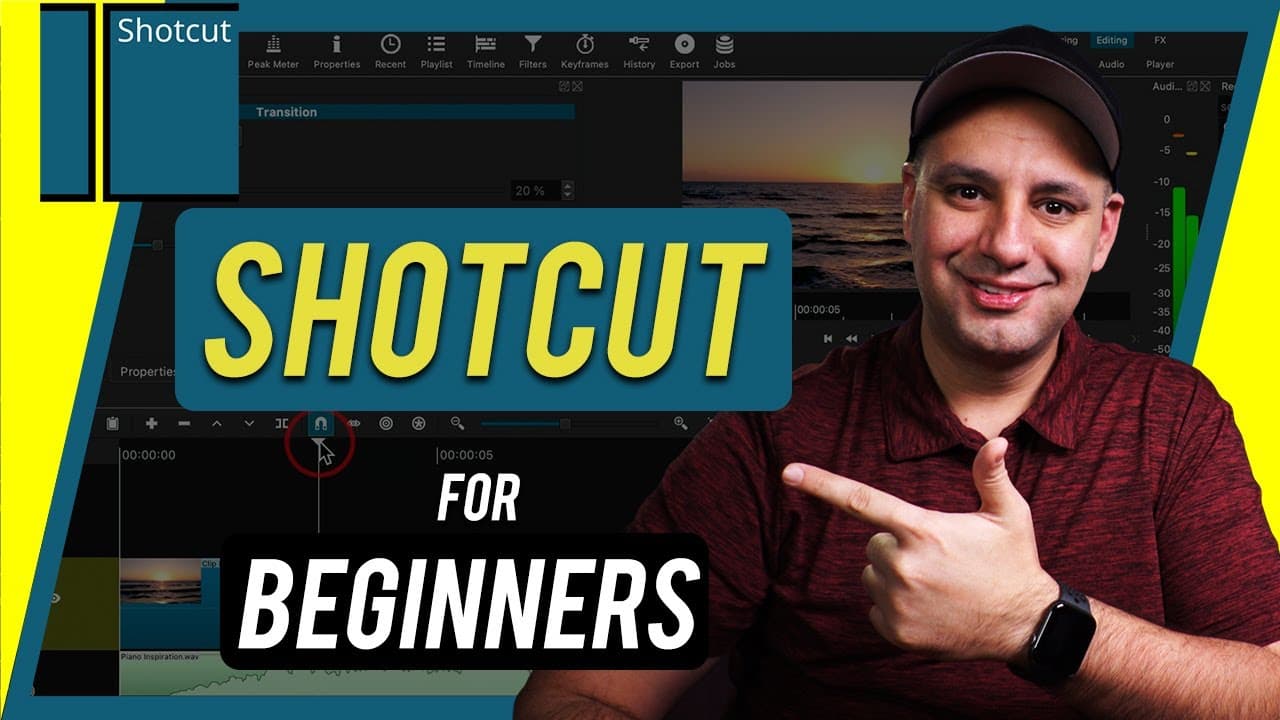
How to Use Shotcut Video Editor - Free Video Editor
61.9K views
•
March 20, 2021
by
Howfinity
YouTube video player
How to Use Shotcut Video Editor - Free Video Editor

TL;DR

Free Shotcut video editor tutorial for beginners covering project setup, editing, transitions, effects, and exporting.

Transcript

hey everyone in this video i want to show you exactly how to use shortcut video editor a completely free and open source video editor for mac pc and linux and i've been editing professionally for 15 years using variety of different softwares and this one impressed me even though i don't have much experience with it it really keeps up with the profe... Read More

Key Insights

  • 🤗 Shotcut video editor is a free, open-source tool compatible with Mac, PC, and Linux.
  • 🔉 The tutorial covers project setup, importing media, basic editing, transitions, effects, color correction, text addition, and exporting.
  • 🔰 Shotcut is beginner-friendly but may have limitations in advanced features for professional editors.
  • 🤵 Emphasis on easy workflows for beginners with room for improvement in audio handling and text options.
  • ❓ Shotcut offers advanced features like filters, color correction, transitions, and various export settings.
  • 👤 The tutorial showcases practical steps for users in creating their first video project with Shotcut.
  • 📋 Features like timeline editing, split clips, transitions, filters, and text customization are demonstrated in the tutorial.

Install to Summarize YouTube Videos and Get Transcripts

Explore YouTube Video Summarizer or Get YouTube Transcript Extractor

Questions & Answers

Q: What platforms is Shotcut video editor compatible with?

Shotcut video editor works on Mac, PC, and Linux, making it versatile for different operating systems.

Q: How can beginners start with video editing using Shotcut?

Beginners can start by creating a new project, importing media, assembling clips, and using simple editing tools like trimming and rearranging clips.

Q: What advanced features like color correction are available in Shotcut?

Shotcut offers advanced features like color correction with tools for saturation, contrast, color grading, and more for more detailed editing.

Q: How can users add text to their videos in Shotcut?

Text can be added as a filter in Shotcut, allowing users to customize text, adjust size, font, alignment, and position within their videos.

Summary & Key Takeaways

  • Tutorial on using Shotcut video editor for Mac, PC, and Linux.

  • Covers project setup, importing media, basic editing, transitions, effects, and exporting.

  • Emphasizes ease of use for beginners with potential limitations for professional editors.


Read in Other Languages (beta)

English

Share This Summary 📚

Summarize YouTube Videos and Get Video Transcripts with 1-Click

Download browser extensions on:

Try YouTube Summary with ChatGPT & Claude or YouTube Transcript Generator

Explore More Summaries from Howfinity 📚

How To Become a Content Creator - Complete Beginner's Guide thumbnail
How To Become a Content Creator - Complete Beginner's Guide
Howfinity
Unlock Hidden Siri Pro Mode on iPhone - Combine Siri with Chat GPT thumbnail
Unlock Hidden Siri Pro Mode on iPhone - Combine Siri with Chat GPT
Howfinity
How to Upload Custom Thumbnails on Instagram thumbnail
How to Upload Custom Thumbnails on Instagram
Howfinity
How to Batch Resize Images in Photoshop thumbnail
How to Batch Resize Images in Photoshop
Howfinity
How to Sell a Car on Facebook Marketplace thumbnail
How to Sell a Car on Facebook Marketplace
Howfinity
How to Activate Dark Mode on iOS 13 thumbnail
How to Activate Dark Mode on iOS 13
Howfinity

Summarize YouTube Videos and Get Video Transcripts with 1-Click

Download browser extensions on:

Try YouTube Summary with ChatGPT & Claude or YouTube Transcript Generator

Apps & Extensions

  • Chrome Extension
  • Safari Extension
  • Edge Add-ons
  • Firefox Add-ons
  • iOS App
  • Android App

Key Features

  • YouTube Video Summarizer
  • Web & PDF Summarizer
  • Web & PDF Highlighter
  • Chat with PDF
  • Ask AI Clone
  • Audio Transcriber
  • Glasp Reader
  • Kindle Highlight Export
  • Idea Hatch

Integrations

  • Obsidian Plugin
  • Notion Integration
  • Pocket Integration
  • Instapaper Integration
  • Medium Integration
  • Readwise Integration
  • Snipd Integration
  • Hypothesis Integration

More Features

  • APIs
  • MCP Connector
  • Blog & Post
  • Embed Links
  • Image Highlight
  • Personality Test
  • Quote Shots

Company

  • About us
  • Blog
  • Community
  • FAQs
  • Job Board
  • Newsletter
  • Pricing
Terms

•

Privacy

•

Guidelines

© 2026 Glasp Inc. All rights reserved.




