Canon XL2 Guide : Software for the Canon XL2
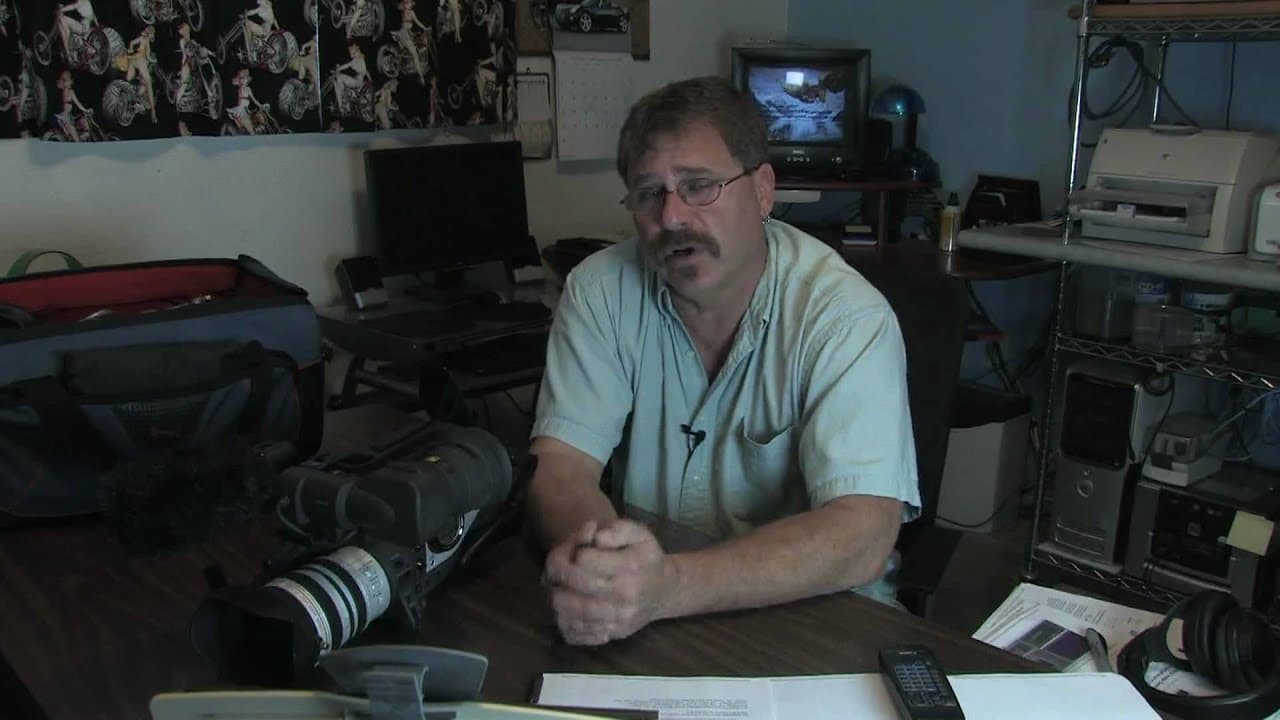
TL;DR
Canon Image Control Software allows remote control and monitoring of Canon XL and XH cameras for enhanced production quality.
Transcript
software for a Canon xl2 camera if you ever find yourself in a situation where you need to control your camera remotely or you need more information about it what it is you are producing there there's a software called canon image control and storage software version 1.1 what this does is this gives you a screen on your computer you can actually co... Read More
Key Insights
- 🎮 Canon Image Control Software offers remote control and monitoring of Canon XL and XH cameras for enhanced production quality.
- 🎮 The software provides record and playback modes, camera controls, vector scope, and waveform monitor for precise video adjustments.
- 🎮 Users can remotely access and control multiple cameras from a centralized spot, ensuring consistency in video quality.
- 📁 Canon Image Control Software facilitates file browsing and management for easy access to recorded footage.
- 🎥 The software allows users to adjust and match video quality across cameras for seamless production workflows.
- 👤 Users in the production industry find Canon Image Control Software beneficial and user-friendly for their video projects.
- 🎥 Canon Image Control Software is a valuable tool for individuals using Canon XL2 and XH A1 cameras in their productions.
Install to Summarize YouTube Videos and Get Transcripts
Explore YouTube Video Summarizer or Get YouTube Transcript Extractor
Questions & Answers
Q: What are the key features of Canon Image Control Software?
Canon Image Control Software version 1.1 allows for remote control and monitoring of Canon XL and XH cameras, offering record and playback modes, camera controls, vector scope, waveform monitor, and file browsing capabilities. This software enhances production quality and workflow efficiency by providing comprehensive control options.
Q: How can Canon Image Control Software benefit users in a production environment?
Canon Image Control Software is beneficial for users in a production environment as it enables remote camera control, precise monitoring, and seamless integration with multiple cameras. With features like the vector scope and waveform monitor, users can ensure consistent video quality across all cameras, enhancing the overall production value.
Q: Is Canon Image Control Software user-friendly and accessible?
Yes, Canon Image Control Software is designed with a standard browser interface with pull-down menus and toolbars, making it user-friendly and accessible for users to navigate and utilize all its features. It provides a straightforward and efficient way to control and monitor Canon XL and XH cameras remotely.
Q: Where can users access Canon Image Control Software?
Users can download Canon Image Control Software version 1.1 for free if they own Canon XL2, XH A1, or G1 cameras. Additionally, the software can be purchased from the Canon USA website or through authorized dealers, providing users easy access to this powerful tool for enhanced video production.
Summary & Key Takeaways
-
Canon Image Control Software version 1.1 enables remote control and monitoring of Canon XL and XH cameras from a computer.
-
It offers record and playback modes with access to camera controls, vector scope, and waveform monitor for precise video production.
-
The software allows for adjusting and matching video quality across multiple cameras, facilitating seamless production workflows.
Read in Other Languages (beta)
Share This Summary 📚
Summarize YouTube Videos and Get Video Transcripts with 1-Click
Try YouTube Summary with ChatGPT & Claude or YouTube Transcript Generator
Explore More Summaries from ehow 📚

Summarize YouTube Videos and Get Video Transcripts with 1-Click
Try YouTube Summary with ChatGPT & Claude or YouTube Transcript Generator