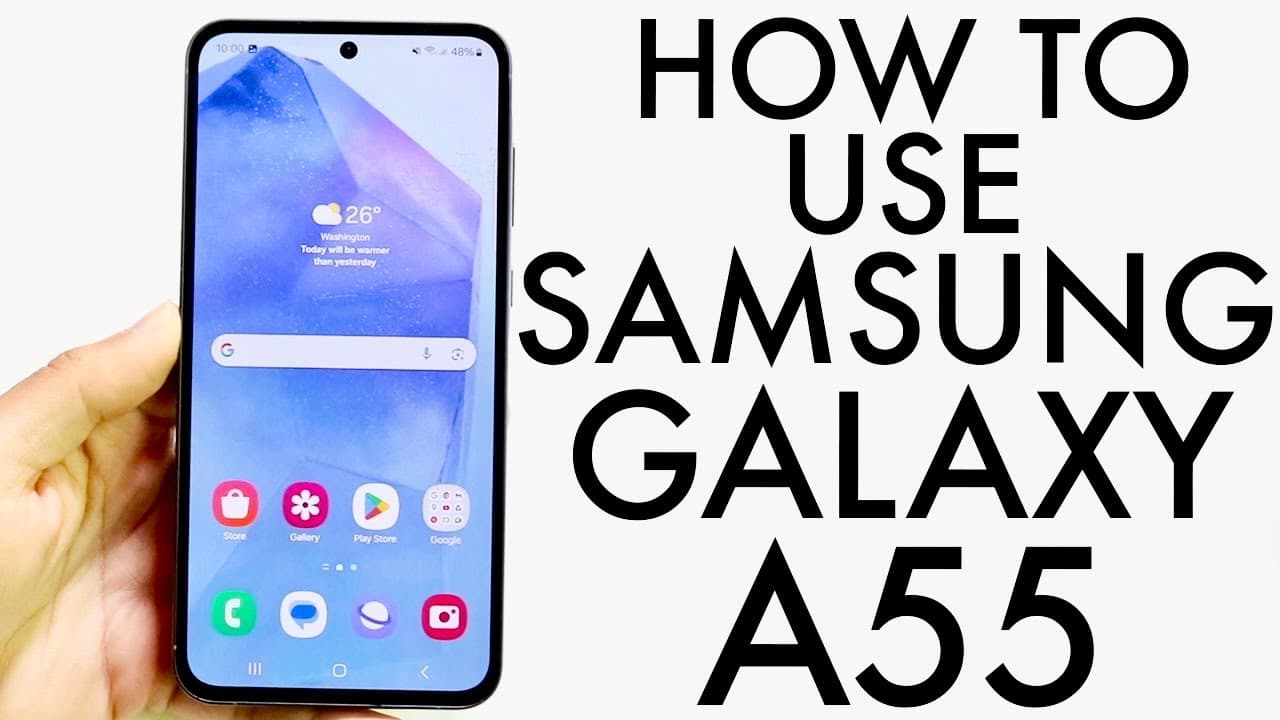
How To Use Samsung Galaxy A55! (Complete Beginners Guide)
TL;DR
This guide provides a detailed overview of the Samsung Galaxy A55's features and usage.
Transcript
hello everyone the Samsung Galaxy a55 has been out for a little bit of time now and I want to go and make a full tutorial a complete beginner's guide on exactly how to use this particular phone it's a very good phone it has a lot of cool features and stuff built in within it so we're going to take a look through you know that throughout this whole ... Read More
Key Insights
- 🎮 The Samsung Galaxy A55's dynamic OLED display enhances visual quality for everything from videos to everyday task management.
- ⚾ With options for a navigation or gesture-based interface, users can tailor their interaction with the device based on their preferences for navigating apps.
- 👤 The dual SIM and micro SD capabilities cater to users who need both additional storage and network flexibility.
- 👻 Regular software updates are crucial for maintaining device security and performance, allowing users to stay current with the latest features and fixes.
- 👤 Users can easily customize widget placement on the home screen, providing a more personalized and efficient user experience.
- 🈸 Accessing apps involves swiping up to reveal the application drawer, where all installed apps can be found, ensuring organization and accessibility.
- 🙃 The phone's build quality, including aluminum sides and a well-designed feel, contributes to its premium appeal and durability over time.
Install to Summarize YouTube Videos and Get Transcripts
Explore YouTube Video Summarizer or Get YouTube Transcript Extractor
Questions & Answers
Q: What are the key features of the Samsung Galaxy A55?
The Samsung Galaxy A55 boasts a dynamic OLED display with a 120Hz refresh rate, providing smooth visuals. It's designed with premium aluminum sides, features a plastic back, and has a triple camera setup for versatile photography. The phone has dual SIM and micro SD card support, enhancing its utility for users who need expansion options.
Q: How do you eject the SIM card tray on the Galaxy A55?
To eject the SIM card tray, use the SIM card eject tool, which resembles a needle. Insert it into the small hole on the top edge of the phone until the tray pops out. The tray has slots for both a SIM card and a micro SD card, allowing for dual functionality. Once you've inserted your cards, carefully slide the tray back into place until it is flush with the phone.
Q: How can I customize the home screen on the Samsung Galaxy A55?
To customize the home screen, hold down on an empty space to access the editing panel. Here, you can add widgets, change your date and time settings, and rearrange apps by dragging them around. You can also modify the dock at the bottom by adding or removing apps to suit your preferences and easily access frequently used applications.
Q: What should I do to manage notifications on my Galaxy A55?
Notifications can be accessed by swiping down from the top of the screen. Here, you can view alerts and tap on them for more details. You can clear notifications by swiping them away or clicking the 'Clear' button. Additionally, you can manage which notifications you receive by adjusting your settings in the notification panel under the settings app.
Summary & Key Takeaways
-
The Samsung Galaxy A55 features a premium design with a dynamic OLED display, aluminum sides, and a triple camera setup, providing a high-quality user experience.
-
The guide explains how to manage basic tasks such as ejecting the SIM card tray, customizing the home screen, and navigating the phone's settings and applications.
-
Users can personalize their device through widgets and toggles, utilize a gesture or navigation bar, and keep the phone updated for optimal performance.
Read in Other Languages (beta)
Share This Summary 📚
Summarize YouTube Videos and Get Video Transcripts with 1-Click
Try YouTube Summary with ChatGPT & Claude or YouTube Transcript Generator
Explore More Summaries from Simple Alpaca 📚






Summarize YouTube Videos and Get Video Transcripts with 1-Click
Try YouTube Summary with ChatGPT & Claude or YouTube Transcript Generator