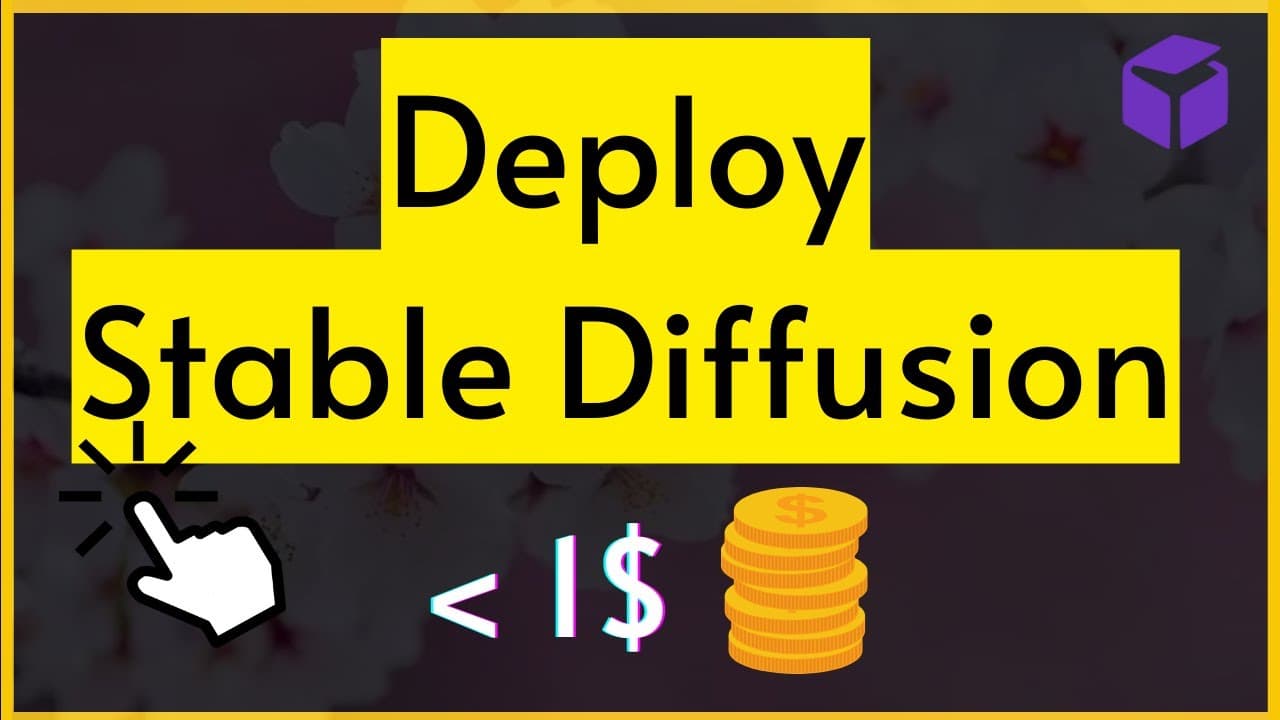
Deploy Stable Diffusion on GPU 1-Click Tutorial for Beginners
TL;DR
Learn how to deploy stable diffusion easily and securely using the one-click deployment feature on runpod.io.
Transcript
hey what's up YouTube in this tutorial we're going to learn how to do one click deployment of stable diffusion on runpod.io first of all why do we need to get a paid solution to deploy stable diffusion the question is very valid because since we started stable diffusion on this channel we have been using Google collab free tire but what happened is... Read More
Key Insights
- ❓ Limited resources and restrictions on Google collab GPU usage make using a paid solution like runpod.io beneficial for stable diffusion deployment.
- 👻 runpod.io offers various GPU instances at low costs, allowing users to select based on their requirements.
- 😑 Pre-defined templates make it easier to get started with stable diffusion deployment on runpod.io.
- 👻 The billing tab provides information on available funds and allows one-time or automatic payments.
- 😫 The tutorial emphasizes the importance of setting up authentication to secure access to the stable diffusion web UI.
- 👻 runpod.io allows for quick and cost-efficient image generation and manipulation using stable diffusion.
- ❓ The platform offers additional features like upscaling, image-to-image transformations, and in-painting.
Install to Summarize YouTube Videos and Get Transcripts
Explore YouTube Video Summarizer or Get YouTube Transcript Extractor
Questions & Answers
Q: Why do we need a paid solution like runpod.io for stable diffusion?
The tutorial explains that using a free solution like Google collab GPU can lead to limited resources and restricted access to GPU provisioning, making a paid solution like runpod.io a better option for smooth deployment.
Q: How much does runpod.io cost?
The pricing depends on the GPU instance selected, but the tutorial mentions rates as low as 44 cents per hour for certain instances.
Q: What are the available templates on runpod.io?
The tutorial mentions templates like pytots, stable diffusion, and disco diffusion, allowing users to play around with pre-defined configurations or create their own templates.
Q: How can one secure their runpod.io instance with authentication?
The tutorial explains the process of setting up Gradio authentication by adding environment variables like a username and password within the runpod.io platform, ensuring secure access to the web UI.
Key Insights:
- Limited resources and restrictions on Google collab GPU usage make using a paid solution like runpod.io beneficial for stable diffusion deployment.
- runpod.io offers various GPU instances at low costs, allowing users to select based on their requirements.
- Pre-defined templates make it easier to get started with stable diffusion deployment on runpod.io.
- The billing tab provides information on available funds and allows one-time or automatic payments.
- The tutorial emphasizes the importance of setting up authentication to secure access to the stable diffusion web UI.
- runpod.io allows for quick and cost-efficient image generation and manipulation using stable diffusion.
- The platform offers additional features like upscaling, image-to-image transformations, and in-painting.
- Users can easily deploy and shut down instances to manage costs and control access to their stable diffusion setup.
Summary & Key Takeaways
-
The tutorial explains the need for a paid solution like runpod.io due to limited resources and restrictions on using Google collab GPU.
-
It provides a step-by-step guide on signing up and navigating through the runpod.io platform, including options for templates and GPU instances.
-
The tutorial also covers setting up authentication, launching the web UI of stable diffusion, and showcasing various features like image generation and manipulation.
Read in Other Languages (beta)
Share This Summary 📚
Summarize YouTube Videos and Get Video Transcripts with 1-Click
Try YouTube Summary with ChatGPT & Claude or YouTube Transcript Generator
Explore More Summaries from 1littlecoder 📚


Summarize YouTube Videos and Get Video Transcripts with 1-Click
Try YouTube Summary with ChatGPT & Claude or YouTube Transcript Generator