How to Get Started with Ableton 11 as a Beginner
TL;DR
Master the fundamentals of Ableton 11 to kickstart your music production journey. By setting up preferences, understanding audio and MIDI tracks, and utilizing VSTs, you'll be equipped to create professional-quality music and unlock your artistic potential.
Transcript
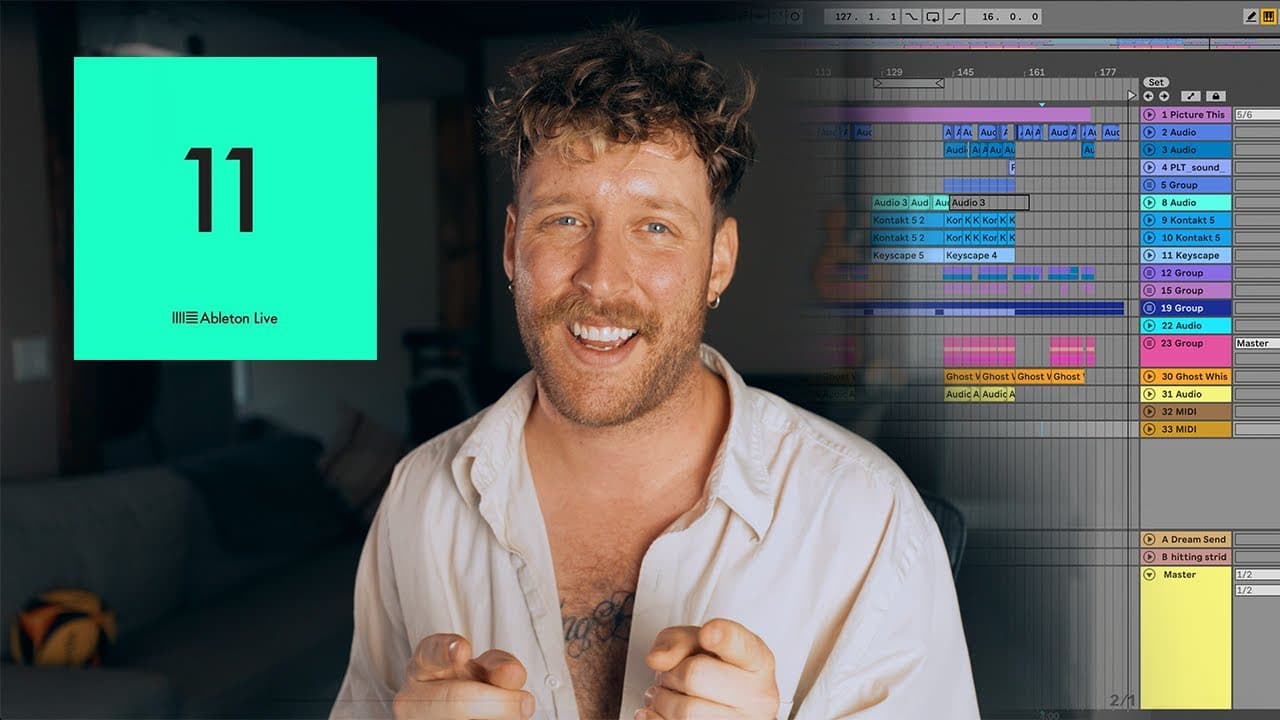
after i learned how to use ableton my life completely changed for the better i'm not even kidding i've used it to make hundreds of thousands of dollars and tour the world as an artist and you could potentially do the same thing but first you gotta learn the basics in this video i'm gonna show you all the ins and outs of ableton that you'll need to ... Read More
Key Insights
- 🛟 Ableton has the potential to transform lives and careers in music production, as exemplified by the speaker's own success story and ability to earn a significant income from using the software.
- 😄 Setting up preferences in Ableton is a one-time task that significantly improves productivity and ease of use during the production process.
- 👣 Understanding the difference between audio and MIDI tracks in Ableton is crucial for successfully utilizing virtual instruments and composing music.
- 😑 VSTs (Virtual Studio Technology) are essential tools for creating various sounds and effects within Ableton, facilitating creative expression and enhancing production quality.
- 🔇 Fades and volume control in Ableton allow for precise adjustments in the audio mix, ensuring a balanced and professional sound.
- ⌛ Learning and utilizing hotkeys in Ableton streamlines the production process, reducing the time spent navigating menus and enhancing overall efficiency.
- 👂 Importing samples, using MIDI, and recording audio are the three primary methods for incorporating sounds into Ableton, each offering unique advantages and flexibility.
Install to Summarize YouTube Videos and Get Transcripts
Explore YouTube Video Summarizer or Get YouTube Transcript Extractor
Questions & Answers
Q: How can learning to use Ableton benefit aspiring musicians?
Learning Ableton opens up opportunities to create and produce music of professional quality, potentially leading to career success and financial stability as an artist.
Q: What is the purpose of setting preferences in Ableton?
Setting preferences optimizes workflow and improves efficiency by tailoring Ableton to individual needs and ensuring smooth recording and production processes.
Q: How can buffer size affect the performance of Ableton?
Adjusting the buffer size can mitigate glitching effects and CPU spikes. Increasing the buffer size allows Ableton more processing time and may reduce glitches, but may also introduce slight latency.
Q: What is the advantage of using sends and returns for adding effects in Ableton?
Using sends and returns allows for adding effects to tracks while keeping the original audio intact. This is particularly useful for vocals, as it avoids the loss of original vocals when adjusting the wet/dry mix.
Key Insights:
- Ableton has the potential to transform lives and careers in music production, as exemplified by the speaker's own success story and ability to earn a significant income from using the software.
- Setting up preferences in Ableton is a one-time task that significantly improves productivity and ease of use during the production process.
- Understanding the difference between audio and MIDI tracks in Ableton is crucial for successfully utilizing virtual instruments and composing music.
- VSTs (Virtual Studio Technology) are essential tools for creating various sounds and effects within Ableton, facilitating creative expression and enhancing production quality.
- Fades and volume control in Ableton allow for precise adjustments in the audio mix, ensuring a balanced and professional sound.
- Learning and utilizing hotkeys in Ableton streamlines the production process, reducing the time spent navigating menus and enhancing overall efficiency.
- Importing samples, using MIDI, and recording audio are the three primary methods for incorporating sounds into Ableton, each offering unique advantages and flexibility.
- Proper recording techniques, including maintaining optimal levels and a quiet environment, are vital for capturing high-quality audio to facilitate seamless mixing and production in Ableton.
Summary & Key Takeaways
-
The content provides a comprehensive guide to using Ableton, highlighting its potential to transform lives and careers in music production.
-
The video covers setting up Ableton preferences, optimizing workflow, and creating new projects.
-
The tutorial explains the difference between audio and MIDI tracks, introduces VSTs, demonstrates fades and effects, and provides hotkeys for efficient production.
Read in Other Languages (beta)
Share This Summary 📚
Summarize YouTube Videos and Get Video Transcripts with 1-Click
Try YouTube Summary with ChatGPT & Claude or YouTube Transcript Generator
Explore More Summaries from Ethan Davis 📚

Summarize YouTube Videos and Get Video Transcripts with 1-Click
Try YouTube Summary with ChatGPT & Claude or YouTube Transcript Generator