How to Install Linux on a Nintendo Wii Console
TL;DR
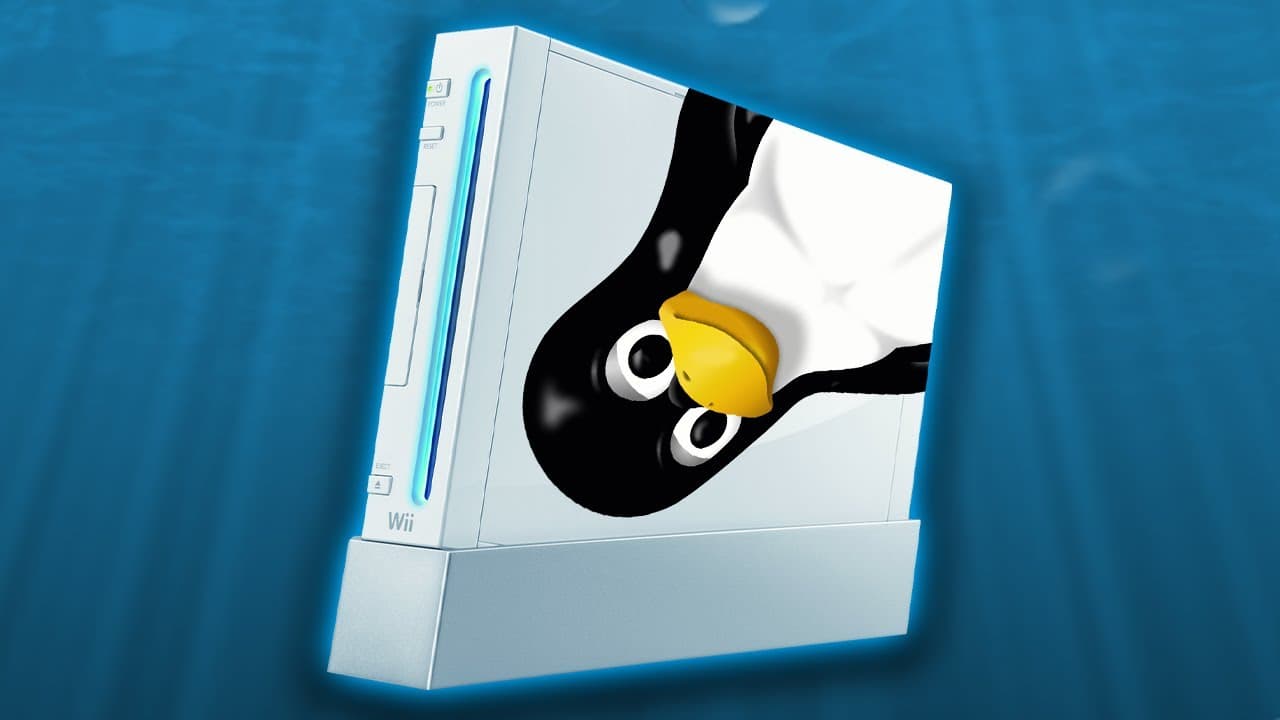
To install Linux on a Nintendo Wii, ensure you have a homebrewed Wii with BootMii installed. Use an SD card and USB drive to load an installer for a Linux distribution like XWhite. Follow the prompts in the Homebrew Channel to complete the installation, after which you can connect to the internet and browse using the Wii.
Transcript
hello everybody and welcome back to another video now in today's episode we're going to be taking a look at the Nintendo Wii everybody's favorite Nintendo console from 2006. and we're going to be screwing around with it today because we're going to attempt to install Linux on this console that's right now I figured this was pretty appropriate becau... Read More
Key Insights
- 🥾 Installing Linux on the Nintendo Wii requires a homebrewed Wii with boot me installed.
- ❓ Different Linux distributions can be used for the installation, such as White Linux and Blight Linux.
- ☠️ The installation process involves using an installer, SD card, USB flash drive, and following specific steps.
- 🕸️ Once installed, the Linux-enabled Wii can connect to the internet and perform web browsing.
- 📀 The DVD drive on the Wii may not be fully supported in the Linux environment.
Install to Summarize YouTube Videos and Get Transcripts
Explore YouTube Video Summarizer or Get YouTube Transcript Extractor
Questions & Answers
Q: Is installing Linux on the Nintendo Wii an official Nintendo-sanctioned process?
No, installing Linux on the Wii is not an official process and requires a homebrewed Wii with boot me installed.
Q: What do I need to install Linux on the Wii?
You will need a homebrewed Wii, an SD card, a USB flash drive, and the necessary installer files.
Q: Can I choose between different Linux distributions for the installation?
Yes, you can choose from distributions like White Linux and Blight Linux, each based on different operating systems.
Q: Can I access the internet and browse the web on the Wii after installing Linux?
Yes, the video demonstrates successfully connecting to Wi-Fi and browsing the web using the installed Linux on the Wii.
Key Insights:
- Installing Linux on the Nintendo Wii requires a homebrewed Wii with boot me installed.
- Different Linux distributions can be used for the installation, such as White Linux and Blight Linux.
- The installation process involves using an installer, SD card, USB flash drive, and following specific steps.
- Once installed, the Linux-enabled Wii can connect to the internet and perform web browsing.
- The DVD drive on the Wii may not be fully supported in the Linux environment.
- The installation process may be complex and time-consuming, but it offers a unique homebrew experience on the Wii.
Summary & Key Takeaways
-
This video showcases the process of installing Linux on a homebrewed Nintendo Wii console.
-
The installation involves using an installer and choosing a Linux distribution such as White Linux or Blight Linux.
-
The video demonstrates the successful installation of Linux, connecting to the internet, and browsing the web on the Wii.
Read in Other Languages (beta)
Share This Summary 📚
Summarize YouTube Videos and Get Video Transcripts with 1-Click
Try YouTube Summary with ChatGPT & Claude or YouTube Transcript Generator
Explore More Summaries from Michael MJD 📚


Summarize YouTube Videos and Get Video Transcripts with 1-Click
Try YouTube Summary with ChatGPT & Claude or YouTube Transcript Generator