ChatGPT + CANVA AI Plugin Can Now Design Anything!
TL;DR
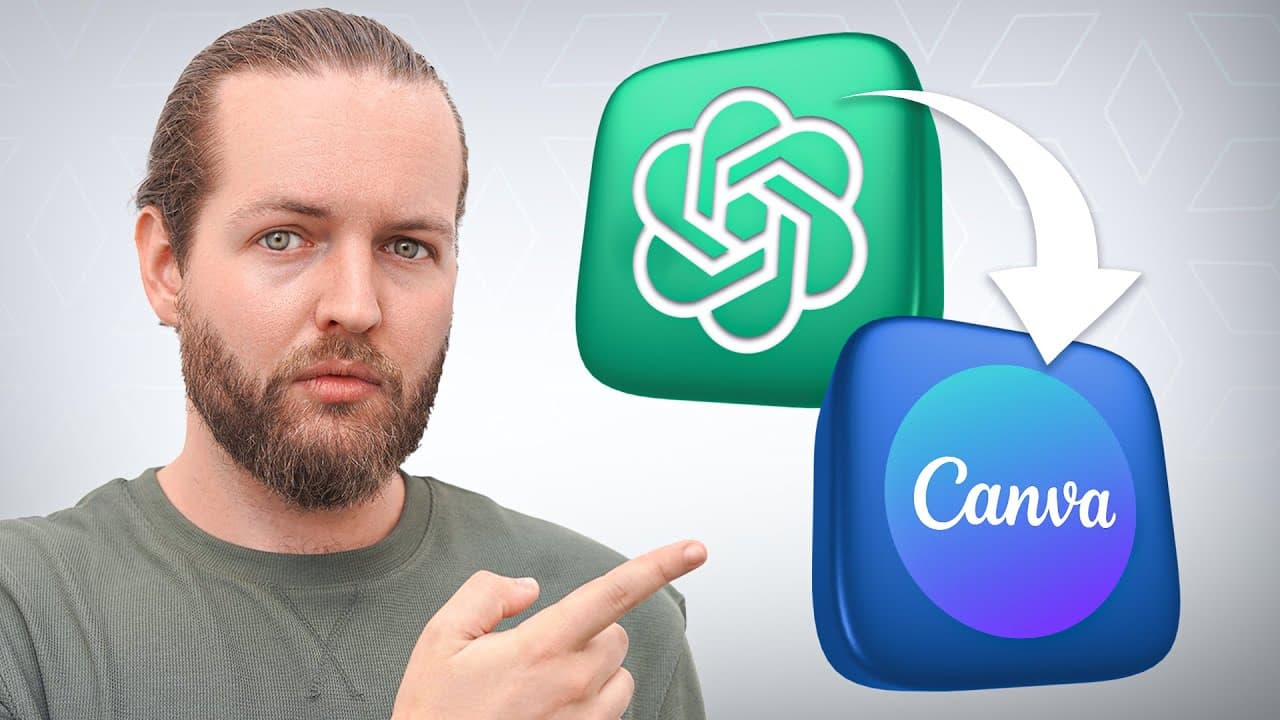
Chachi BT introduces a Canva plugin for easy social media image and video creation, while Clip AI offers a unique tool for generating video highlights and clips.
Transcript
Chachi BT just got a new plugin for canva which allows you to make social media images like this or even videos like this canva is the most popular online design tool that millions of people are using on an everyday basis but can actually the chat gbd plug-in make it more efficient for you let's find that out right now first let me show you how to ... Read More
Key Insights
- 🎨 Chachi BT now offers a convenient Canva plugin that enhances design capabilities and makes content creation more efficient.
- 👻 The Canva plugin provides a wide range of templates for social media posts, logos, videos, and more, allowing users to customize and create professional-looking content.
- 🇨🇵 Clip AI presents a unique tool for generating video highlights and clips, with the added benefit of an AI feedback loop for continuous improvement.
- 👤 Both Chachi BT and Clip AI offer users the ability to save time and effort in content creation by providing user-friendly and efficient tools.
- 👤 The integration of these plugins within Chachi BT streamlines the design and content creation process, making it more accessible and convenient for users.
- 🇨🇵 Clip AI's ability to generate video highlights and clips with customizable options and easy sharing capabilities makes it a valuable tool for content creators.
- 👤 Canva's extensive library of templates, combined with the ease of use within Chachi BT, provides users with a wide range of options for their design and content creation needs.
Install to Summarize YouTube Videos and Get Transcripts
Explore YouTube Video Summarizer or Get YouTube Transcript Extractor
Questions & Answers
Q: How can Chachi BT users activate the Canva plugin?
Chachi BT users can activate the Canva plugin by upgrading to the plus plan, accessing the settings, enabling beta features, and installing the Canva plugin from the plugin store.
Q: What are the benefits of using the Canva plugin in Chachi BT?
The Canva plugin in Chachi BT provides access to a wide range of templates for social media posts, logos, videos, and more. Users can customize these templates and create professional-looking content quickly and easily.
Q: How does Clip AI work for generating video highlights and clips?
Clip AI allows users to upload videos or podcasts and select the number of highlights they want. The tool identifies keywords or vocabulary to determine where the highlights should begin. Users can edit and customize these highlights, add subtitles, and save and share them on platforms like TikTok and YouTube.
Q: What sets Clip AI apart from other content creation tools?
Clip AI's unique feature is its AI feedback loop, where it analyzes data from platforms like TikTok to improve and create even better video highlights and clips. This continuous improvement process sets it apart from other content creation tools.
Key Insights:
- Chachi BT now offers a convenient Canva plugin that enhances design capabilities and makes content creation more efficient.
- The Canva plugin provides a wide range of templates for social media posts, logos, videos, and more, allowing users to customize and create professional-looking content.
- Clip AI presents a unique tool for generating video highlights and clips, with the added benefit of an AI feedback loop for continuous improvement.
- Both Chachi BT and Clip AI offer users the ability to save time and effort in content creation by providing user-friendly and efficient tools.
- The integration of these plugins within Chachi BT streamlines the design and content creation process, making it more accessible and convenient for users.
- Clip AI's ability to generate video highlights and clips with customizable options and easy sharing capabilities makes it a valuable tool for content creators.
- Canva's extensive library of templates, combined with the ease of use within Chachi BT, provides users with a wide range of options for their design and content creation needs.
- The combination of Chachi BT's Canva plugin and Clip AI's video highlight generation tool offers a comprehensive solution for both visual design and video content creation.
Summary & Key Takeaways
-
Chachi BT now offers a Canva plugin that allows users to create social media images and videos directly within the platform.
-
The Canva plugin provides various templates and customization options, making it convenient and efficient for users to create professional-looking content.
-
Clip AI is an AI tool that helps content creators generate video highlights and clips from their videos or podcasts, with the ability to edit and customize them according to their preferences.
Read in Other Languages (beta)
Share This Summary 📚
Summarize YouTube Videos and Get Video Transcripts with 1-Click
Try YouTube Summary with ChatGPT & Claude or YouTube Transcript Generator
Explore More Summaries from AI Andy 📚



![AutoGPTs Just Created HUGE PROBLEMS for Google [RED ALERT] thumbnail](/_next/image?url=https%3A%2F%2Fi.ytimg.com%2Fvi%2F84avs0uc-zU%2Fhqdefault.jpg&w=750&q=75)
Summarize YouTube Videos and Get Video Transcripts with 1-Click
Try YouTube Summary with ChatGPT & Claude or YouTube Transcript Generator