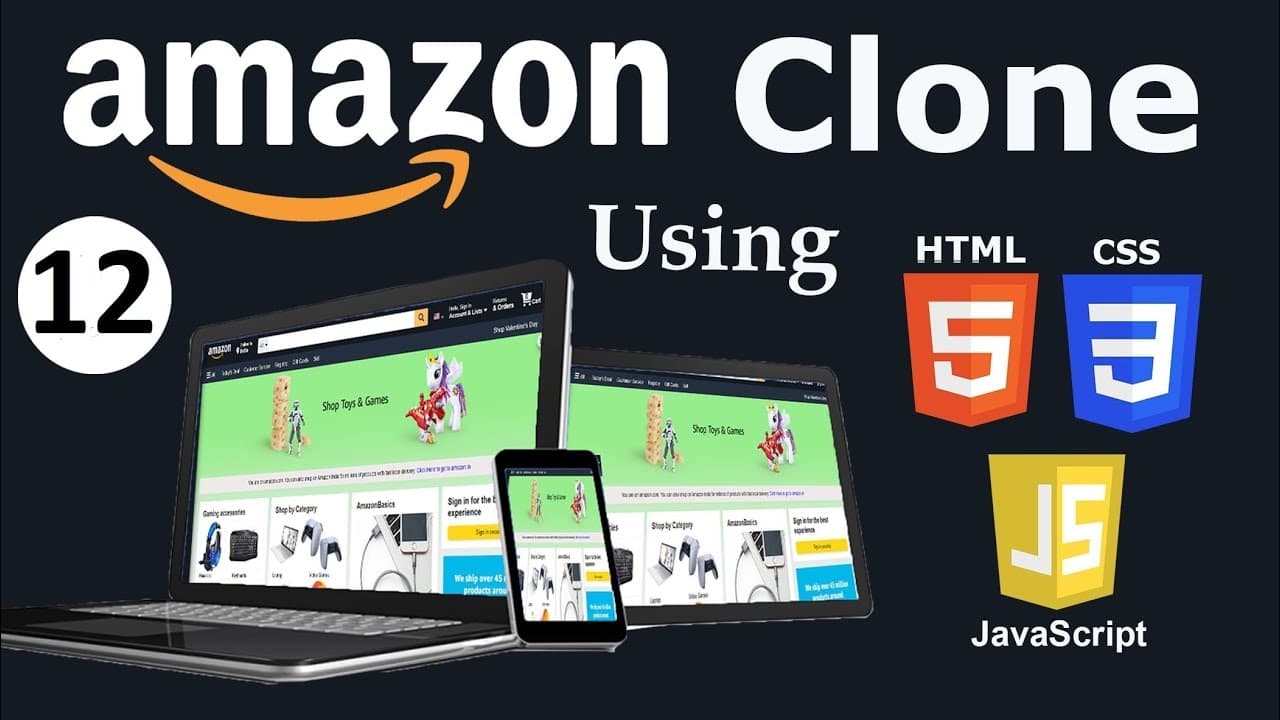
Amazon Clone using HTML, CSS & JavaScript || Part-12 E - Commerce Site || Web Development
TL;DR
In this video, the developer creates a sidebar with hidden content and discusses adding functionality to the Amazon website using JavaScript in future videos.
Transcript
hey guys this is developer dude and the in the previous all the videos we had designed amazon website and this back to top is not working because we didn't add any functionality with it in it so in the next video we will write javascript code in this video we will create this sidebar we will create the sidebar and we will javascript code in the nex... Read More
Key Insights
- ❓ The developer is addressing an issue with the "back to top" functionality on the Amazon website.
- 👂 The video tutorial focuses on creating a sidebar with hidden content, including headings and a list item with an icon.
- 👨💻 CSS code is provided to style the sidebar and make it visually appealing.
- 👨💻 The developer plans to write JavaScript code in the next video to add functionality to both the sidebar and the "back to top" feature.
- ❓ Some icons may not display properly, potentially due to technical issues or incorrect implementation.
- 👨💻 Users can easily customize the sidebar's appearance by modifying the CSS code provided.
- 👻 The sidebar with hidden content allows for organizational and user-friendly presentation of additional information on a webpage.
Install to Summarize YouTube Videos and Get Transcripts
Explore YouTube Video Summarizer or Get YouTube Transcript Extractor
Questions & Answers
Q: What is the purpose of creating a sidebar with hidden content?
The sidebar with hidden content allows for organizing and displaying additional information without cluttering the main webpage. Users can reveal the hidden content by interacting with the sidebar.
Q: Why is the "back to top" functionality not working in the current design?
The "back to top" functionality has not been added yet. In the next video, the developer plans to write JavaScript code to implement this feature and make it functional.
Q: How can I customize the appearance of the sidebar?
To customize the appearance of the sidebar, you can modify the CSS code provided in the tutorial. You can change the background color, width, height, and transition effects according to your design preferences.
Q: Why are some icons not showing in the sidebar?
It appears to be a technical issue related to specific icons. The developer mentions that some icons might not show up properly but assures that the code is correct. It is recommended to check the code and ensure the correct class names and font library are being used.
Key Insights:
- The developer is addressing an issue with the "back to top" functionality on the Amazon website.
- The video tutorial focuses on creating a sidebar with hidden content, including headings and a list item with an icon.
- CSS code is provided to style the sidebar and make it visually appealing.
- The developer plans to write JavaScript code in the next video to add functionality to both the sidebar and the "back to top" feature.
- Some icons may not display properly, potentially due to technical issues or incorrect implementation.
- Users can easily customize the sidebar's appearance by modifying the CSS code provided.
- The sidebar with hidden content allows for organizational and user-friendly presentation of additional information on a webpage.
- The tutorial provides a step-by-step guide for creating and styling the sidebar, making it accessible for web developers of various skill levels.
Summary & Key Takeaways
-
The developer explains the previous videos focused on designing the Amazon website and addresses an issue with the "back to top" functionality.
-
The video demonstrates how to create a sidebar with hidden content, including headings and a list item with an icon.
-
The developer provides CSS code for styling the sidebar.
Read in Other Languages (beta)
Share This Summary 📚
Summarize YouTube Videos and Get Video Transcripts with 1-Click
Try YouTube Summary with ChatGPT & Claude or YouTube Transcript Generator