Products
Features
YouTube Video Summarizer
Summarize YouTube videos
Web & PDF Highlighter
Highlight web pages & PDFs
Chat with PDF
Ask any PDF questions with AI
Ask AI Clone
Chat with your highlights & memories
Audio Transcriber
Transcribe audio files to text
Glasp Reader
Read and highlight articles
Kindle Highlight Export
Export your Kindle highlights
Idea Hatch
Hatch ideas from your highlights
Integrations
Obsidian Plugin
Notion Integration
Pocket Integration
Instapaper Integration
Medium Integration
Readwise Integration
Snipd Integration
Hypothesis Integration
Apps & Extensions
Chrome Extension
Safari Extension
Edge Add-ons
Firefox Add-ons
iOS App
Android App
Discover
Discover
Ideas
Discover new ideas and insights
Articles
Curated articles and insights
Books
Book recommendations by great minds
Posts
Essays and notes from readers
Quotes
Inspiring quotes collection
Videos
Curated videos and summaries
Explore Glasp
Glasp Newsletter
Weekly insights and updates
Glasp Talk
Interview series with great minds
Glasp Blog
Latest news and articles
Glasp Use Cases
Learn how others use Glasp
Build & Support
Glasp API
Access Glasp's API for developers
MCP Connector
Connect Glasp to Claude & ChatGPT
Community
Glasp Reddit Community
Students
Student discount and benefits
FAQs
Frequently Asked Questions
AboutPricing
DashboardLog inSign up

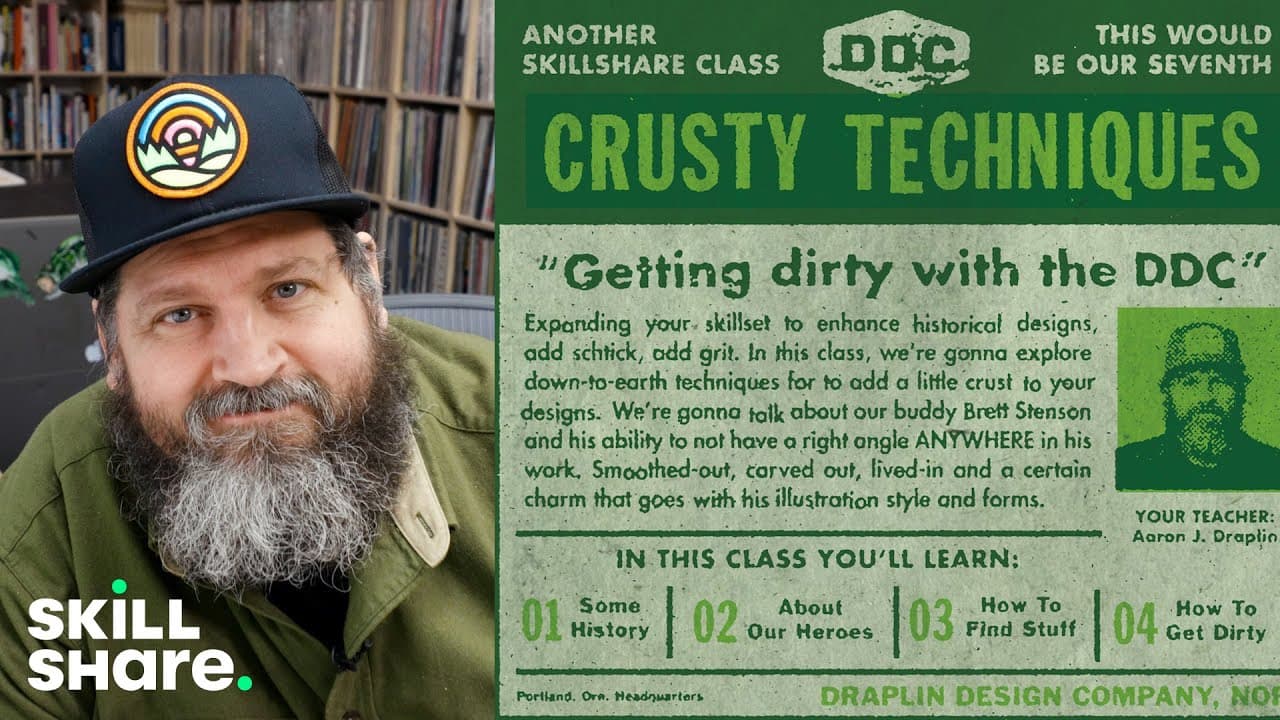
How Aaron Draplin Creates Vintage-Looking Designs in Photoshop
12.5K views
•
May 26, 2021
by
Skillshare
YouTube video player
How Aaron Draplin Creates Vintage-Looking Designs in Photoshop

TL;DR

Learn how to add texture to designs using Photoshop for a unique and aged effect.

Transcript

hello everybody aaron draflin here from portland oregon graphic designer and i've been so lucky to do all these skillshare classes over the years we've west with logos how to make merch tips and tricks and refinements and stuff and today we're getting dirty so kind of throw all that other stuff out and let's just get loose for a while add a little ... Read More

Key Insights

  • 😡 Texture techniques in graphic design using Photoshop can create aged and unique effects.
  • 🎨 Adding noise and blurring layers can enhance the texture and depth of designs.
  • 🎚️ Adjusting levels for contrast can result in a smoother and more textured appearance.
  • 👀 Experimenting with filter gallery effects like stamp can give designs a distressed look.
  • ⌛ Transforming layers multiple times creates an organic and degraded texture effect.
  • 🔨 Using Photoshop tools creatively can simulate the appearance of traditional printing processes.
  • 🧍 Texture adds character and visual interest to designs, making them stand out.

Install to Summarize YouTube Videos and Get Transcripts

Explore YouTube Video Summarizer or Get YouTube Transcript Extractor

Questions & Answers

Q: How does Aaron Draflin compare the texture techniques to using a copy machine?

Aaron likens the process to making copies at a copy shop, where each copy degrades the quality slightly, resulting in a textured effect.

Q: What are the key Photoshop techniques discussed for adding texture?

The main techniques include adding noise, applying blur effects, adjusting levels for contrast, and using the filter gallery for aged textures.

Q: How does Aaron suggest adjusting levels for texture enhancement in Photoshop?

By manipulating the white and black points in the levels adjustment, designers can enhance texture by smoothing out edges and adding depth to the design.

Q: Why does Aaron recommend experimenting with blurring and noise effects in Photoshop?

These effects add a subtle and natural texture to designs, mimicking the imperfections found in traditional printing processes for a unique aesthetic.

Summary & Key Takeaways

  • Aaron Draflin demonstrates adding grit and grain to designs using Photoshop techniques.

  • He compares the process to copying a document multiple times at a copy shop.

  • Techniques covered include adding noise, blurring, and using filter gallery effects for a textured look.


Read in Other Languages (beta)

English

Share This Summary 📚

Summarize YouTube Videos and Get Video Transcripts with 1-Click

Download browser extensions on:

Try YouTube Summary with ChatGPT & Claude or YouTube Transcript Generator

Explore More Summaries from Skillshare 📚

How To Use Lomography Cameras thumbnail
How To Use Lomography Cameras
Skillshare
How to Make a Dried Flower Bouquet thumbnail
How to Make a Dried Flower Bouquet
Skillshare
Creating a Moodboard in Canva thumbnail
Creating a Moodboard in Canva
Skillshare
What to Look For When Buying Fish for Sushi and Ceviche thumbnail
What to Look For When Buying Fish for Sushi and Ceviche
Skillshare
trashhand Demonstrates How He Finds Lighting When Photographing Cityscapes thumbnail
trashhand Demonstrates How He Finds Lighting When Photographing Cityscapes
Skillshare
JPEG vs. RAW Comparison for Photo Editing in Lightroom thumbnail
JPEG vs. RAW Comparison for Photo Editing in Lightroom
Skillshare

Summarize YouTube Videos and Get Video Transcripts with 1-Click

Download browser extensions on:

Try YouTube Summary with ChatGPT & Claude or YouTube Transcript Generator

Apps & Extensions

  • Chrome Extension
  • Safari Extension
  • Edge Add-ons
  • Firefox Add-ons
  • iOS App
  • Android App

Key Features

  • YouTube Video Summarizer
  • Web & PDF Summarizer
  • Web & PDF Highlighter
  • Chat with PDF
  • Ask AI Clone
  • Audio Transcriber
  • Glasp Reader
  • Kindle Highlight Export
  • Idea Hatch

Integrations

  • Obsidian Plugin
  • Notion Integration
  • Pocket Integration
  • Instapaper Integration
  • Medium Integration
  • Readwise Integration
  • Snipd Integration
  • Hypothesis Integration

More Features

  • APIs
  • MCP Connector
  • Blog & Post
  • Embed Links
  • Image Highlight
  • Personality Test
  • Quote Shots

Company

  • About us
  • Blog
  • Community
  • FAQs
  • Job Board
  • Newsletter
  • Pricing
Terms

•

Privacy

•

Guidelines

© 2026 Glasp Inc. All rights reserved.