This Is How To Speed Up a Slow iPhone
TL;DR
Learn effective tips to enhance the performance of older iPhones.
Transcript
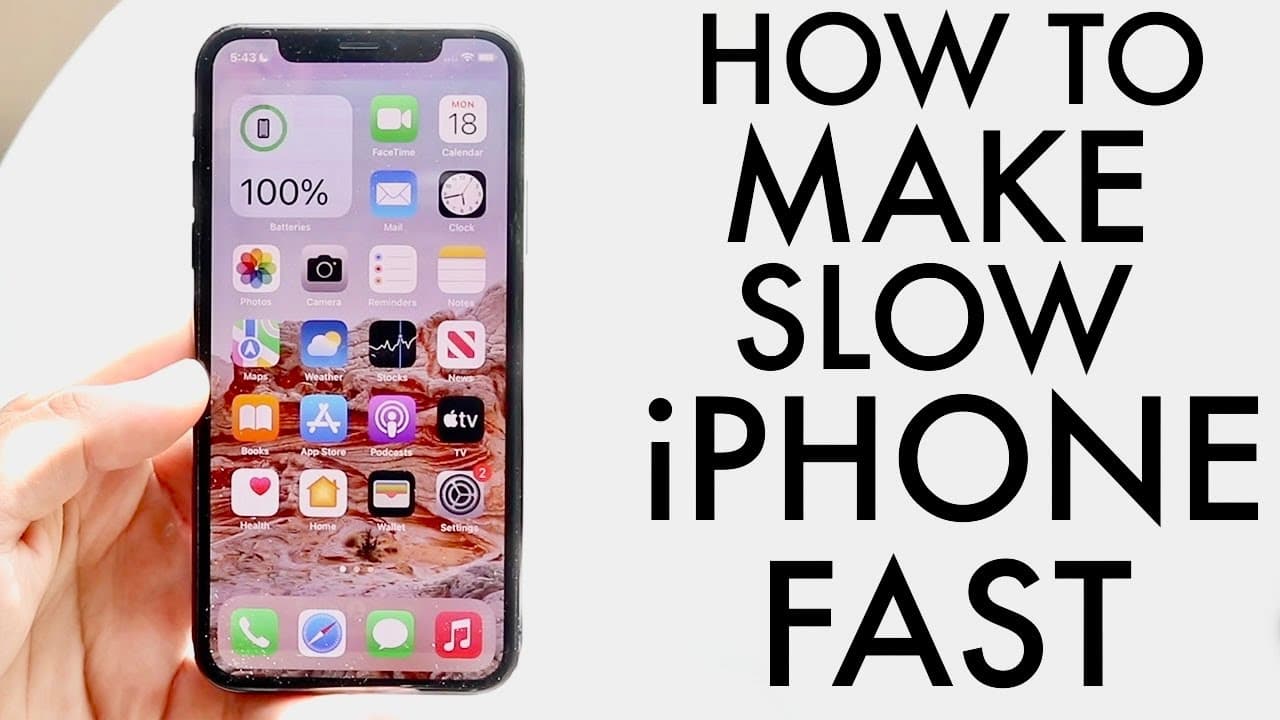
so you might be rocking an older iphone maybe something like an iphone 10 or that i have here or maybe even an iphone 6s or maybe even an iphone 6. i want to go ahead and break down some of my favorite ways to go ahead and speed up an aging iphone and hopefully by the end of this video you have a pretty much a faster phone when it comes down to it ... Read More
Key Insights
- 🥶 Reducing the quantity of active widgets and lock screens is the first step in speeding up an older iPhone.
- 🦺 Regular software updates, when deemed safe, are vital for both security and performance improvements.
- 😀 Clearing storage by deleting unused apps can positively influence the speed of your device.
- 😀 Turning off background app refresh and limiting notifications can lighten the load on an aging iPhone, enhancing speed.
- 🧑⚕️ Monitoring battery health is crucial; consider battery replacement if health falls below 80% for better performance.
- 🥹 Backing up data before a factory reset is essential, allowing users to achieve like-new performance for older devices.
- 🐎 Reducing resource-hogging features on your iPhone can have a marked impact on its overall speed.
Install to Summarize YouTube Videos and Get Transcripts
Explore YouTube Video Summarizer or Get YouTube Transcript Extractor
Questions & Answers
Q: What are some effective ways to declutter an iPhone?
One effective way to declutter an iPhone is to limit the number of widgets on your home screen. Complicated widgets consume resources and can slow down your device. Uninstalling unused apps and reducing lock screens can also help streamline the device's interface for better performance.
Q: How does battery health impact an iPhone's speed?
The battery health of an iPhone significantly affects its performance. If the battery health drops below 80%, the phone may not perform optimally, leading to sluggishness. Replacing an old battery can restore speed and efficiency, making the device feel like new.
Q: Should I keep my iPhone updated?
Yes, keeping your iPhone updated can provide security benefits and potentially improve performance. However, before installing an update, it’s important to research feedback from other users to avoid issues caused by new updates, which might affect your device negatively.
Q: What is a factory reset, and when should I consider doing it?
A factory reset involves erasing all data on your iPhone and reinstalling the operating system. It is advisable to consider this option if your device feels sluggish despite trying other optimization methods. After backing up your data, a reset can dramatically enhance performance, making it feel brand new.
Summary & Key Takeaways
-
Reducing the number of widgets and lock screens on an iPhone can significantly improve its speed, especially for older models like the iPhone 6s or 10.
-
Keeping your device updated and clearing unnecessary storage can enhance performance and security, but always research updates before installing them.
-
Monitoring battery health is crucial; a weak battery can degrade performance, and considering a replacement may be necessary for optimal functioning.
Read in Other Languages (beta)
Share This Summary 📚
Summarize YouTube Videos and Get Video Transcripts with 1-Click
Try YouTube Summary with ChatGPT & Claude or YouTube Transcript Generator
Explore More Summaries from Simple Alpaca 📚






Summarize YouTube Videos and Get Video Transcripts with 1-Click
Try YouTube Summary with ChatGPT & Claude or YouTube Transcript Generator