Products
Features
YouTube Video Summarizer
Summarize YouTube videos
Web & PDF Highlighter
Highlight web pages & PDFs
Chat with PDF
Ask any PDF questions with AI
Ask AI Clone
Chat with your highlights & memories
Audio Transcriber
Transcribe audio files to text
Glasp Reader
Read and highlight articles
Kindle Highlight Export
Export your Kindle highlights
Idea Hatch
Hatch ideas from your highlights
Integrations
Obsidian Plugin
Notion Integration
Pocket Integration
Instapaper Integration
Medium Integration
Readwise Integration
Snipd Integration
Hypothesis Integration
Apps & Extensions
Chrome Extension
Safari Extension
Edge Add-ons
Firefox Add-ons
iOS App
Android App
Discover
Discover
Ideas
Discover new ideas and insights
Articles
Curated articles and insights
Books
Book recommendations by great minds
Posts
Essays and notes from readers
Quotes
Inspiring quotes collection
Videos
Curated videos and summaries
Explore Glasp
Glasp Story
How we grew from 0 to 3 million users
Glasp Newsletter
Weekly insights and updates
Glasp Talk
Interview series with great minds
Glasp Blog
Latest news and articles
Glasp Use Cases
Learn how others use Glasp
Build & Support
Glasp API
Access Glasp's API for developers
MCP Connector
Connect Glasp to Claude & ChatGPT
Community
Glasp Reddit Community
Students
Student discount and benefits
FAQs
Frequently Asked Questions
AboutPricing
DashboardLog inSign up

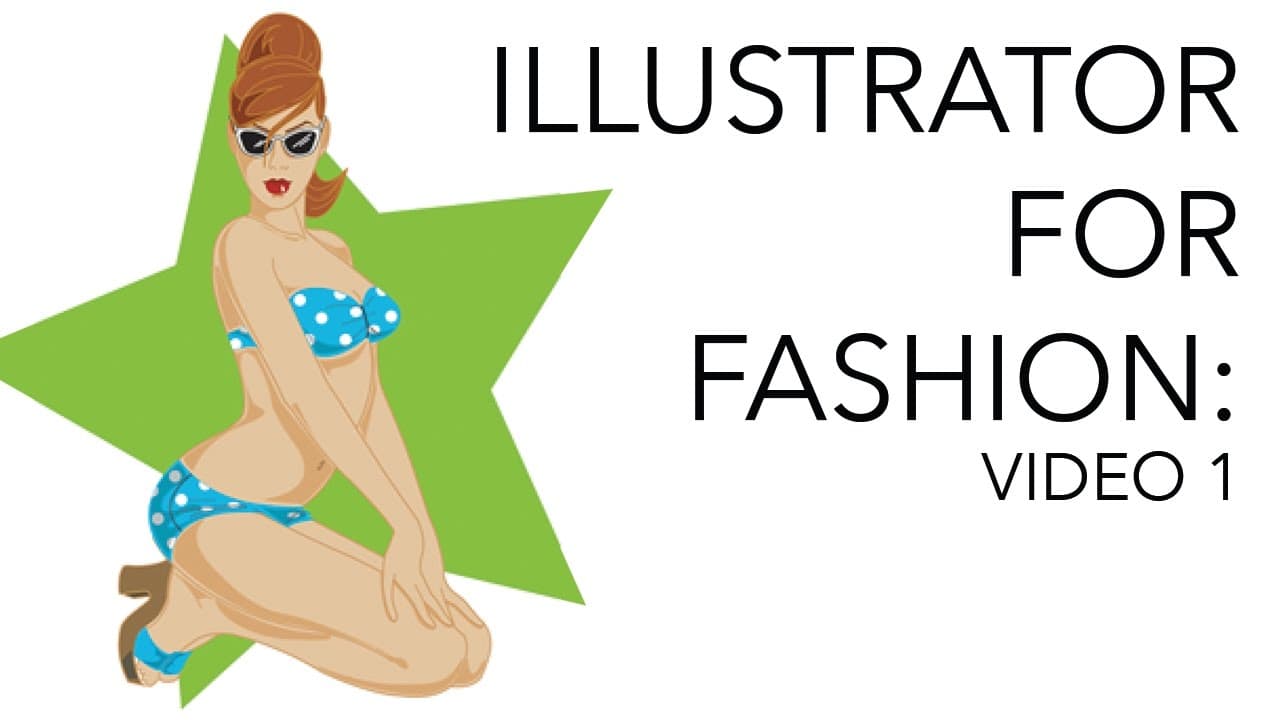
Adobe Illustrator for Fashion Designers & Illustrators #1
70.3K views
•
October 9, 2016
by
Zoe Hong
YouTube video player
Adobe Illustrator for Fashion Designers & Illustrators #1

TL;DR

Learn Adobe Illustrator basics for fashion design, including pen tools, color modes, and practical tips.

Transcript

hello my beautiful youtube viewers my amazing wonderful students today we are starting our series on Adobe Illustrator couple of bits of business before we get started number one obviously this is going to be the first in a series because you guys know how detailed I get ok I can't just be like and this is the pen tool and this is how you color thi... Read More

Key Insights

  • 🎨 Illustrator is preferred for vector drawings in fashion design due to its scalability and precision.
  • 📳 Understanding color modes like CMYK for printing and RGB for digital displays is fundamental in Illustrator.
  • 🤗 Practice tracing and illustration to improve pen tool skills for creating detailed fashion design elements.
  • 🪩 Symmetry in garment design can be achieved efficiently by drawing one side and mirroring it in Illustrator.

Install to Summarize YouTube Videos and Get Transcripts

Explore YouTube Video Summarizer or Get YouTube Transcript Extractor

Questions & Answers

Q: What is the difference between Photoshop and Illustrator, and when do you use them?

Photoshop is for photo work, while Illustrator is for vector drawings, making it ideal for fashion-centric design work. Photoshop manipulates photos, while Illustrator is for drawing and illustrations.

Q: What are CMYK and RGB color modes, and why are they important in Adobe Illustrator?

CMYK is for printing, with cyan, magenta, yellow, and black colors, while RGB is for digital screens like websites or movies. Understanding these modes is crucial for correct color representation in Illustrator.

Q: How can the pen tool be used effectively in Adobe Illustrator for fashion design?

The pen tool is essential for creating precise and curved lines, common in fashion design sketches. It allows for creating symmetrical shapes by mirroring and joining elements.

Q: Why is learning Adobe Illustrator crucial for aspiring fashion designers?

Adobe Illustrator is a necessary tool for professionals in the industry, offering advanced features for design and illustration, ensuring accurate and scalable outputs for fashion-centric work.

Summary & Key Takeaways

  • Beginning a series on Adobe Illustrator focusing on fashion-centric design and illustration.

  • Detailed introduction to key tools like the pen tool, color modes (CMYK vs. RGB), and key commands.

  • Emphasizes the importance of practicing with tracing and illustration to master Adobe Illustrator skills.


Read in Other Languages (beta)

English

Share This Summary 📚

Summarize YouTube Videos and Get Video Transcripts with 1-Click

Download browser extensions on:

Try YouTube Summary with ChatGPT & Claude or YouTube Transcript Generator

Explore More Summaries from Zoe Hong 📚
My Series on Drawing and Rendering Faces thumbnail
My Series on Drawing and Rendering Faces
Zoe Hong
What Are Fabrics and How Are They Made? thumbnail
What Are Fabrics and How Are They Made?
Zoe Hong
Interviews with Fashion Industry Professionals thumbnail
Interviews with Fashion Industry Professionals
Zoe Hong
How to Choose the Right Fabrics for Fashion Collections thumbnail
How to Choose the Right Fabrics for Fashion Collections
Zoe Hong
How to Start Drawing (Anything) thumbnail
How to Start Drawing (Anything)
Zoe Hong
My Old Sketches: Improving Over the Years thumbnail
My Old Sketches: Improving Over the Years
Zoe Hong

Summarize YouTube Videos and Get Video Transcripts with 1-Click

Download browser extensions on:

Try YouTube Summary with ChatGPT & Claude or YouTube Transcript Generator

Apps & Extensions

  • Chrome Extension
  • Safari Extension
  • Edge Add-ons
  • Firefox Add-ons
  • iOS App
  • Android App

Key Features

  • YouTube Video Summarizer
  • Web & PDF Summarizer
  • Web & PDF Highlighter
  • Chat with PDF
  • Ask AI Clone
  • Audio Transcriber
  • Glasp Reader
  • Kindle Highlight Export
  • Idea Hatch

Integrations

  • Obsidian Plugin
  • Notion Integration
  • Pocket Integration
  • Instapaper Integration
  • Medium Integration
  • Readwise Integration
  • Snipd Integration
  • Hypothesis Integration

More Features

  • APIs
  • MCP Connector
  • Blog & Post
  • Embed Links
  • Image Highlight
  • Personality Test
  • Quote Shots
  • Open Graph Checker

Company

  • About us
  • Our Story
  • Blog
  • Community
  • FAQs
  • Job Board
  • Newsletter
  • Pricing
Terms

•

Privacy

•

Guidelines

© 2026 Glasp Inc. All rights reserved.