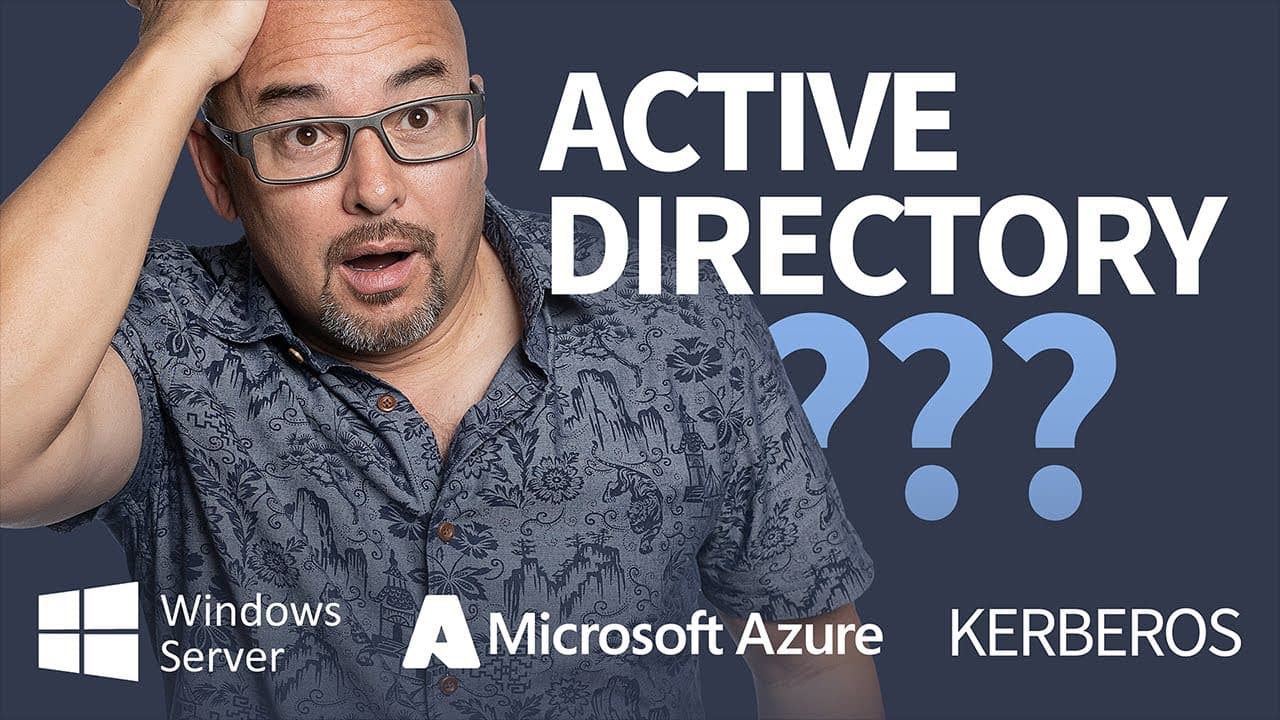
What is Active Directory?
TL;DR
Active Directory is crucial for managing Windows network resources and permissions.
Transcript
all right as we get started with the az-800 course it's kind of fitting that we really start with active directory because really active directory performs pretty much the underpinnings of windows server 2022 and all the versions before it really because active directory is responsible for so many things in a windows computing environment so active... Read More
Key Insights
- Active Directory (AD) is a structured data store of objects crucial for Windows Server environments, managing users, computers, and permissions.
- AD stores user accounts, including usernames and passwords, enabling users to log on and access network resources efficiently.
- Computer accounts in AD have unique identifiers and use randomly generated passwords for security, similar to user accounts.
- Groups in AD simplify administration by allowing users, computers, and other groups to be managed collectively for resource and permission assignments.
- Printers and shares can be added to AD, making them easily searchable and accessible, especially in large organizational setups.
- Group Policy Objects (GPOs) in AD control user and computer settings, offering centralized management for thousands of configurations.
- AD's global catalog facilitates fast and efficient searches, enhancing the usability of the data store for both users and administrators.
- AD uses a logical and hierarchical structure, with domains, child domains, and organizational units, making it intuitive and manageable.
Install to Summarize YouTube Videos and Get Transcripts
Explore YouTube Video Summarizer or Get YouTube Transcript Extractor
Questions & Answers
Q: What is the primary function of Active Directory?
Active Directory primarily functions as a structured data store that manages user and computer accounts within a Windows network environment. It allows IT administrators to control access to network resources, manage permissions, and organize data in a logical, hierarchical manner, facilitating efficient network management.
Q: How does Active Directory enhance security within a network?
Active Directory enhances network security through integrated security features, including the use of Kerberos tickets. These tickets authenticate users and computers, ensuring that only authorized entities can access network resources. The hierarchical organization of AD also allows for precise control over permissions, further securing the network environment.
Q: What role do Group Policy Objects (GPOs) play in Active Directory?
Group Policy Objects (GPOs) in Active Directory are crucial for centralized management of user and computer settings. They allow administrators to configure thousands of settings across the network, controlling what users can see and do on their devices. GPOs simplify management by applying consistent policies across the organization.
Q: How does replication work in Active Directory?
Replication in Active Directory ensures that changes made to data, such as user account updates, are consistently reflected across all domain controllers. This process occurs almost instantaneously within a single site and efficiently across different sites, maintaining data integrity and availability throughout the network.
Q: What is the significance of the global catalog in Active Directory?
The global catalog in Active Directory is significant because it contains a searchable index of every object within AD. This feature allows for fast and efficient searches, enabling users and administrators to quickly locate resources, such as user accounts or printers, enhancing the overall usability and efficiency of the network.
Q: Why is Active Directory considered hierarchical and logical?
Active Directory is considered hierarchical and logical because it organizes data into domains, child domains, and organizational units. This structure mirrors real-world organizational setups, making it intuitive for administrators to manage and navigate. The hierarchy also supports efficient data management and access control.
Q: What is the schema in Active Directory, and why is it important?
The schema in Active Directory defines the structure of objects and their attributes, such as user accounts and their properties. It is important because it dictates what information can be stored and how it is organized, allowing for customization and ensuring consistency across the network's data store.
Q: How does Active Directory facilitate resource management in large organizations?
Active Directory facilitates resource management in large organizations by allowing for the inclusion of various resources, like printers and shares, within its data store. This makes them easily searchable and accessible to users, streamlining resource allocation and management, particularly in complex, multi-site environments.
Summary & Key Takeaways
-
Active Directory (AD) is integral to Windows networks, managing user and computer accounts, permissions, and resources. It uses a hierarchical structure to organize domains and organizational units, simplifying administration. AD's global catalog ensures efficient searches, while security features like Kerberos tickets enhance protection.
-
AD's schema defines objects and attributes, allowing customization of user accounts with details like department or address. Replication between domain controllers ensures consistency and reliability, with changes like password updates reflected almost instantly, even across different sites.
-
Group Policy Objects (GPOs) in AD offer powerful control over user and computer settings, centralizing management of configurations. AD's integration of security features and its searchable nature make it a robust tool for IT administrators, facilitating efficient network resource management.
Read in Other Languages (beta)
Share This Summary 📚
Summarize YouTube Videos and Get Video Transcripts with 1-Click
Try YouTube Summary with ChatGPT & Claude or YouTube Transcript Generator
Explore More Summaries from CBT Nuggets 📚



Summarize YouTube Videos and Get Video Transcripts with 1-Click
Try YouTube Summary with ChatGPT & Claude or YouTube Transcript Generator